- A* version: 5.4.5
- Unity version: 6000.2.0f1
After recast graph scanning it might produce degenerate triangles. It is marked as a red line on the screenshot:
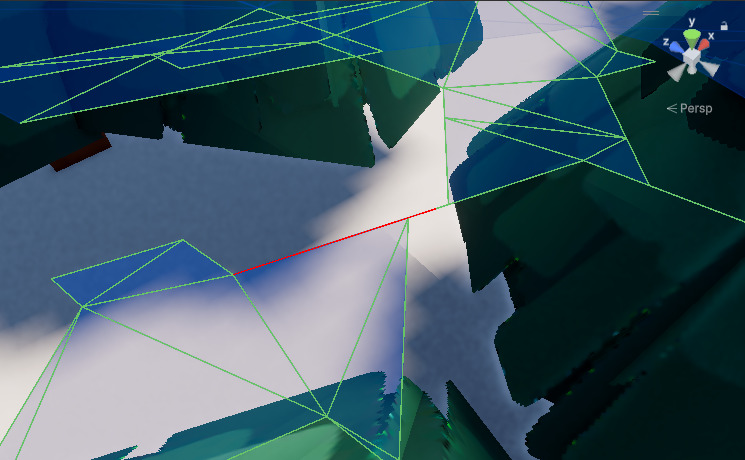
The specified triangle has following points:
- int3( 68983, 4000, 42304 )
- int3( 70538, 4000, 41405 )
- int3( 70819, 4000, 41242 )
Though, it’s not exactly a degenerate case, it effectively is. It’s not a big problem unless pathfinding’s trying to navigate through this narrow shortcut. It might be better to discard such triangles if there is a mesh edge on any side.
It is also likely a root cause for the following warning in the console:
”Duplicate triangle edges were found in the input mesh. These have been removed. Are you sure your mesh is suitable for being used as a navmesh directly?
This could be caused by the mesh’s normals not being consistent.”