Hey A* forum,I’m building a VR zombie survival game for Meta Quest 2 (target 72 FPS) in Unity 2022.3.62f3 and I’m 100% committed to the A* Pathfinding Project for all AI navigation as it is the backbone of multiple systems I am running in my game. My world section is roughly 50×100 units. I’m running a single Recast graph with:
-
Voxel size = 0.01 (need the precision for tight alleyways and small obstacles as well as the hill the zombies walk up)
-
Tile size = 128 voxels
The reason the voxel size is so small is that if I even increase it to 0.02 it starts cutting into the hill that the zombies walk up.
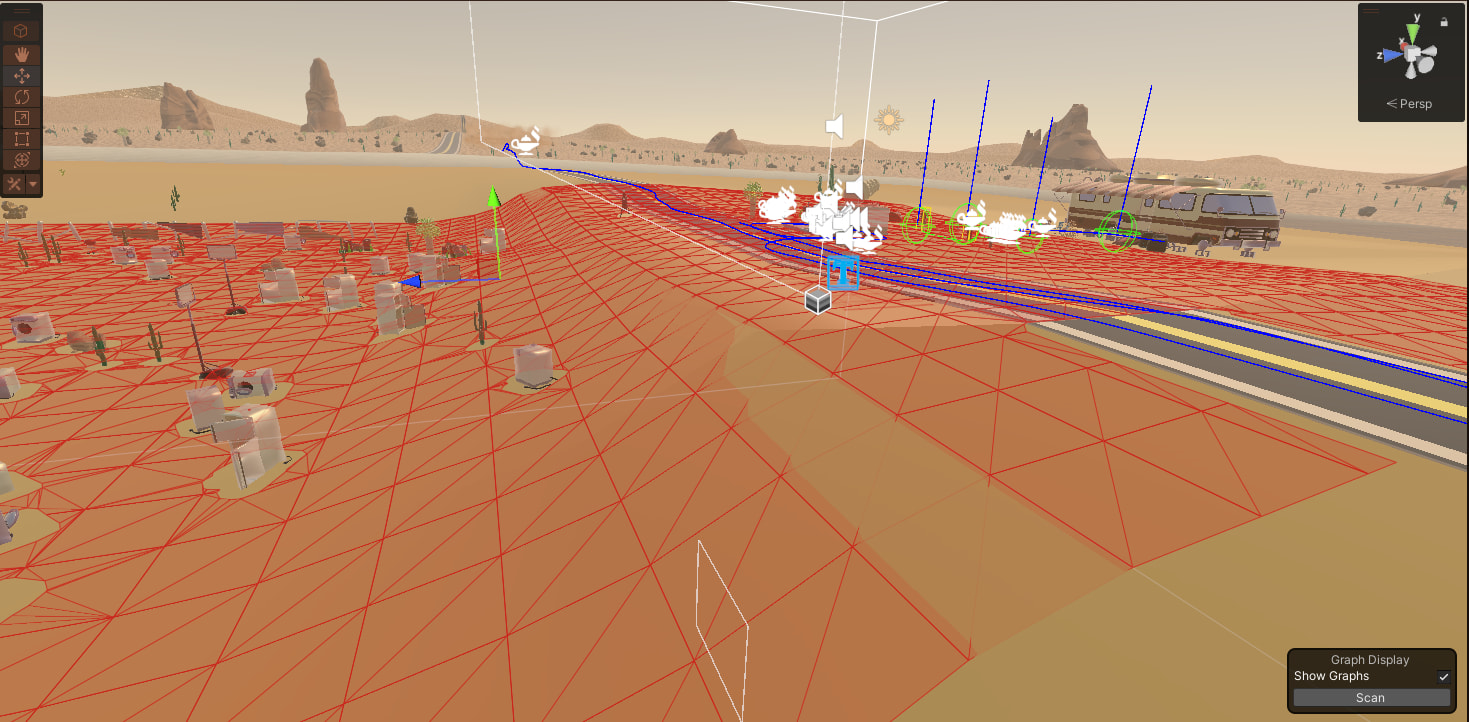
As you can see in the two attached screenshots,
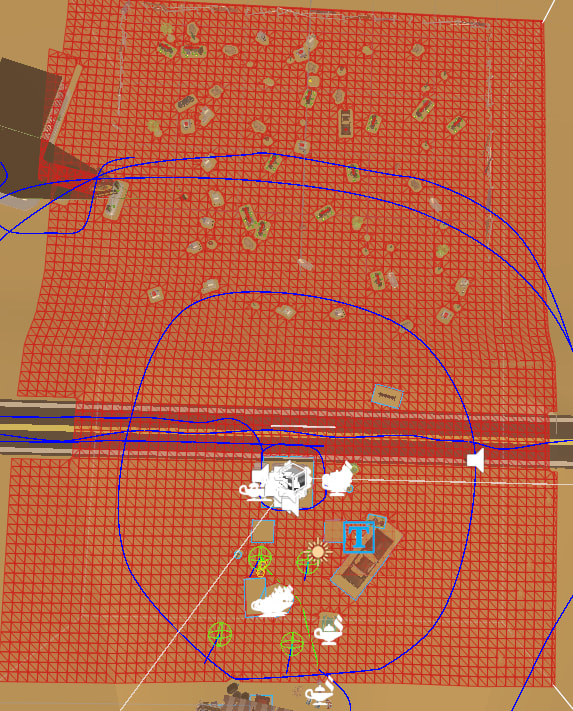
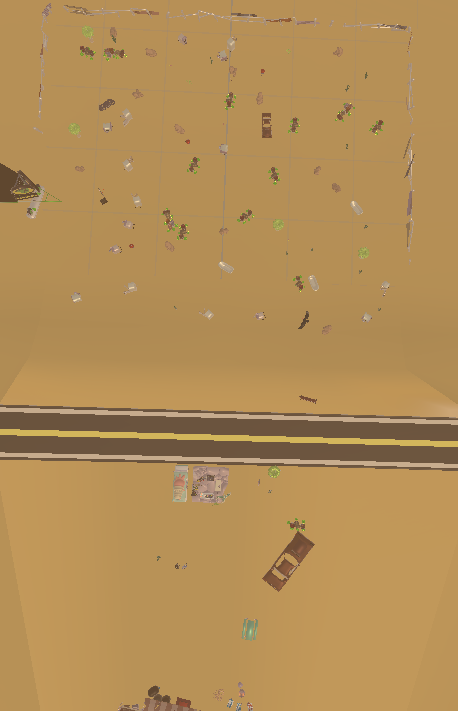
I’m spawning a decent amount of runtime objects (trash, cars, furniture, etc.) that all have NavMeshCut components. The first shot shows the red debug overlay; the second one is another angle of the same density.Right after spawning I run this to force everything through immediately and then turn off continuous updates:
var navmeshUpdates = AstarPath.active.navmeshUpdates;
navmeshUpdates.ForceUpdate();
AstarPath.active.FlushGraphUpdates();
pather.Scan();
navmeshUpdates.updateInterval = -1f;
Even with that, the moment the Recast graph is active my Quest 2 drops from a solid 72 FPS (when I disable the AstarPath object + every single NavMeshCut in the scene) down to low-to-mid 60s and sometimes dipping into the 50s. I know it’s 100% the Recast graph + NavMeshCuts because:
-
Turning the Astar manager and all cuts off → instant 72 FPS locked
-
Re-enabling them → immediate hit
Important note: When the player is looking at the spawned objects, the triangle count is 300 thousand, the vertices are 260 thousand and the draw calls are 75 or less.
So… I really, really want to keep using A* (the local avoidance and multi-agent behavior is perfect for zombie hordes), but right now it’s the single biggest performance killer I can identify in the entire project.Has anyone successfully run a Recast graph this dense in a Quest 2 VR title?
Any magic settings I’m missing?
-
Bigger voxel size (but I lose precision)?
-
Multiple smaller recast graphs instead of one big one?
-
Grid graph fallback for the flat areas?
-
Some pro-only trick for batching hundreds of cuts?
-
Rasterize colliders instead of cuts?
I’m open to any optimization path that still lets me keep the AI system, because going back to Unity NavMesh would be a huge step backwards for the gameplay.Thanks in advance, really hoping there’s a way to make this work because I am a huge fan of A* Pathfinding Project!