The setup:
I’m using multiple recast graphs in the scene for a procedural world with runtime scanning. Once the graph is generated I save it (to prevent it from re-scaning it everytime and it also can contain some navmesh updates during gameplay).
For adding a new graph I’m using inside a AstarPath.active.AddWorkItem to create the graph (RecastGraph)AstarPath.active.data.AddGraph(typeof(RecastGraph)), setting the properties and invoking a coroutine with a call to AstarPath.active.ScanAsync(graph).
For saving and serializing the loaded graphs I’ve exposed the otherwise private function AstarPath.active.data.SerializeGraphs (settings, out uint checksum, graphs) with settings setting to include nodes (I haven’t found any other way to serialize just one specific graph instead of all currently loaded ones).
When loading a graph from a file I add it to the list of the currently loaded ones with AstarPath.active.data.DeserializeGraphsAdditive(content);.
The problem:
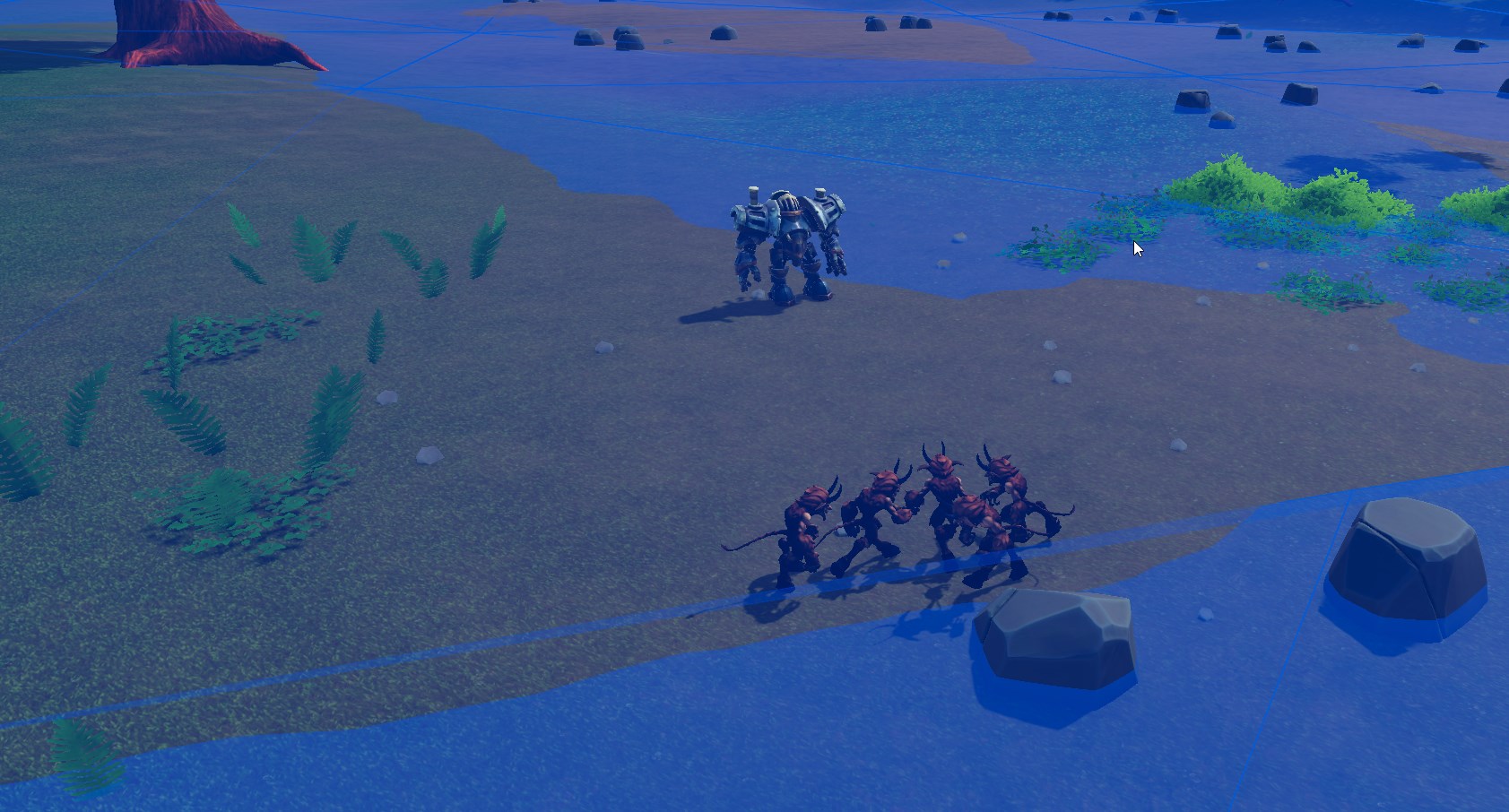
With a freshly scanned graph the pathfinding works. However saving the graph and loading it, it seems some invisible boundaries on the edges of the navmesh seem to pop up. (in the picture, the small guys are tasked to go to the iron guy, but can’t seem to move pass the navmesh border).
This issue seems to have appeared “recently” (haven’t touched the project for a while, this happened after updating to the latest version of A*PP). So it did work at some point.
Question is: is there any way to fix this? I’ve looked for alternate ways to save the graphs using NavmeshPrefab, but this doesn’t seem suited for runtime scanning.
Do you mind going a bit more into detail about this?
What version were you on before? Also if you can send the graph file you got from SerializeGraphs I can take a closer look at the output of that scan and see if I see anything?
where mask is the current graph mask determined by GraphMask.FromGraph(graph).
I was upgrading from 5.2.5, but I’m not 100% sure it worked there (sadly I didn’t put 3rd party code into version control so its rather hard to test out). Where I am fairly certain it worked was 4.2.19 (the version just before the major 5.0).
The scanned file (in multiple lines, seems like new users aren’t allowed to post links ):
https://
app.
box
.com
/s/lpz8zz7yh58z80bf5a84054h8penkt4d
Yes. I’ve deleted the zip of the scan and recreated it multiple times to ensure it is not some file corruption or version conflict (I’m even making sure the file contents don’t change between save&load with hashes). The issue arises only when the graph is deserialized from the file, fresh scans work fine.
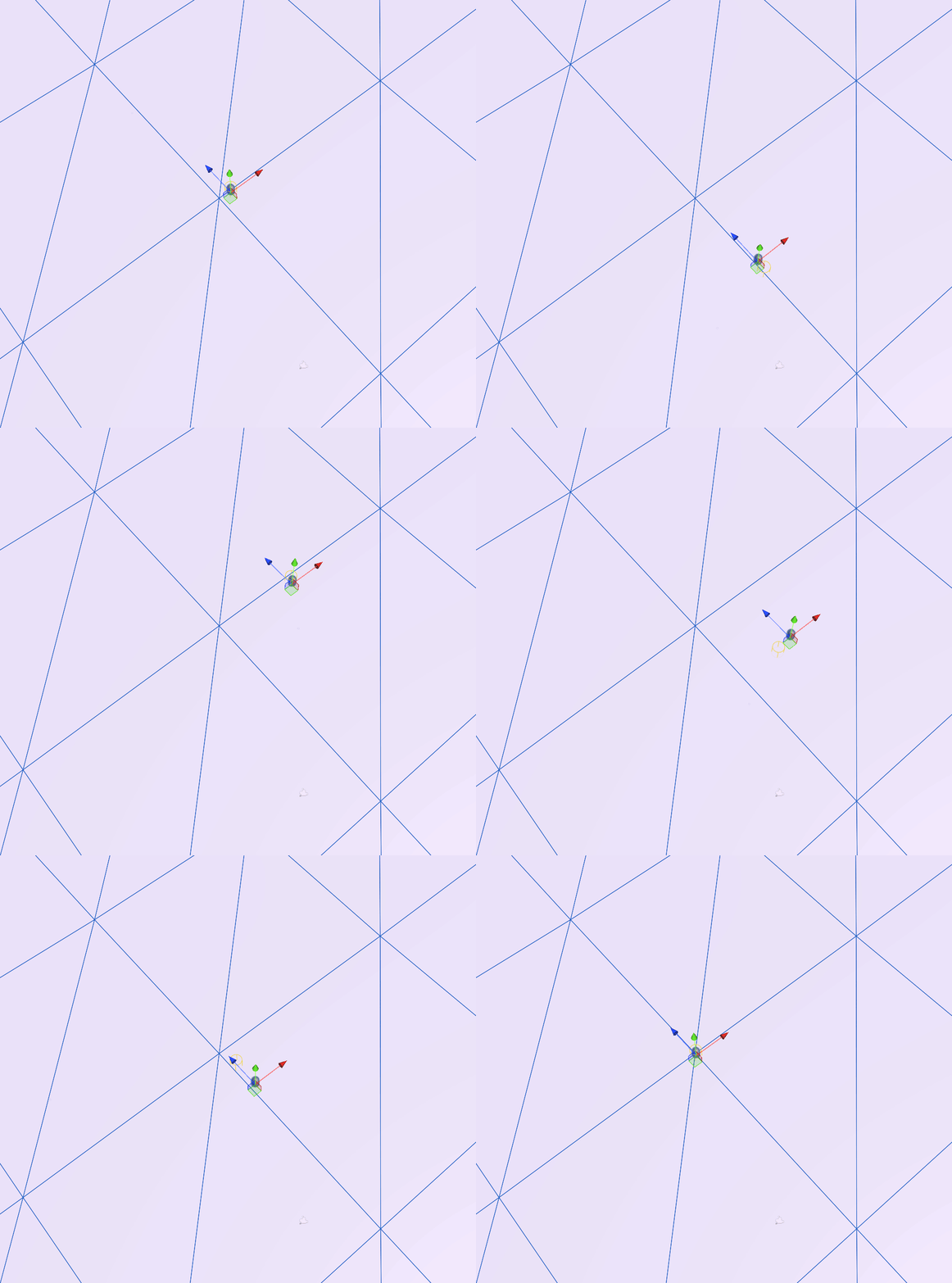
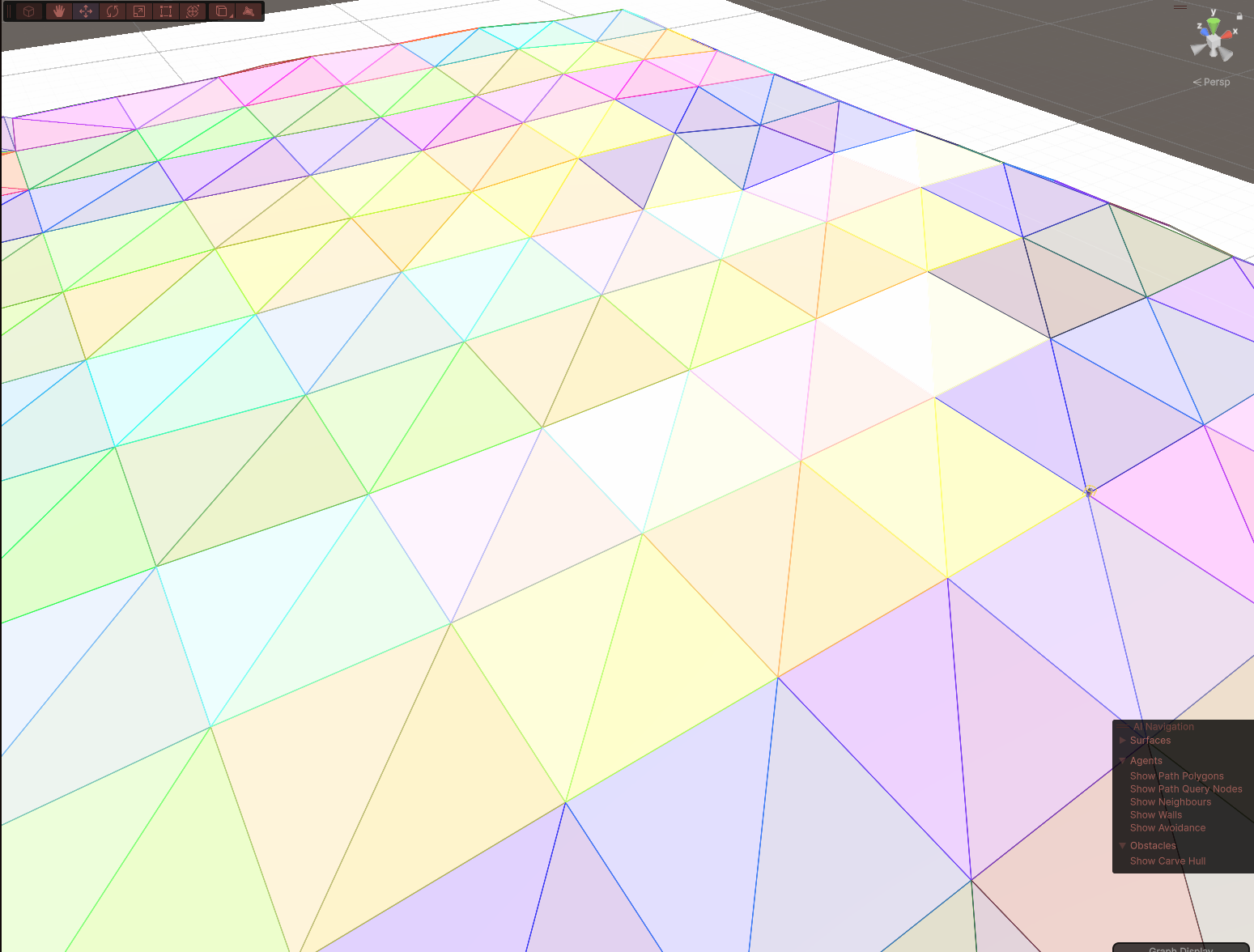
Yeah, I loaded the graph you sent and the unit seems to be confined to a tile:
I figured it was “stuck in tile” but wanted to confirm it wasn’t just a single division causing issues. Set my graph coloring to areas and yep, looks about right. Since you used the SerializeGraphs function itself I’ll let Aron take a look here and see what’s up.
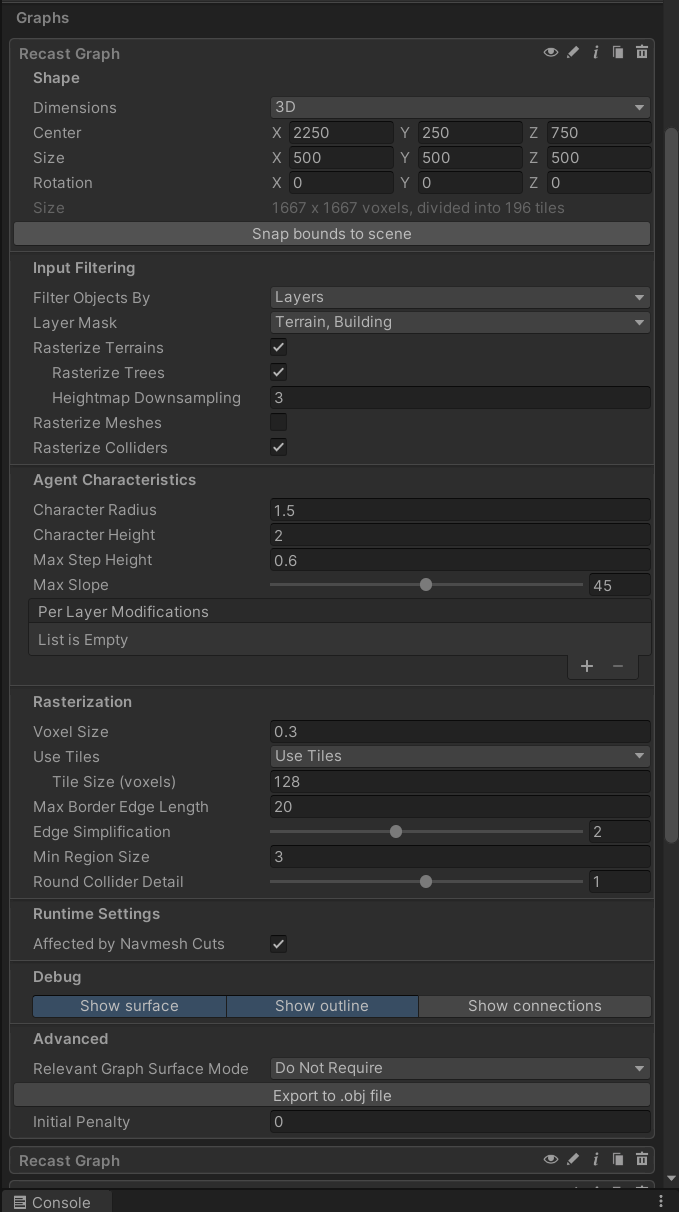
Are you setting the size of the tiles or world to some weird values? Can you send a screenshot of your recast graph settings?
The inspector deliberately tries to pick somewhat round numbers for some values to avoid potential issues with rounding errors in some situations.
I think your way of saving the graph is messing up the save file. The serializer assumes that the array it gets is indexed by graph index. I checked the file, and it says no nodes have any connections.
I think I have found the cause of the missing connections. I have deleted the A*PP package and reinstalled it. I have noticed a different behaviour and found out that I seem to have changed parts of the serialization in the past. A stupid mistake on my part for not investigating it further at the time.
Concretely it was in the SerializeConnections function in the JsonSerializer class. If I try to serialize it now I (sometimes) get IndexOutOfRangeException thrown. The code that I previously erroneusly inserted has checked and prevented this exception and thus didn’t serialize the connections any further.
My theory on why the exception happened/happens in the first place is that because I call the SerializeGraphs with only one graph (although other graphs are also loaded), the persistentGraphs Field only has one entry and the SerializeConnections function sometimes references other graphs as well. Because I wrote the transition between graphs myself I guess my assumption was that I didn’t require these connections.
Now to fix the issue I’ll have to fall back to re-scanning the graphs each time. Is there any chance that Serializing single graphs on runtime will be added? Or maybe there is a fix I could do to avoid this issue?
If not, as far as alternatives go: I am aware of the alternatives presented in the large worlds section of the docs, but I am not sure how a large recast graph would work for “infinite” worlds. The moving graph also wouldn’t work well due to units being so spaced out. The approach is currently have is a slice up of 9 terrain tiles around the player with each having their own navigation graph and saving/loading them as required. Scanning each tile doesn’t take that much time, but it would be annoying to have to do it everytime (instead of first time only and then loading from file).
Yes, I’ll include a SerializeGraph method that takes a single graph as a parameter in the next update.
Fyi. This will not allow the agents to move between the graphs out of the box.
You could use the NavmeshPrefab component to load/unload these instead. Try it out: NavmeshPrefab - A* Pathfinding Project
Also. If you have a finite world, consider having the navmesh for the whole world loaded at once. Its primarily a memory cost, and not a performance cost, to doing so. And computers these days typically have enough memory.
I have tried it, but since the saving happens directly after scan, navmesh updates don’t seem to be included. And the world is inifinite at the moment, but I am considering setting some limits to tone it down.
 ):
):