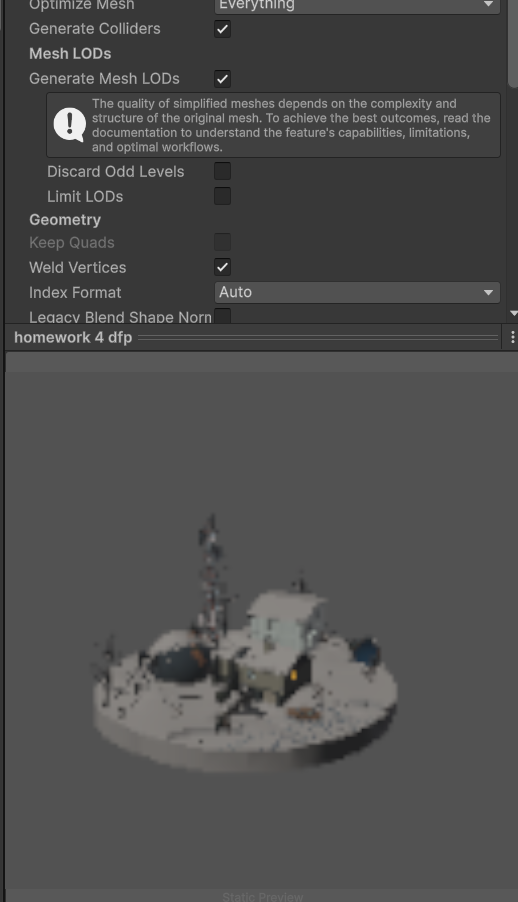
I’m not seeing this on mine, 6000.2.1, Astar 5.3.8. I started up a new project, imported a model, set it generate mesh LODs, applied it, gave it it’s own layer, but any combination of runtime/editor scan, model layer removed as an obstacle or not, I couldn’t get it to give me any exception. Anything I’m possible missing?
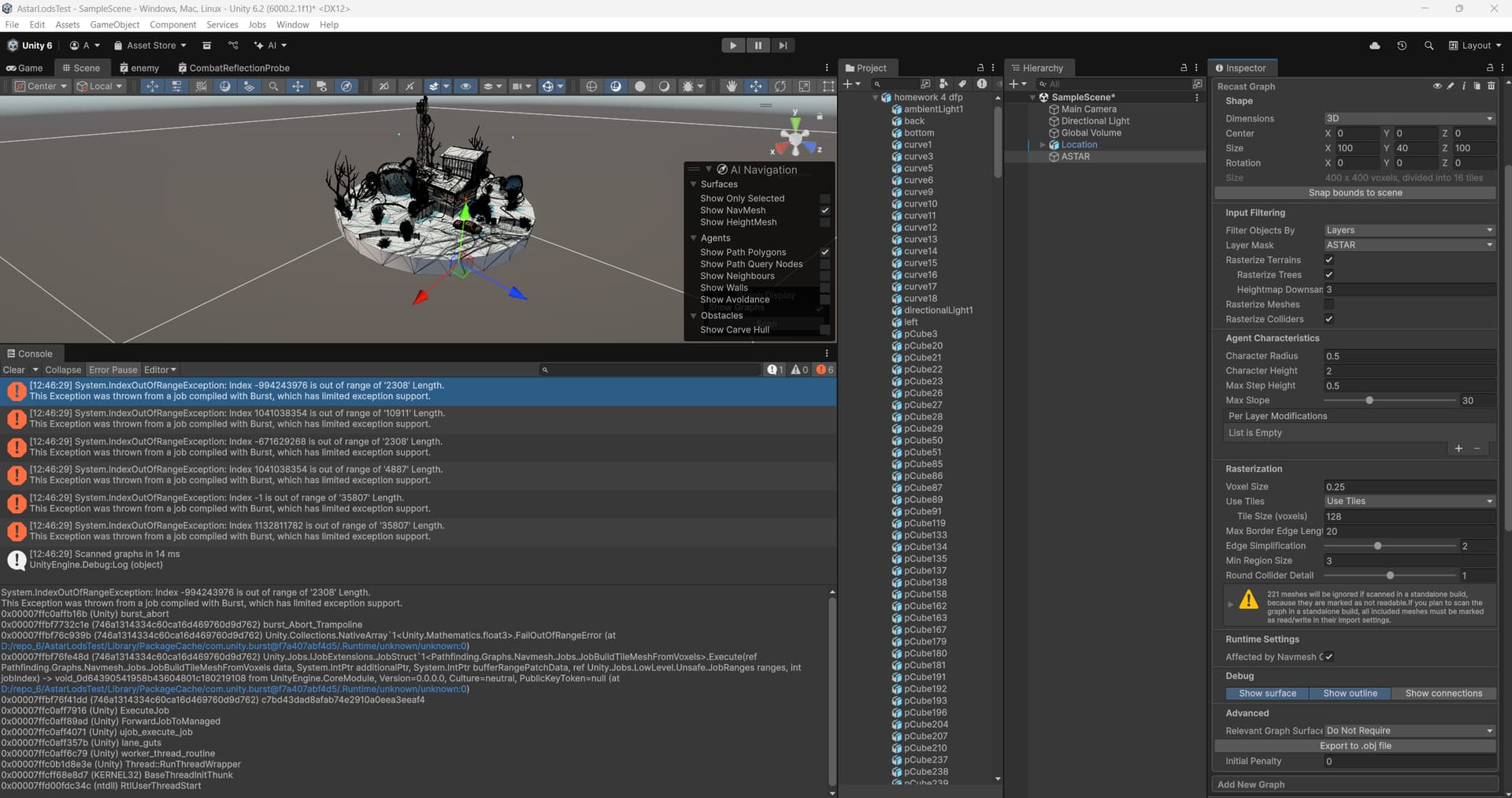
Hi, I tried creating a new clean project, Unity 6000.2.1f1, Astar 5.3.8, imported a model set LODs, set the layer ASTAR, and got the same error again when trying to scan. Enabling read/write for the mesh doesn’t help too. If I disable LOD, the error doesn’t appear and everything works and scans fine
this model on: sketchfab(dot)com/3d-models/colourdraftssimon-stalenhag-scene-8728b0b42c4e4fd7889d34a76966def1 But problem will also appear on any other model that uses generated LODs, even on a simple custom sphere mesh.
UPD - the problem also disappears if I select Rasterize Colliders in the recast graph and specify a box collider for the object, not mesh collider, so it’s something with the mesh of the object, which uses generate mesh lods
UPD2 - I tried to track down the error and can only guess that it comes from somewhere like:
Having the same issue. After i started using Unity 6.2 MeshLOD generation, i started having burst errors on scanning (preventing areas from fully being scanned).
This Exception was thrown from a job compiled with Burst, which has limited exception support.
0x00007ff8b615b08b (Unity) burst_abort
0x00007ff8de63509e (599dee1858ef2e4007e532b1596702f) burst_Abort_Trampoline
0x00007ff8de5a9e1b (599dee1858ef2e4007e532b1596702f) Unity.Collections.NativeArray`1<Unity.Mathematics.float3>.FailOutOfRangeError (at D:/delivery-beyond/Library/PackageCache/com.unity.burst@f7a407abf4d5/.Runtime/unknown/unknown:0)
0x00007ff8de5e8aef (599dee1858ef2e4007e532b1596702f) Unity.Jobs.IJobExtensions.JobStruct`1<Pathfinding.Graphs.Navmesh.Jobs.JobBuildTileMeshFromVoxels>.Execute(ref Pathfinding.Graphs.Navmesh.Jobs.JobBuildTileMeshFromVoxels data, System.IntPtr additionalPtr, System.IntPtr bufferRangePatchData, ref Unity.Jobs.LowLevel.Unsafe.JobRanges ranges, int jobIndex) -> void_0d64390541958b43604801c180219108 from UnityEngine.CoreModule, Version=0.0.0.0, Culture=neutral, PublicKeyToken=null (at D:/delivery-beyond/Library/PackageCache/com.unity.burst@f7a407abf4d5/.Runtime/unknown/unknown:0)
0x00007ff8de5de65d (599dee1858ef2e4007e532b1596702f) c7bd43dad8afab74e2910a0eea3eeaf4
0x00007ff8b6157836 (Unity) ExecuteJob
0x00007ff8b61588cd (Unity) ForwardJobToManaged
0x00007ff8b6153f91 (Unity) ujob_execute_job
0x00007ff8b615349b (Unity) lane_guts
0x00007ff8b6156b99 (Unity) worker_thread_routine
0x00007ff8b6338d9e (Unity) Thread::RunThreadWrapper
0x00007ff96b38e8d7 (KERNEL32) BaseThreadInitThunk
0x00007ff96ccdc34c (ntdll) RtlUserThreadStart
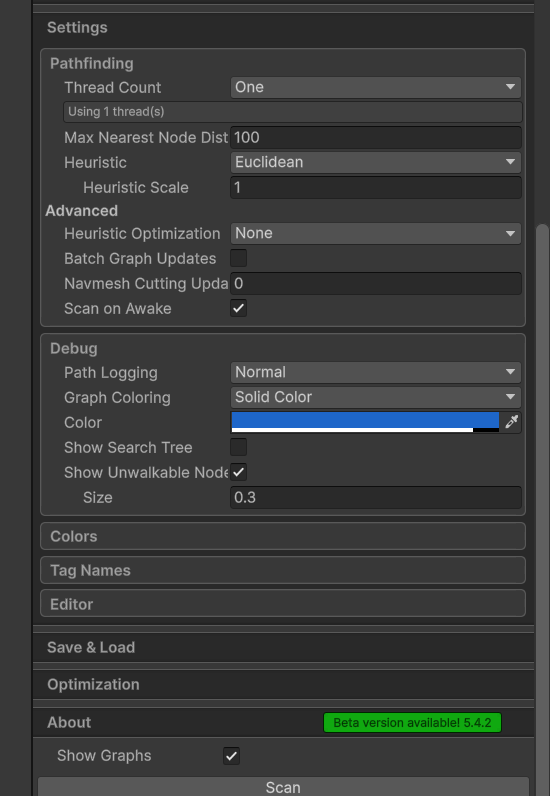
Using Recast graph (and on latest beta 5.4.2). I also tried the non-beta version and it’s the same issue. Removing generated meshlods seems to work