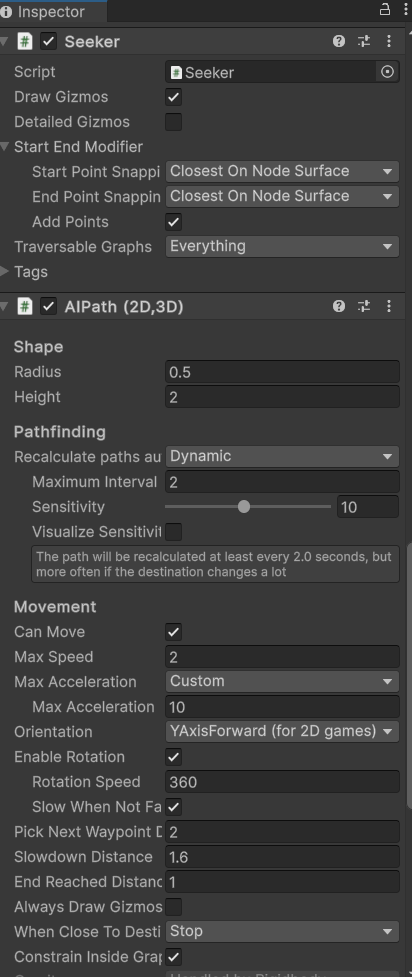
Making a game that involves bridge building with enemies that need to pathfind around the player’s bridges. If the enemies get trapped, instead of just trying to push their way out or stopping movement, they snap to a grid line and cause this weird interaction. Any way to work around this?
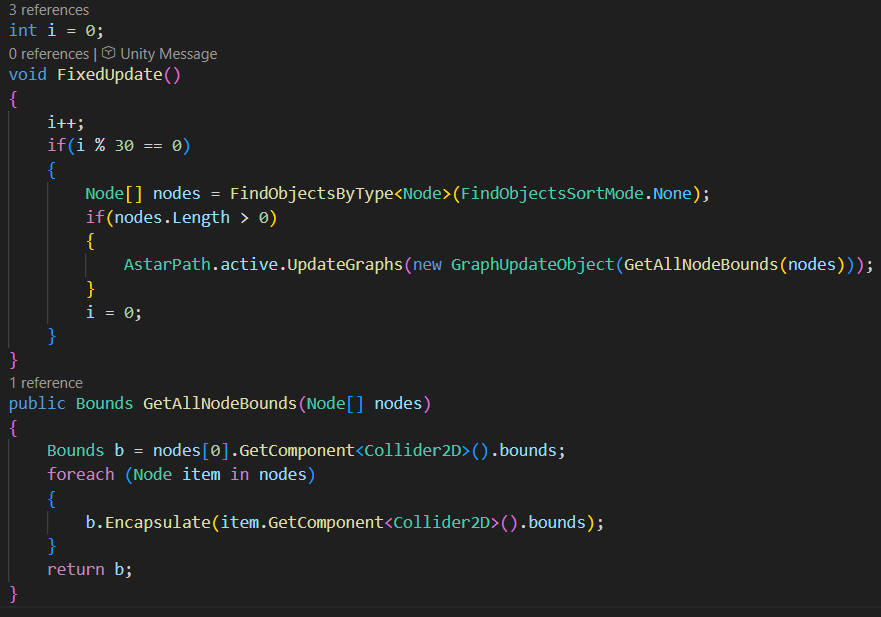
I think I’ve figured out what the specific problem is, just not the best way to fix it. When the grid gets recalculated every 30 ticks, the enemies will sometimes be inside what the graph considers obstacles (since the grid size is larger than the enemies for performance reasons). If this is the case, then the enemy gets pushed out immediately from the obstacle which causes the motion in the video. The solution to this would be to make the “obstacle” parts of the graph only have a high negative preference, instead of being completely impassable, but I’m not sure how to do this. Also not sure if it would be a graph modification or a change I need to make on the seeker/AIPath component side.
Thanks, was able to solve it with this. For anyone wondering, the easiest solution for me ended up being to just add these two lines near the end of RecalculateCell() in the GridGraph class: