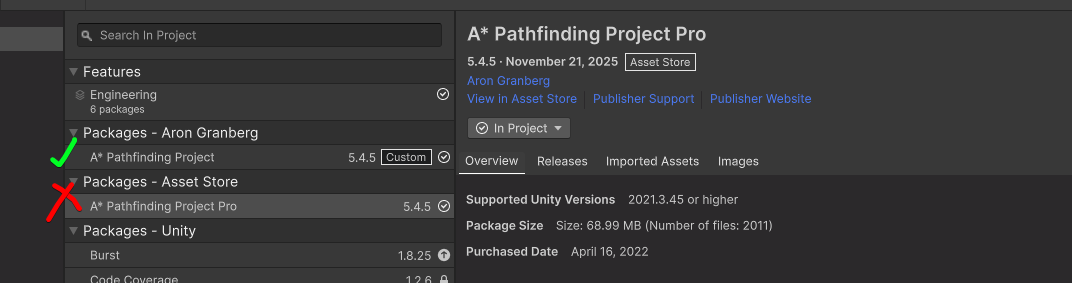
- A* version: 5.4.5
- Unity version: 6000.0.62f1
I have recently bought Pro version then tried now to implement it into the game. After quite few headaches, I have following problems (I am using grid graph, because of turn based nature of the game):
-
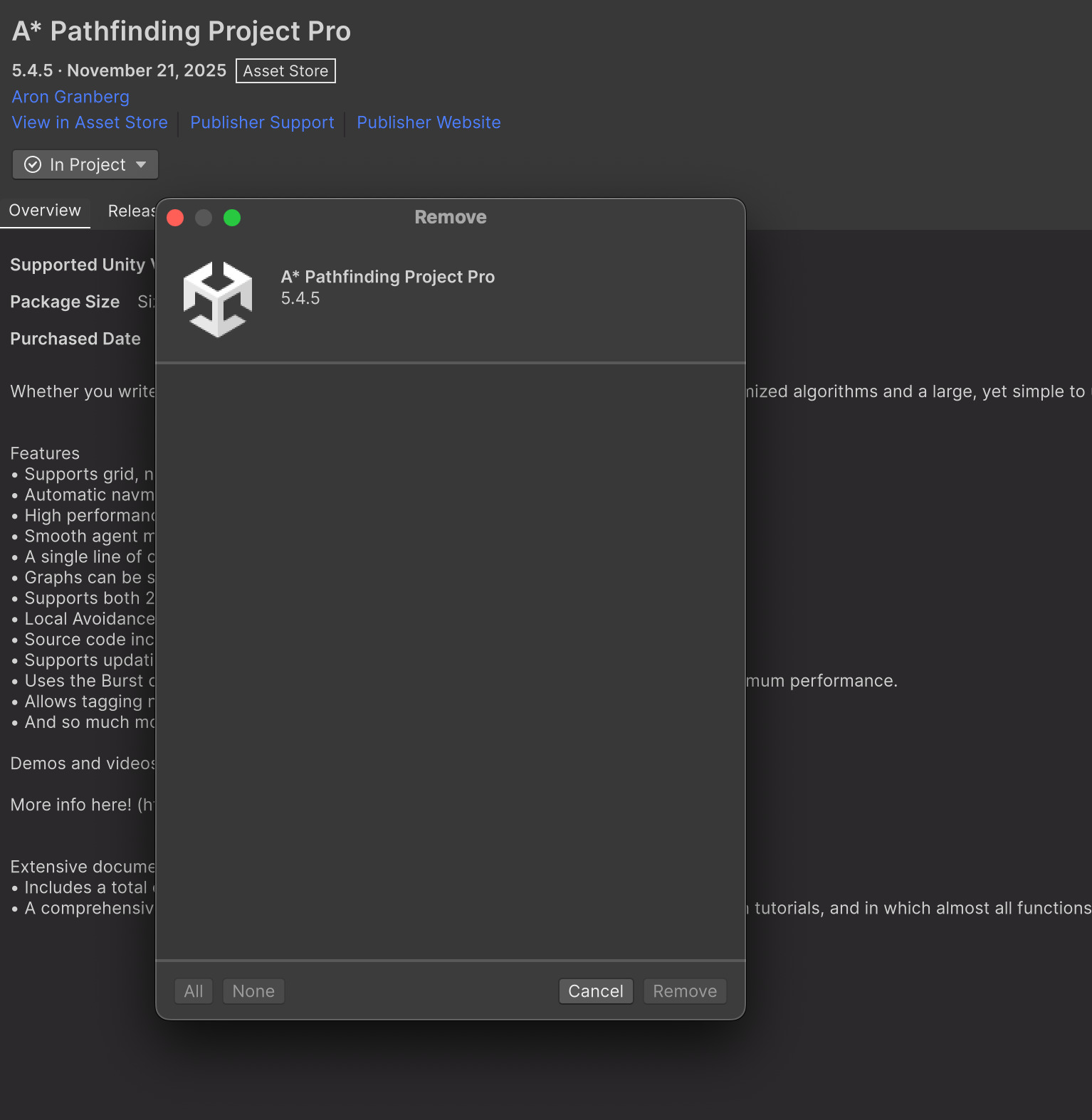
I can only see nav graph either in editor or in game. So if I click scan in editor while not in play mode I see nice blue rectangle. As soon as I enter game mode I cannot see in editor nav grid (gizmos are on). I redownleded, reinstalled the package, all the same. Deleted library folder also, doesn’t help. I tried to remove asset but I can’t:
-
Problems with GraphGrid: I created bounds of 80x80 with size 1 of the grid. Center 40x40. Created custom rule as suggested.
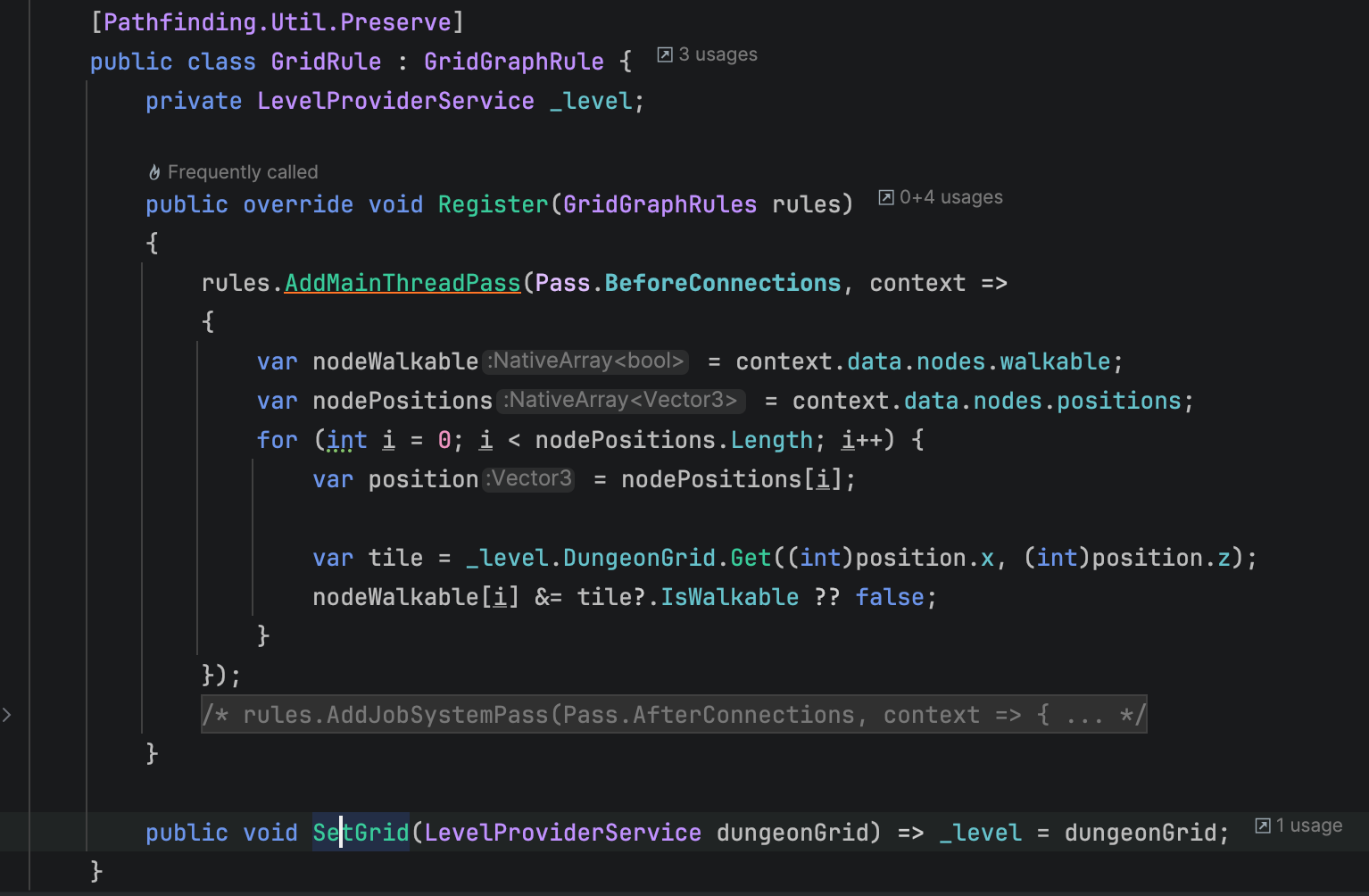
it works quite well, except one things everything seems offseted and for some reason all my walls look like obstacles instead being cut off (how can I fix that?).
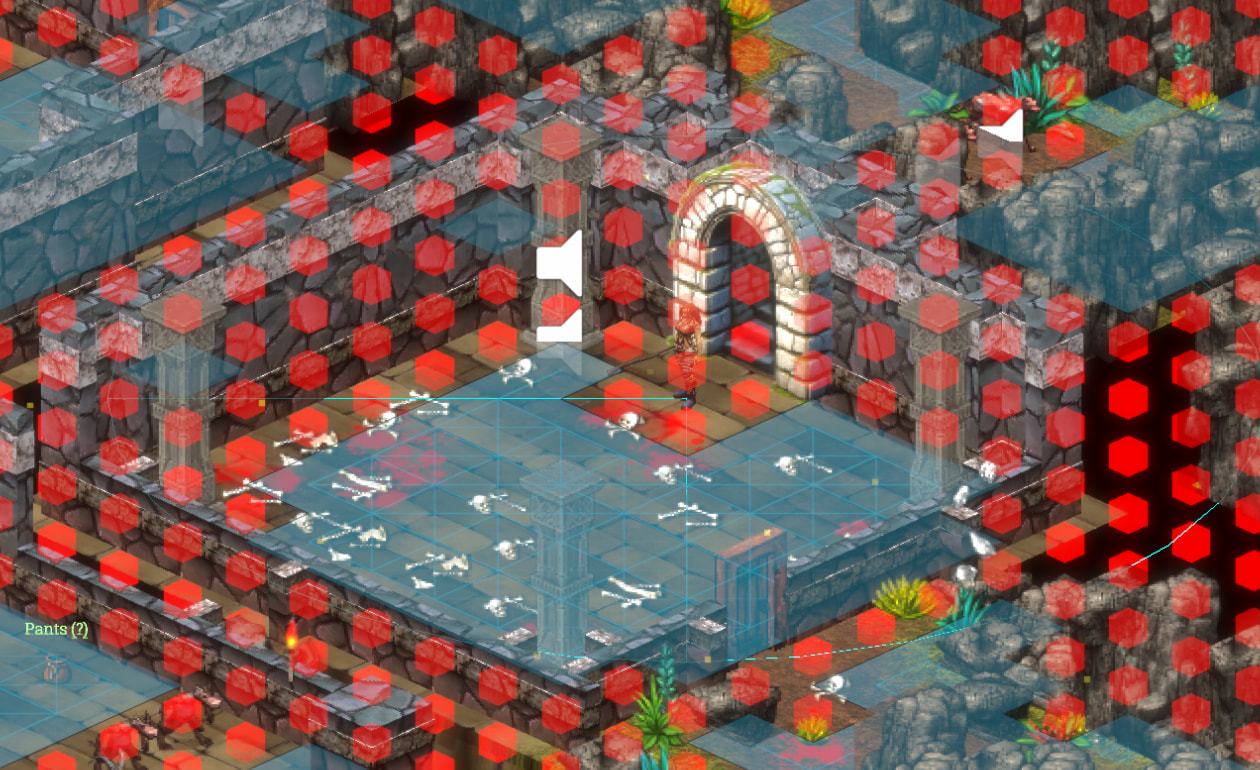
I tried to find how to offset the complete grid by half unit since my tiles are at exact whole coordinates, but setting transform on AstarPath game object does nothing. Then I tried to set center offseted, set it to 39.5,39.5 but it has some strange artifacts:
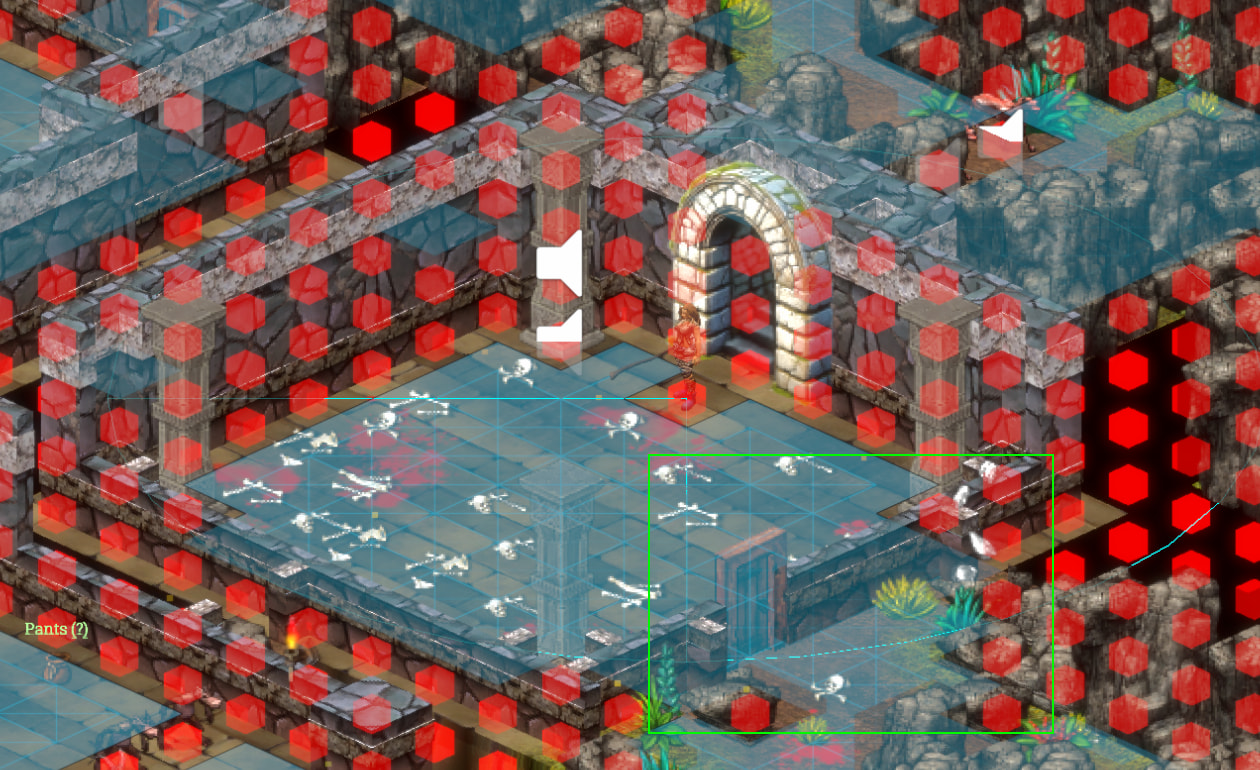
These are custom solutions, I tried using integrated ones but that seems not to work correctly. I get multilayered graph since raycasting hits walls at higher positions.
I am quite clueless. Any idea would be welcome
 Then this is solved
  Only question remains, why I can’t uninstall Package?