
I’m loading a scene with these settings. Scanning obviously doesn’t work properly when loading like this. What advice would you give me?
I can’t bake scenes because I’m using procedural generation.
I’m not really seeing why scanning isn’t working from this code snippet alone. I’m sure I’m missing something but please let us know why it doesn’t work in your case.
You may also want to look at some of the various solutions on the Graph Updates during Runtime page, namely one of my personal favorites, ProceduralGraphMover.
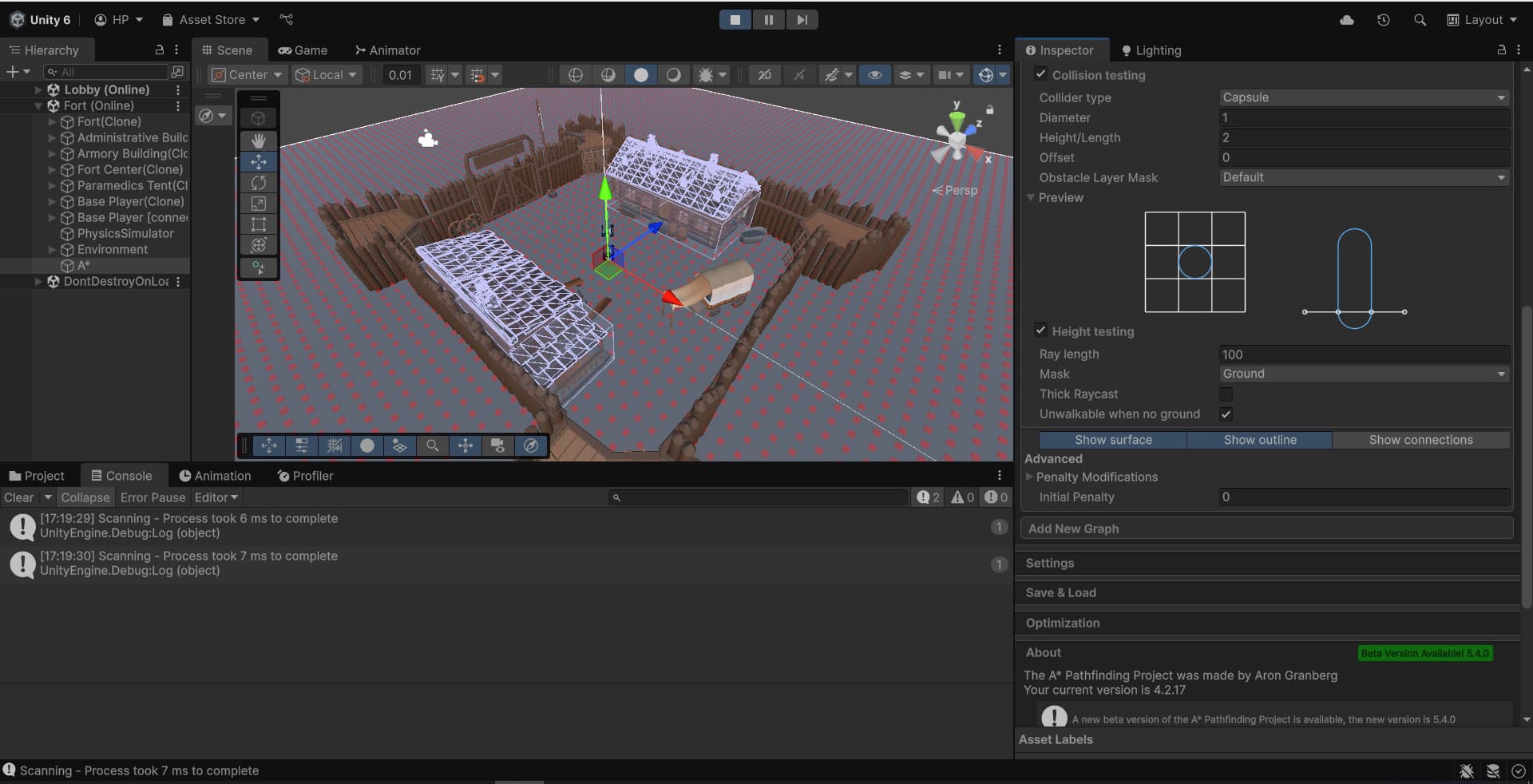
I’m using a grid graph. Collisions are calculated only in the main scene (Lobby), and it doesn’t see the Fort scene (it’s loaded additively). In the Fort scene, physics are calculated separately from other scenes, since I loaded it with the localPhysicsMode.Physics3D setting.
I remember this coming up similarly in an old thread. A great community member posted this.
Is your only Astar component the one in Fort? Or is there another in Lobby? Where is the ground, in the Lobby subscene?
I had a similar situation with procedural generation. Are you using subscenes?
With my problem, it didn’t scan anything that is an entity in a subscene, so I had to generate twice. Once in Gameobjects to scan the graph, then again in entities in a subscene for gameplay.
It’s a bit of a pain, but wasn’t too hard to adjust my generation logic to run twice. Just add a boolean to decide if the Instantiation should be done in Gameobjects, or Entities. It’s a good idea to destroy the Gameobjects you used to scan.