- ALINE version: [1.76]
- Unity version: [6.0.23]
- Render pipeline: [URP, Forward+, Entities Graphics 1.3.2]
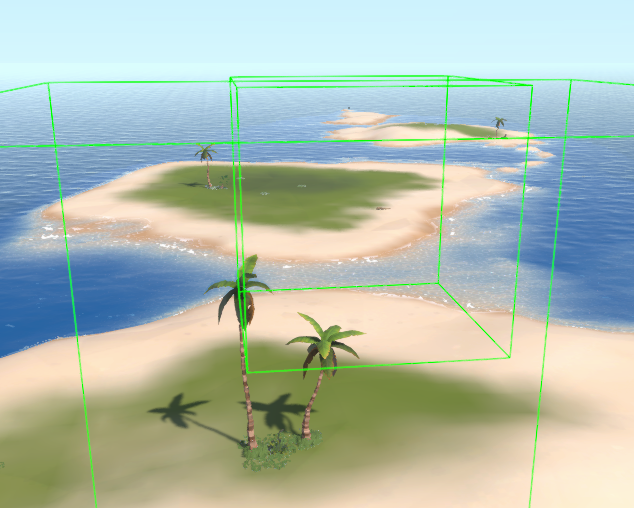
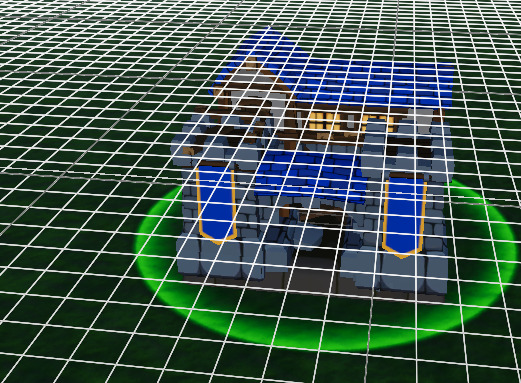
Should it work from the start or is there something I need to set? I tried a couple of things, Forward/Forward+, Adding the Aline Render Pass Feature, in/outside of a job, simulation/presentation group, Aline project setting for line occluded opacity is 0.1. Nothing seems to work.
Even tried
DrawingManager.instance.gizmos.lineMaterial.SetColor(“_FadeColor”, new UnityEngine.Color(1, 1, 1, 0.1f));
Hi there, I’ve let Aron know about this post, he’ll check this out when he’s available 
Hi
That’s strange. Does it work if you use normal graphics, not entities graphics?
Does it work if you disable URP and use the built-in render pipeline?
The issue was that I had a stacked overlay camera. Setting the builder’s cameraTargets to just the main camera fixed the issue.
1 Like
Hey, can you explain what you did excactly to solve the issue??
I’ve got also this problem that Aline Draw commands render on top of everything.
In a system’s OnUpdate, before I schedule a draw job, I set the builder’s cameraTargets to the main camera.
var builder = DrawingManager.GetBuilder(true);
builder.cameraTargets = new UnityEngine.Camera[] { UnityEngine.Camera.main };
state.Dependency = new DrawJob
{
CommandBuilder = builder,
Color = UnityEngine.Color.green,
}.ScheduleParallel(state.Dependency);
state.Dependency.Complete();
builder.Dispose();