How do you get the current normal?

  • A* version: 5.3.8
  • Unity version: 2022.LTS
    In Unity navmesh I can get the normal with Sampleposition hit.normal, which is expensive, so I cached it.

Is there a better way and more importantly as cheap as caching normals, in astar?

var info = AstarPath.active.GetNearest(position);

no

info.normal

and NNInfo has no definition for normal.
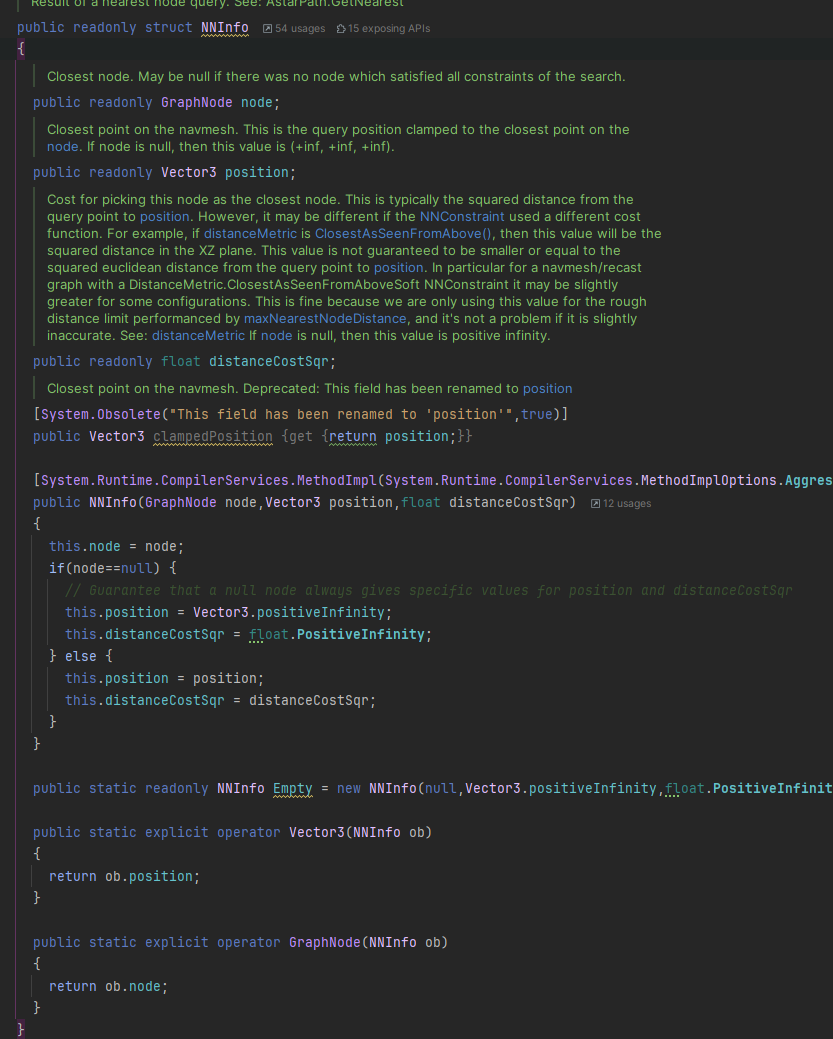
GraphUpdateData has GraphUpdateData but i don’t know how to extract that from a node info, and also normal at the current position would require barycenter of the 3 neighbording nodes which is another can of worm.

Since the FollowerEntity movementPlaneSource is set to navmesh normal, I’m sure there is an easy way.

all mono code, ECS only used to get folllowerentity (by the way, amazing what you’ve done to the code base, it is now SO FAST!)

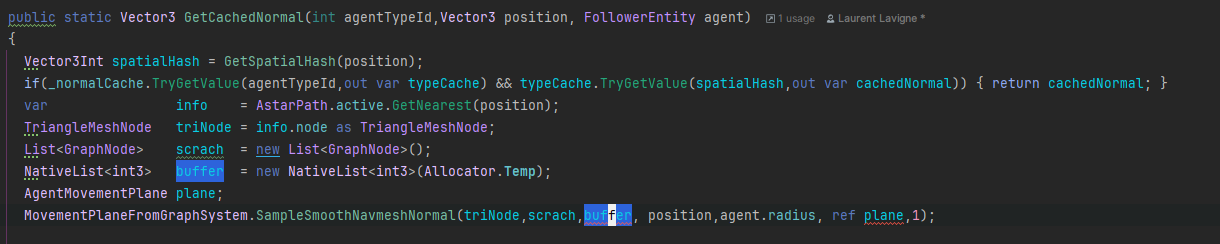
There is the MovementPlaneFromGraphSystem.SampleSmoothNavmeshNormal method that you can use, though it’s not really written for ease of use. It’s mostly for internal use.
It handles a lot of edge cases pretty well, though.

Thanks :slight_smile:

That’s a lot of parameters and i cannot find usage anywhere in astar code… what’s the simplest way to call that?

public static void SampleSmoothNavmeshNormal (TriangleMeshNode node, List<GraphNode> scratchList, NativeList<Int3> scratchBuffer, float3 position, float agentRadius, ref AgentMovementPlane agentMovementPlane, float alpha) 

this doesn’t work

If you use

AgentMovemetnPlane plane = default;

it should work, I think.

You can then extract the updirection from plane.up.

It worked.

plane.Value.up