- A* version: [5.4.6]
- Unity version: [6000.3.10f1]
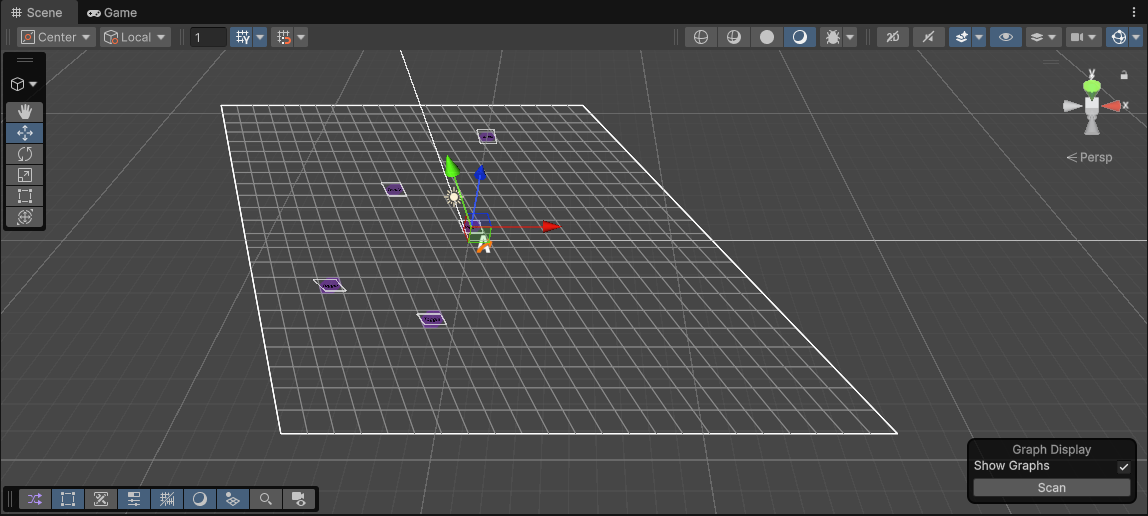
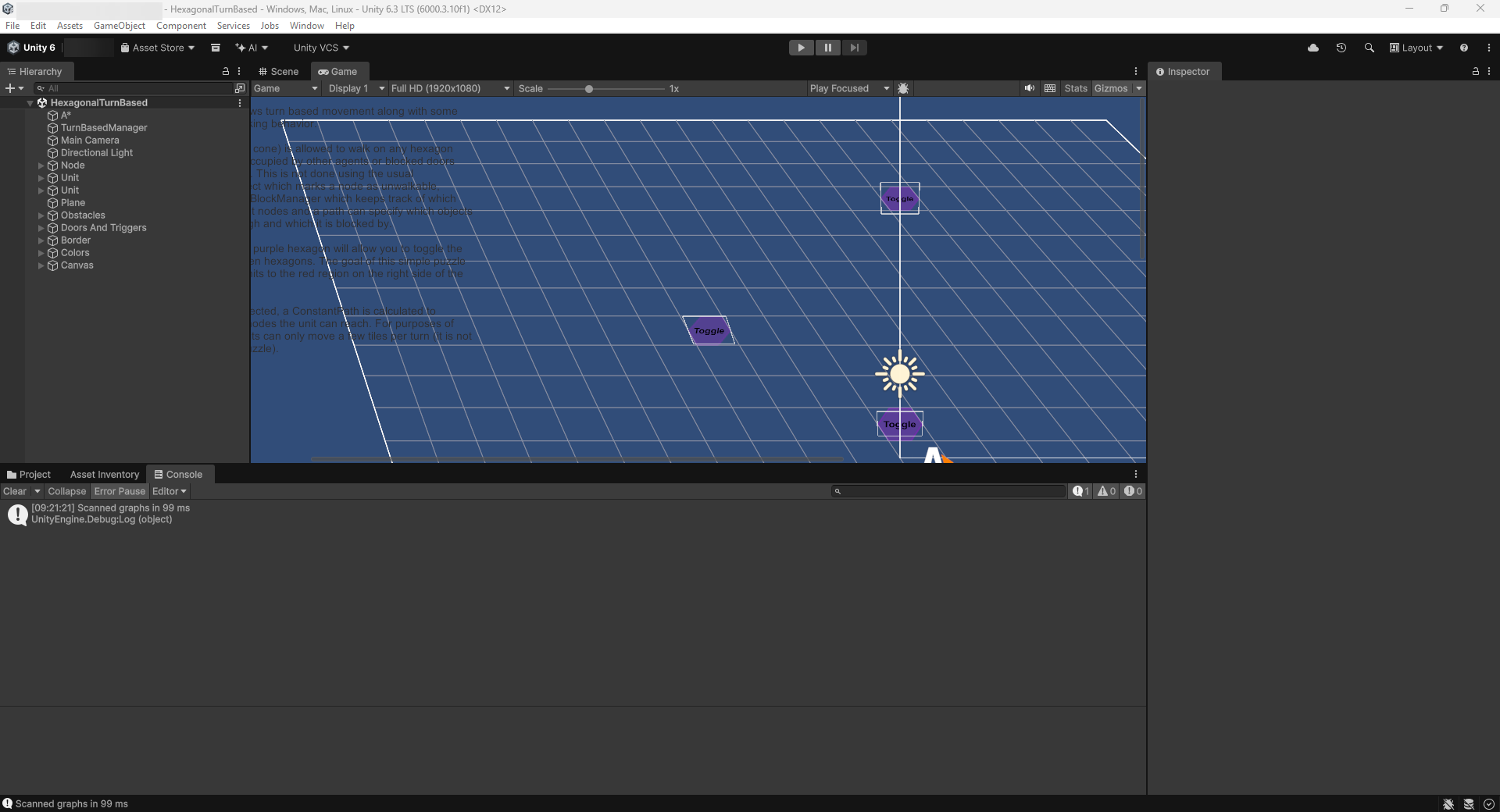
I have downloaded and imported the asset into a new empty project, but I can’t see the HexagonalTurnBased scene properly: No hexagonal gridmap, no icons, no walls; just the squared grid tiles and 5 purple flat toggles (see screenshots).
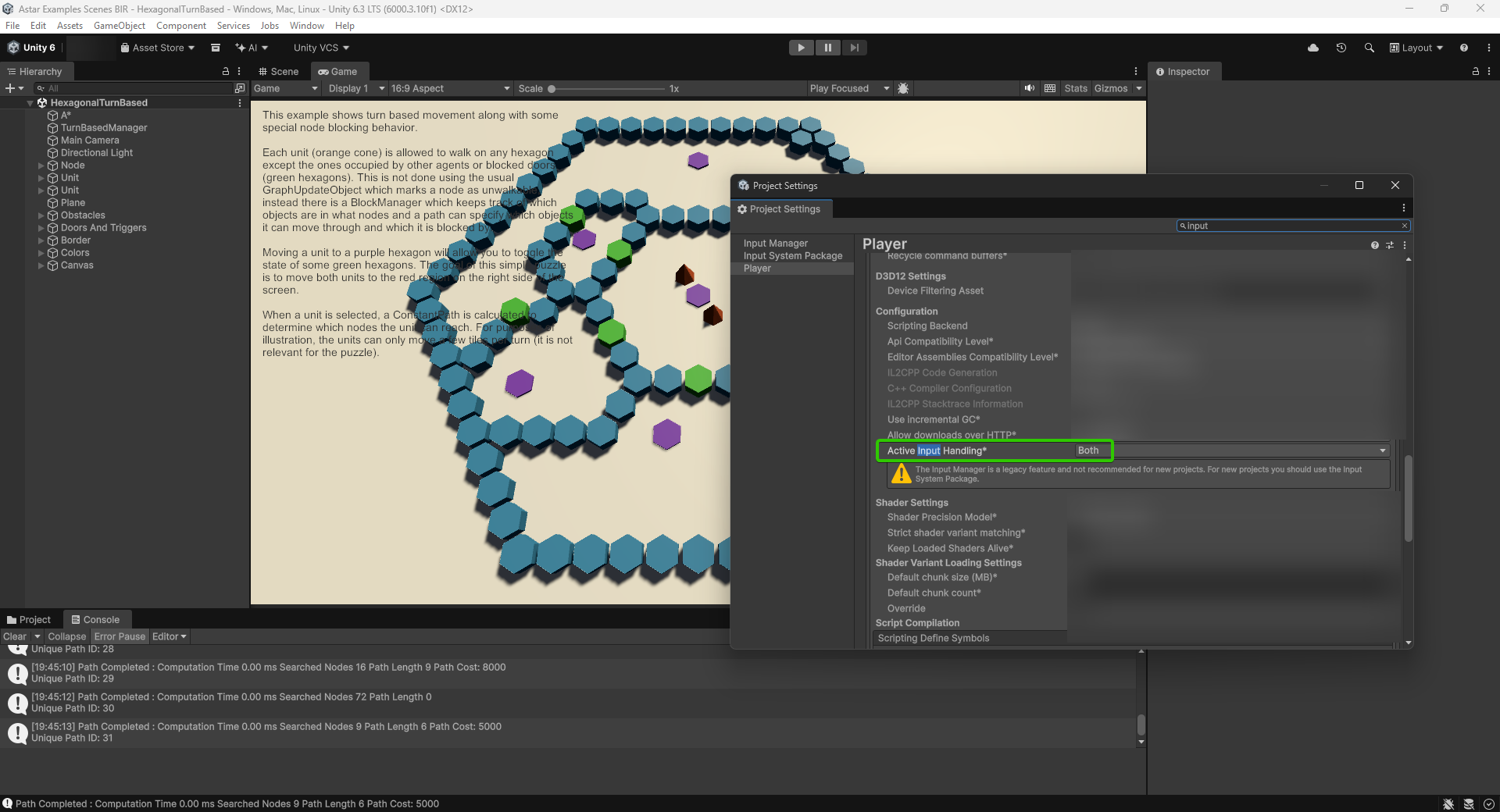
I didn’t do any change (except for enabling “Both” for the Player input system as it was returning an error).
Thanks.
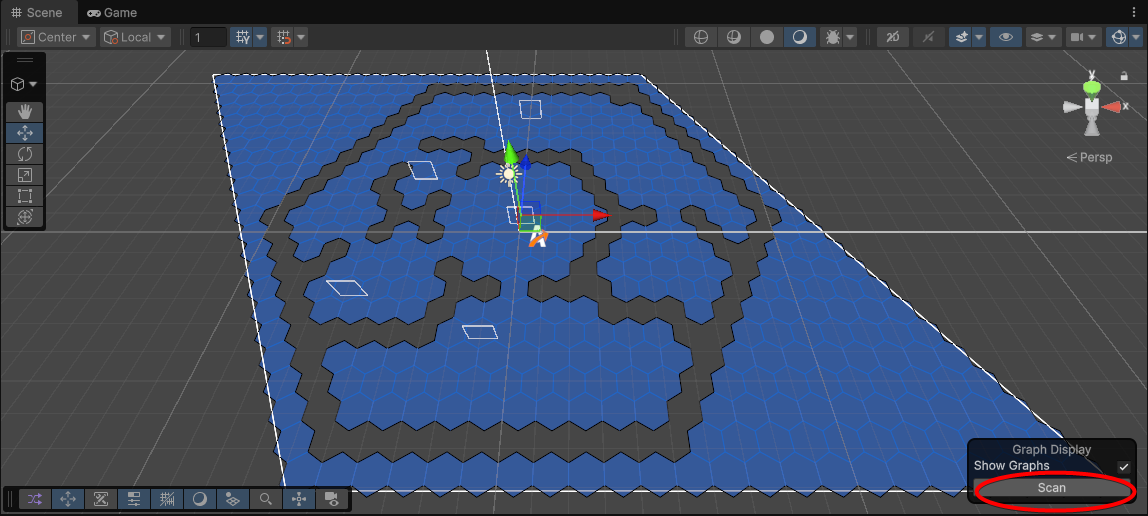
After clicking on “Scan” now the hexagonal grid is shown (the guide in the documentation for this example doesn’t mention it). But the rest of icons (cones, etc) are still not being displayed.
Ok I solved it. Its a noob thing, probably it was written somehwere and I skipped it.
To import the Examples scenes, is better to do it in a new empty project. But this project HAS TO use de 3D Built-In Pipeline template. If you use URP (is the one I used first) then everything will be broken.
Then, just a quick fix for the input errors you will get in the console when trying to Play a scene: Edit > Project Settings > Player > Other Settings > Configuration > Active Input Handling : [Both]
And everything will work smooth.
This thread can be closed, as I just solved it.
1 Like
IIRC last time I opened this scene I used the “Convert Materials to URP” option in Unity. For future reference to try. YMMV.
1 Like