- A* version: [5.3.4]
- Unity version: [6000.0.23]
Hi. I am working on a simulation racing game. I have run into an issue related to follower entity clipping into the terrain (on any type of incline) it is supposed to walk on top of. Want to know if this is a common issue or if something is wrong on my end. Any help appreciated.
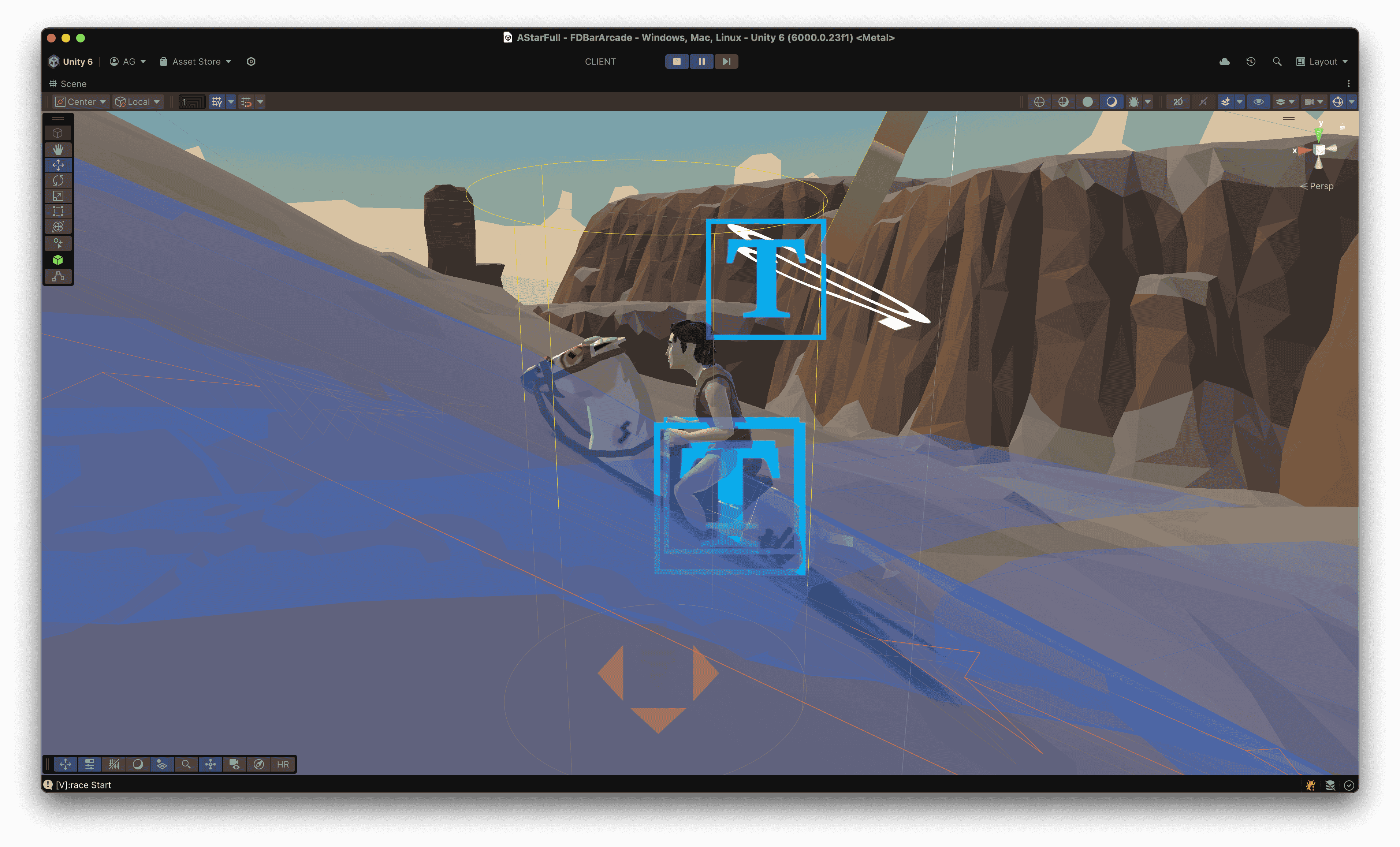
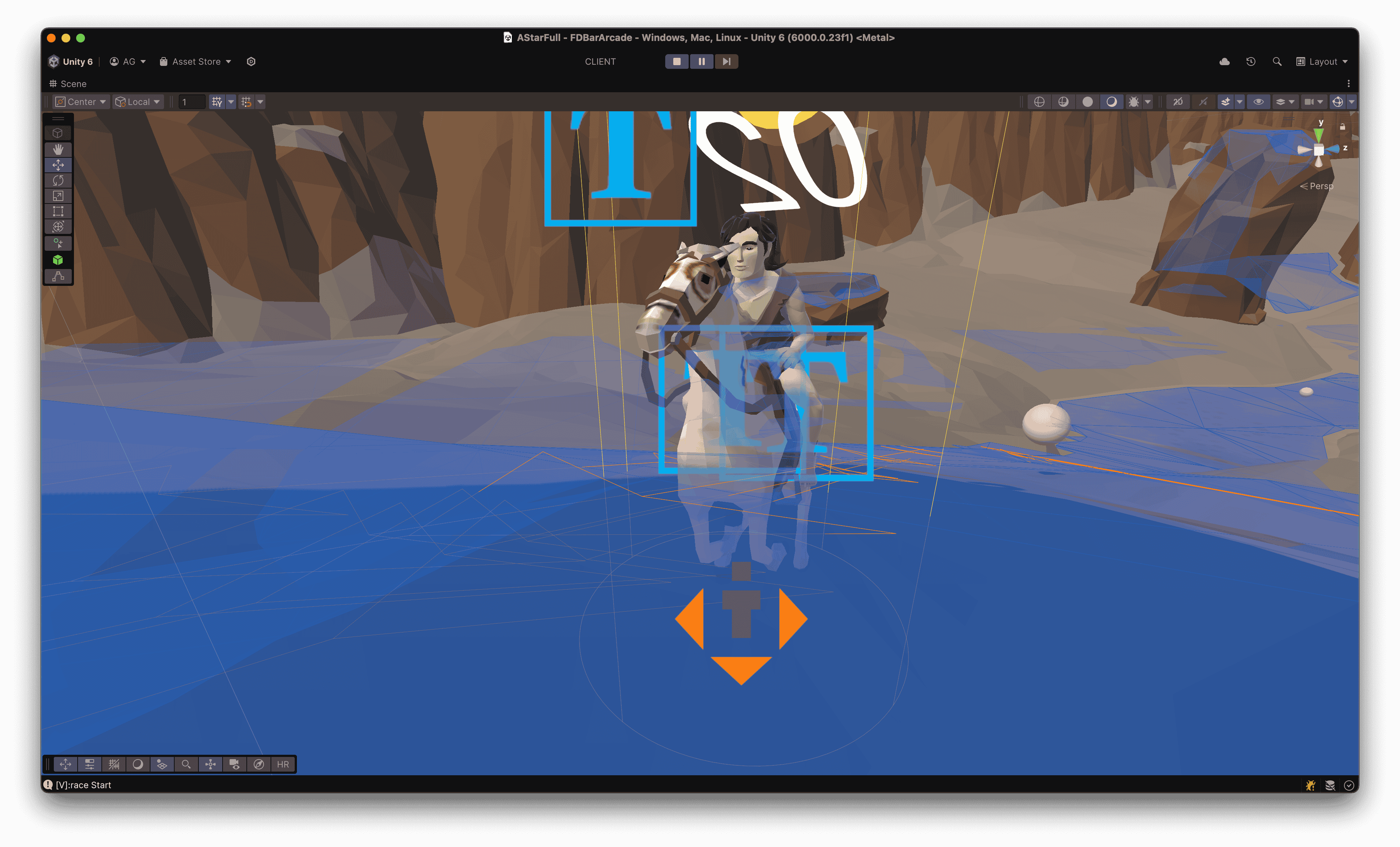
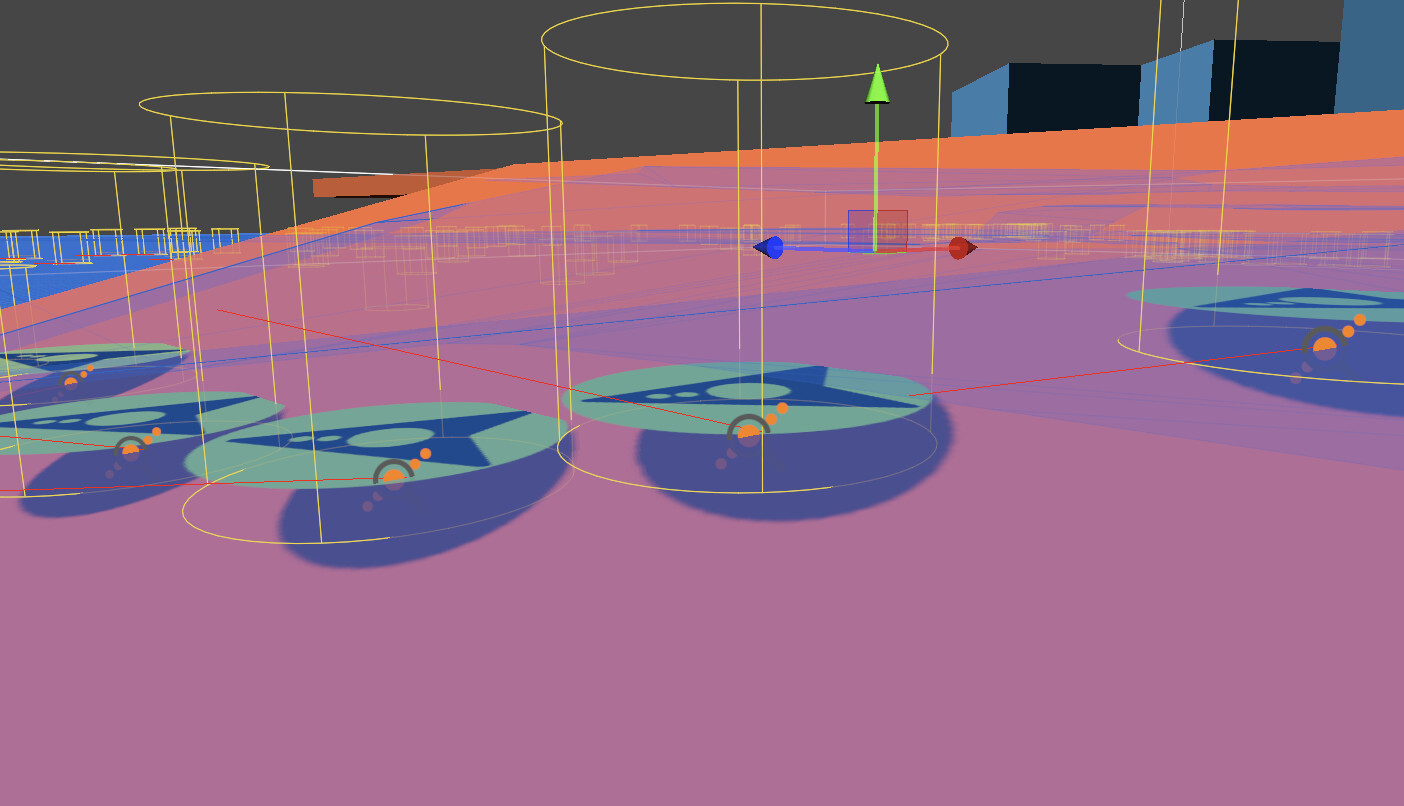
As you can see in the images, the cylinder representing the follower entity is supposed to go on top of the terrain but is clipping through it instead.
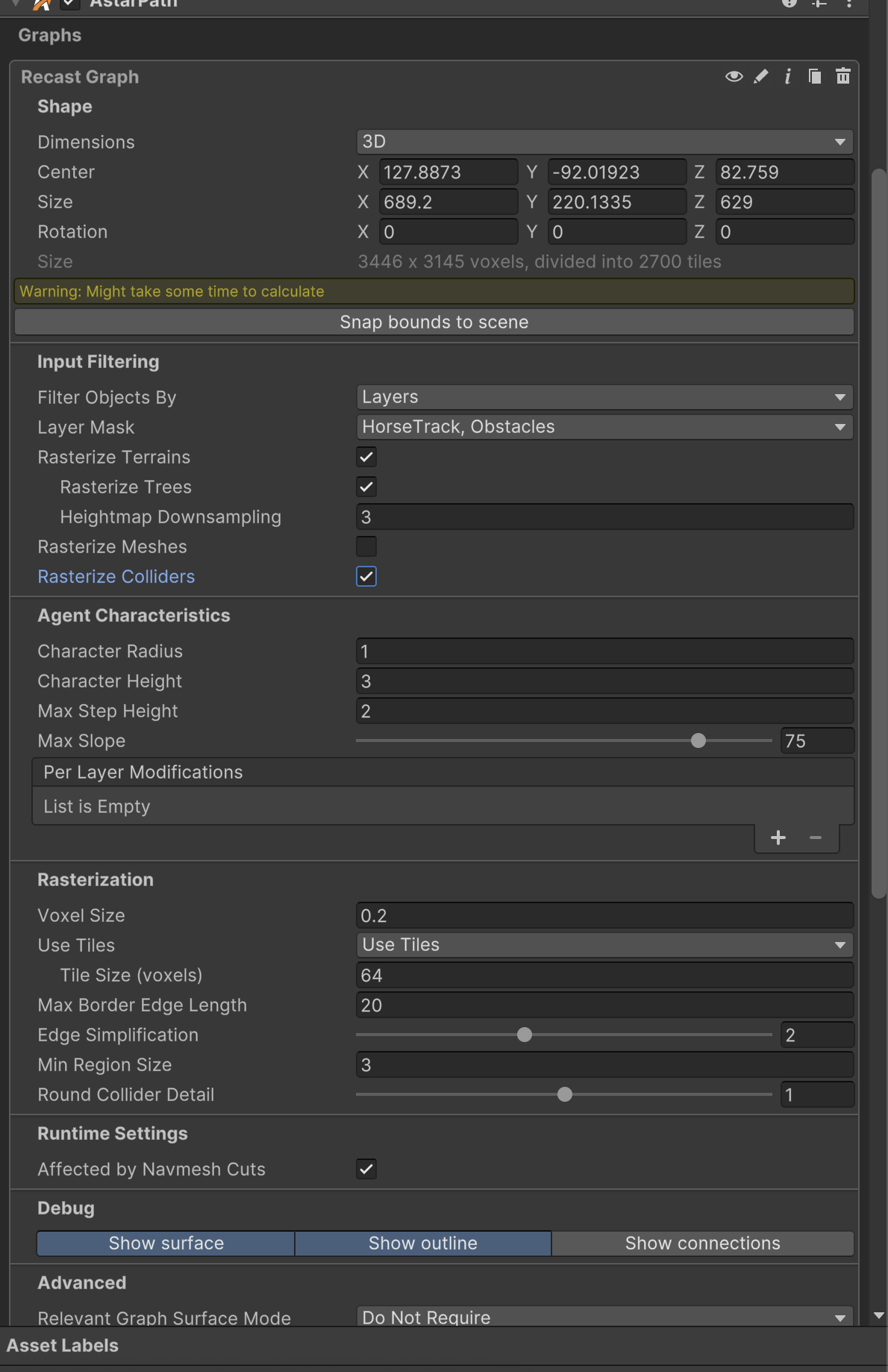
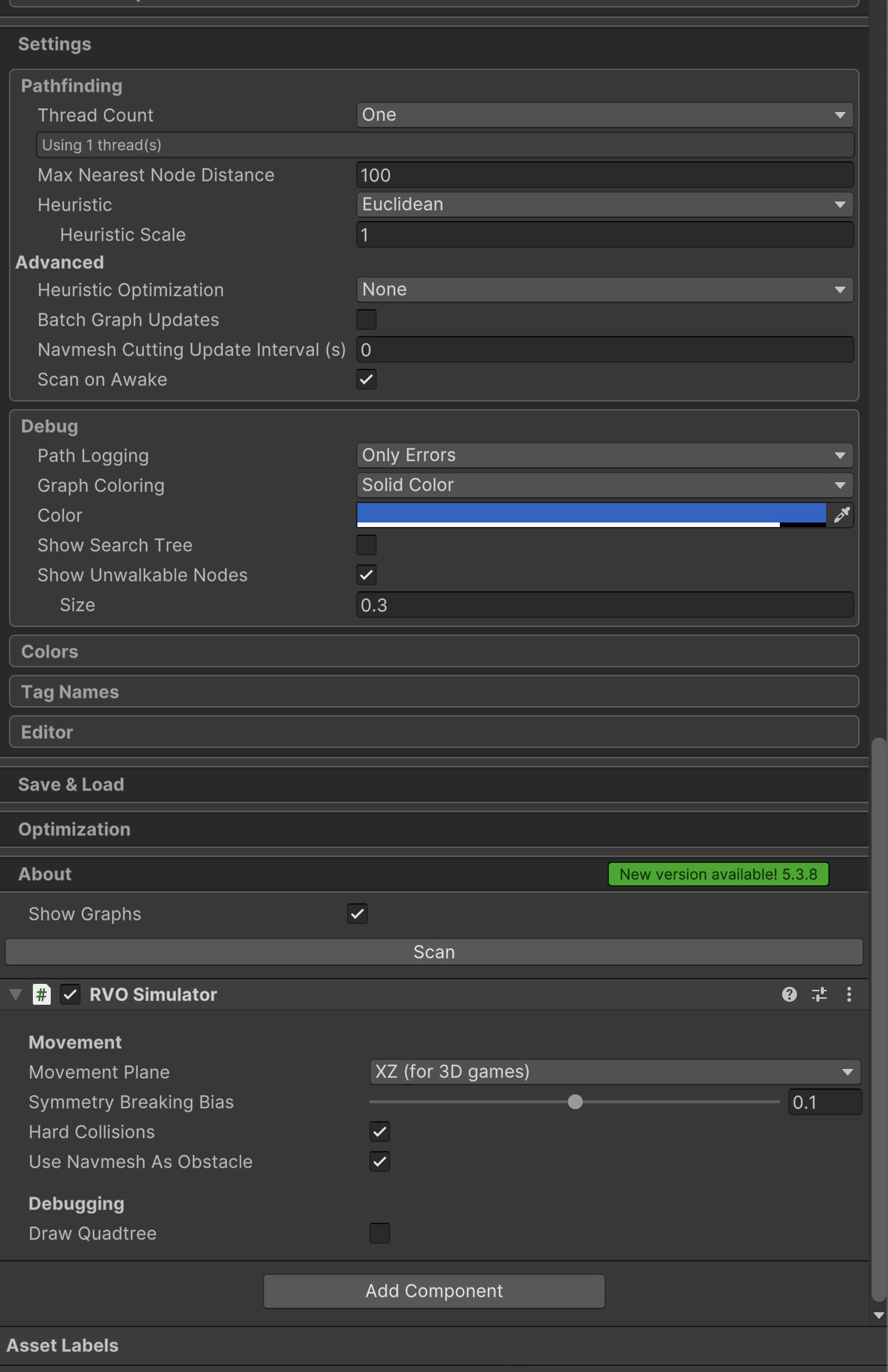
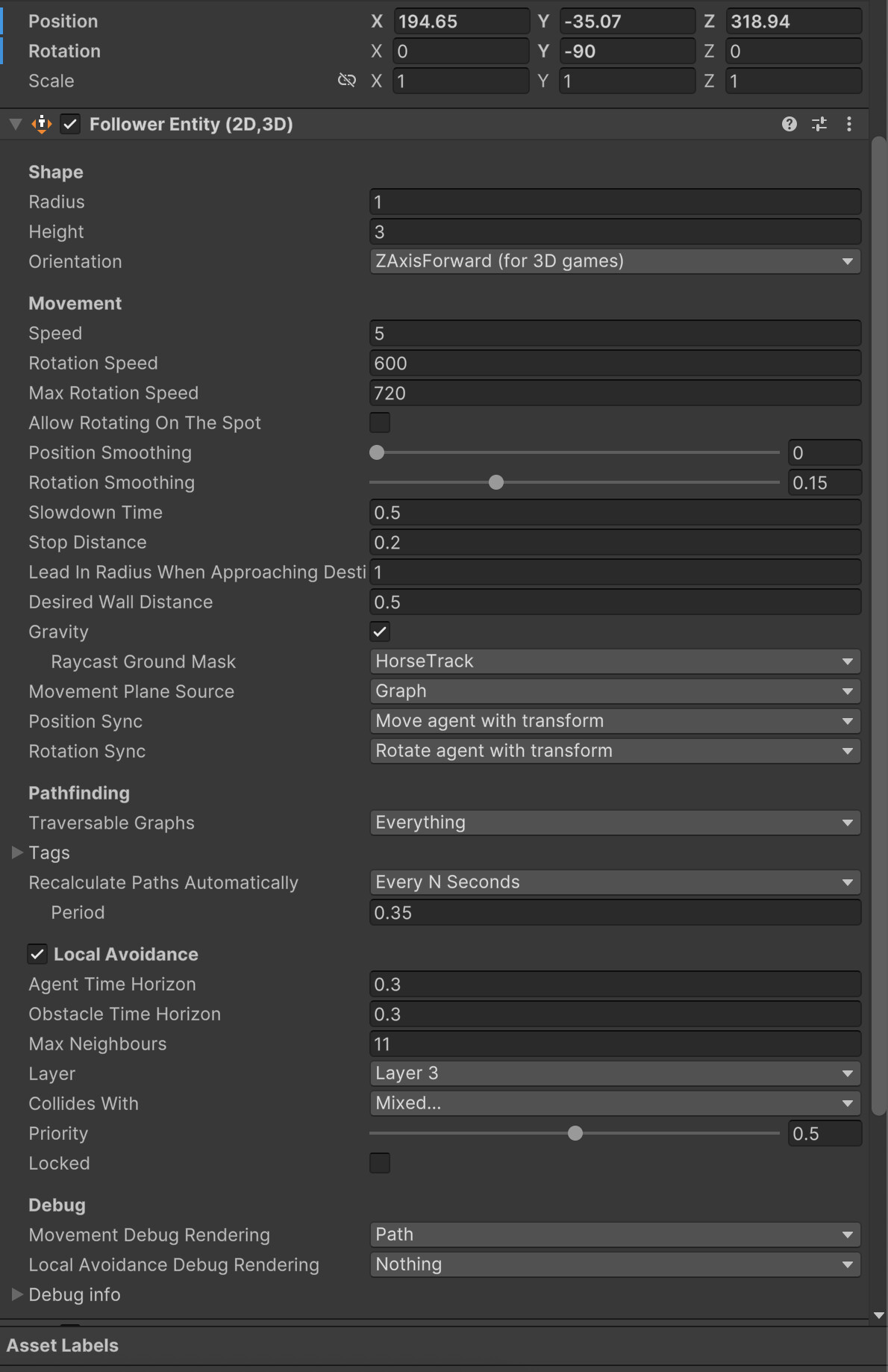
My Settings:
Hi
Is your ground in the Horse track layer? I see that’s the only layer that the agent will collide with when resolving gravity.
Yes it is. Also I notice in one of your demo scenes (Local Avoidance) having a similar issue. So I am not sure if this is working as intended or not.
Hi
The agent will always stay vertical. If you want to add some functionality to rotate the agent, or apply inverse kinematics, to conform to the normal of the terrain, that is out of scope of this package. You can set the Sync Transform Rotation With Agent option to “Don’t”. And then apply your own rotation:
transform.rotation = ApplySomeModifications(ai.rotation);
There is the “Movement Plane Source” option that you can set to “Navmesh Normal” or “Raycast”. It might work okay, ish. But it won’t give you high fidelity rotation.
Hi,
Glad to confirm this, thanks.