Nothing yet. Are you on 5.4.3 beta or 5.4.4 now?
Last time I checked 5.4.3 beta
I tested 5.4.4 and it still jumps back:
frame=556 JUMP dx=-3.21 dz=6.33 dx/dz=-0.51 dist=7.11
Sorry, I haven’t had time to look at this more yet. I will.
1 Like
Hi,
Any update on this?
Hi
I cannot really replicate this in 5.4.x.
Both on a flat ground and on an undulating terrain, the FollowerEntity moves very smoothly even when the ProceduralGraphMover moves the graph.
Are you sure this is not due to lag when the move happens? Make sure you test with Gizmos disabled, as regenerating the gizmos for a moved graph is quite expensive.
Hi,
Here’s a test that reproduces this behavior. The scene is GraphMoverJitter2. Pay attention to the log: all the jumps are printed there. Messages like: frame=345 JUMP dx=1.48 dz=-1.48 dx/dz=-1.01 dist=2.10 Run it several times. The jumps occur unevenly. Sometimes the FollowerEntity simply stops while moving.
Hi Aron,
Were you able to reproduce the jumps in my test project?
Hi,
Is there any chance you could take a look at my new repro?
The scene is GraphMoverJitter2. Pay attention to the log: all the jumps are printed there. Messages like: frame=345 JUMP dx=1.48 dz=-1.48 dx/dz=-1.01 dist=2.10 Run it several times. The jumps occur unevenly. Sometimes the FollowerEntity simply stops while moving.
Here is a new video
Hi there, thanks for providing the sample project. Sorry for the delay- there’s typically a large amount of questions on Aron’s plate.
1 Like
I also noticed that the jumps occur when the path recalculation is set to EveryNSeconds or Dynamic and a short period is specified. If the period is set to a longer value, the jumps stop. Hope it helps.
Hi
I have managed to replicate it, but it seems like a very tricky issue. I’m not sure what’s causing it yet.
1 Like
I figured out the cause:
So what happens is:
- The procedural graph mover starts a graph update.
- The update will take a minimum of a few frames, due to limitations in how the unity job system works.
- Since the FPS has been artificially limited to something very low in your scene, this means it will take a significant fraction of a second to complete the update.
- During the update, the agent schedules a path calculation from its current position.
- The path cannot be calculated immediately because there’s a graph update in progress.
- Once the graph update finishes, the path is quickly calculated, but by this point, the agent has moved several meters.
- This is too much for the internal path repair code to handle. The repair code will improve the situation, but the agent will still get teleported a few meters to match up with where the path is.
So this issue required: the procedural graph mover, a low fps and a grid graph (limits effectiveness of the repair code).
I have some fixes in mind for this, and I have tested one which resolves the situation completely. I just need to implement it in a performant way.
2 Likes
Great news! I was just about to write that the monstrous teleporting of mobs starts when my laptop overheats and throttling begins. Also, if in my example in the Follower script, in the line
while (Time.realtimeSinceStartupAsDouble - t < 0.05f)
I replace 0.05 with, for example, 0.2, then monstrous jumps of the FollowerEntity also begin regardless of its settings.
Is there any Workaround I can use until an update with fixes is released? Or maybe you can give me that working fix?
In the PathTracer.cs script, there’s a line that looks like:
if (part.endIndex - part.startIndex < 10 && partCount <= 1) {
change that to
if (part.endIndex - part.startIndex < 5 && partCount <= 1) {
and you’ll get most of the benefit of the fix.
Hi,
Version 5.4.5 fixed the jumps. Thanks! But I encountered a new problem: mobs sometimes stop and do not move along their path until the checkbox "Local Avoidance” is unchecked. And they continue moving along the current path as soon as I uncheck the box. There are no other mobs nearby. How can I fix this?
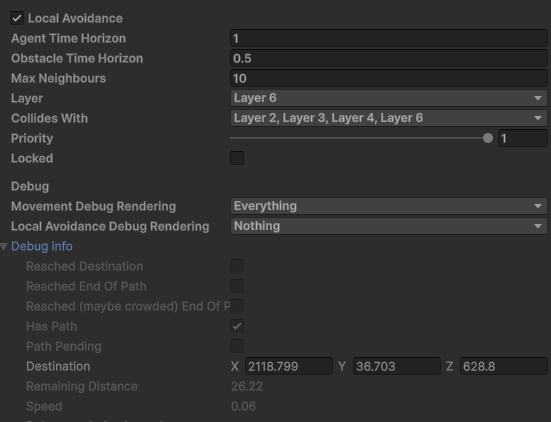
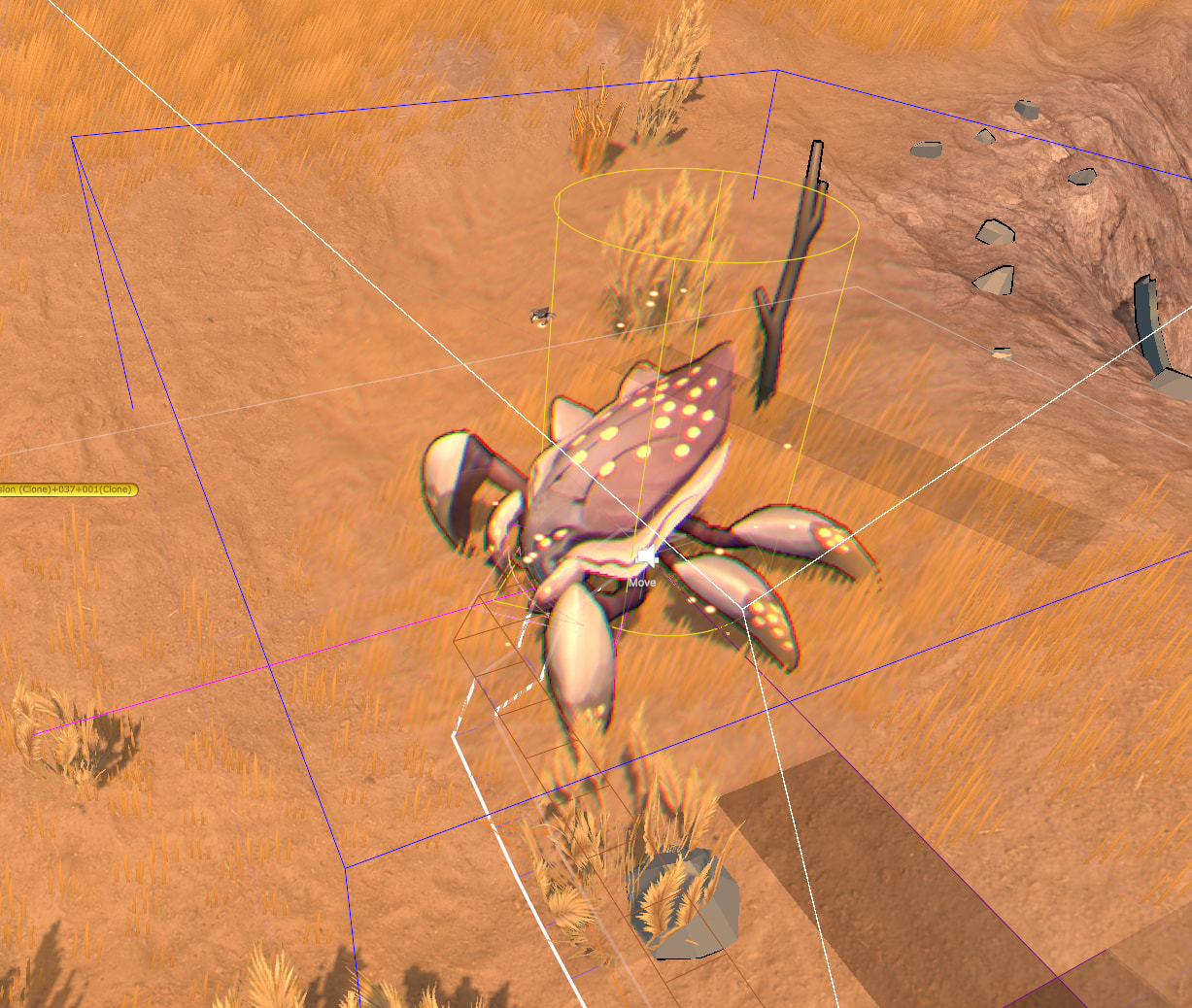
The mob has a path but does not move.
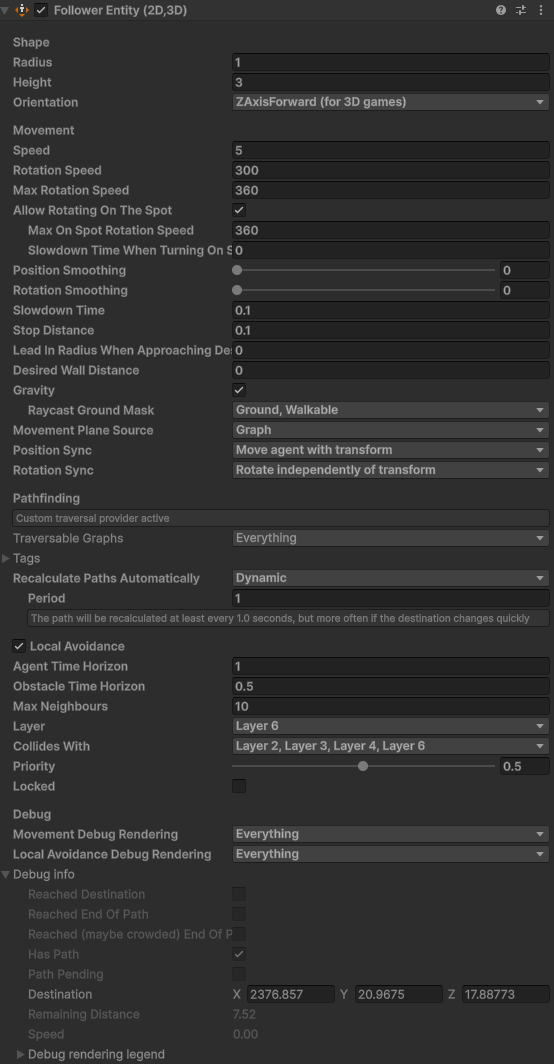
After unchecking “Local Avoidance,” it started moving. See debug speed.
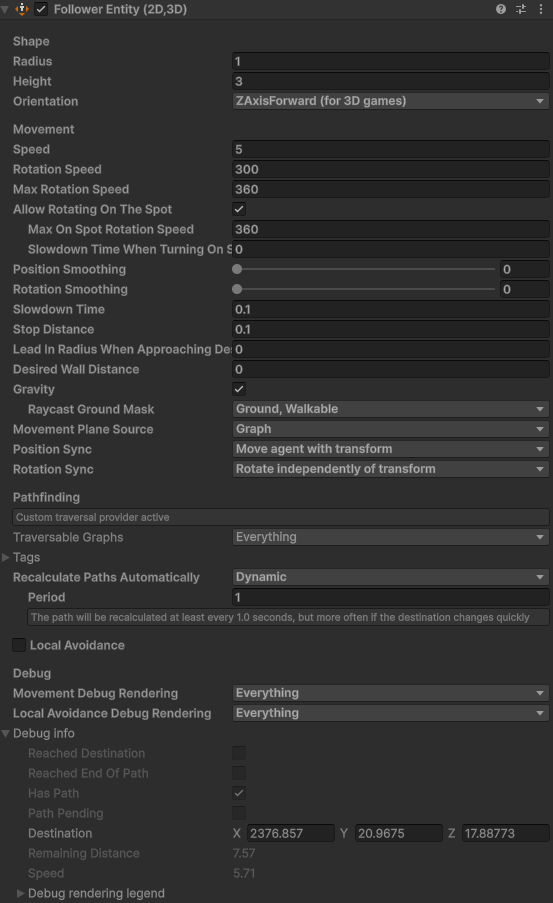
What are usually on the other layers under “Collides with”, just other units?