-
ALINE version: A* Pathfinding Pro 5.4.7
-
Unity version: 1022.3.62f2
-
Render pipeline: Built in
Our project is on an old version of A *Pathfinding pro. A version before ALINE existed presumably. We have it heavily modified, and therefore aren’t in a position to update the entirety of the A plugin. But I am interested in using ALINE, so I copied the Drawing folder from the newest download of A Pathfinding Pro 5.4.7.
No compile errors or anything, but I noticed that the duration doesn’t appear to be working. I’ve tried 1 second, I’ve tried 10 seconds, but in every case, the drawing commands just flash on screen for like 1 frame or something.
Are there any wierd dependencies between the ALINE version that is bundled with the A** plugin that might cause it not to work right for
What it’s drawing seems to be correct, but the duration is non functional.
For example, one of the commands is this
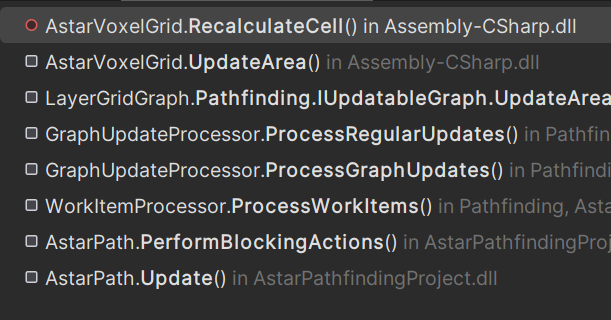
It’s being called from an update of AstarPath
Any ideas why just the duration would not work?
Poking around with the debugger, I notice that duration basically sets an endTime variable on PersistData and the only place this variable is read is in PersistentFilterJob.
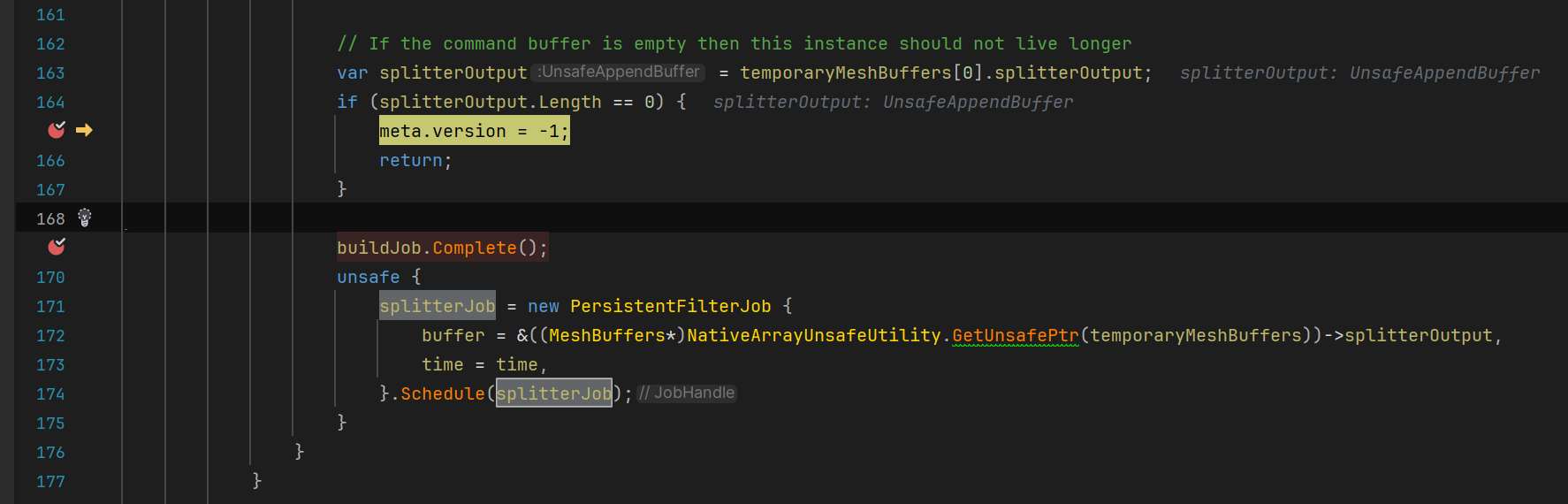
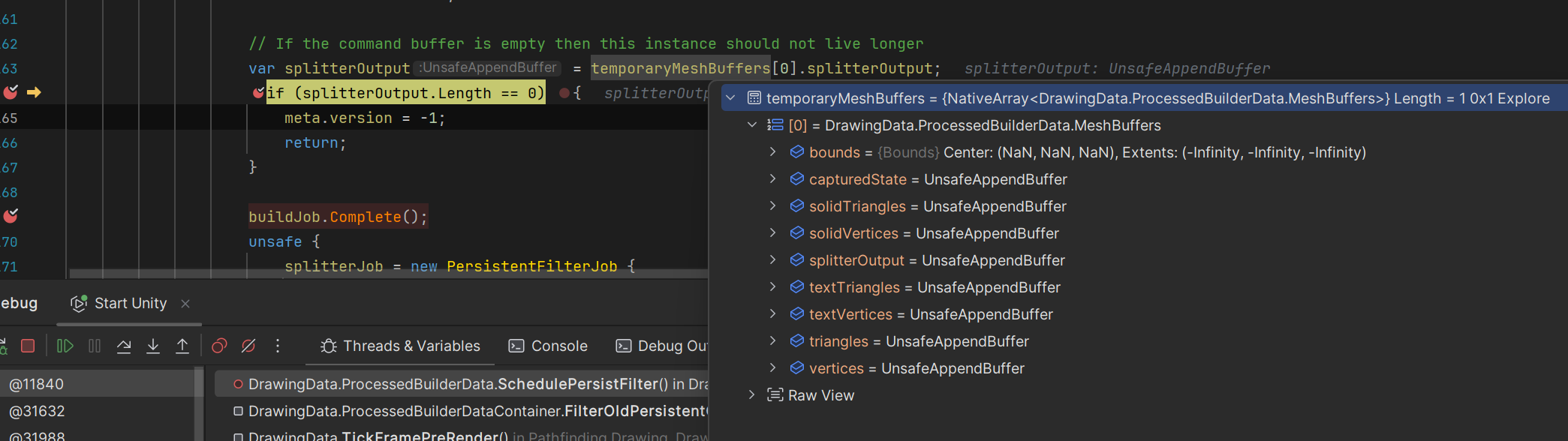
But the only place that schedules this job is SchedulePersistFilter, but it never gets to this job scheduling, on account of this early return, where the length
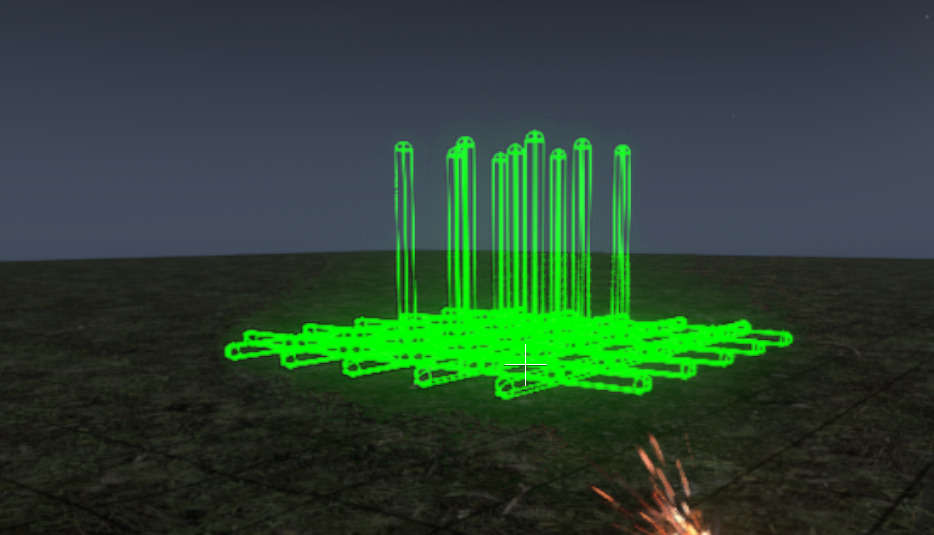
The only thing I’m drawing at the moment is some capsules.
Hi
Draw.ingame and Draw are different renderers. You need to use the same one. So e.g. Draw.WithDuration and Draw.WireCapsule.
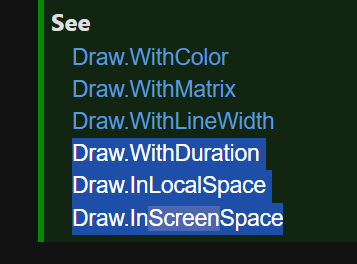
There is no Draw.WithDuration static function in the code extracted from the A* project.
There is no WithDuration function in Drawing\Draw.cs
I assume the standalone ALINE has it?
In any case, putting .ingame before WireCapsule and the line gets it working, so consider this resolved. I don’t know what’s up with the missing static function.
All these highlighted static functions are missing
Yes, a aline is intentionally stripped down. It’s only intended to be used internally by the Astar package
Thanks.
Is there an expectation that if you purchased the A* package, you should purchase ALINE separately as well? I was under the impression that “Used by the A Pathfinding Project” essentially means it’s part of the package, like a 2 for one for buying the A* project.
How stripped down are we talking?
Hi
Sorry for the misunderstanding. Perhaps that was a bit unclear. It’s used internally by the a* package, but it’s not intended as a bundle deal as such.
Everything not needed by the a* package is stripped out. Id estimate maybe 30% of the features are removed.
1 Like
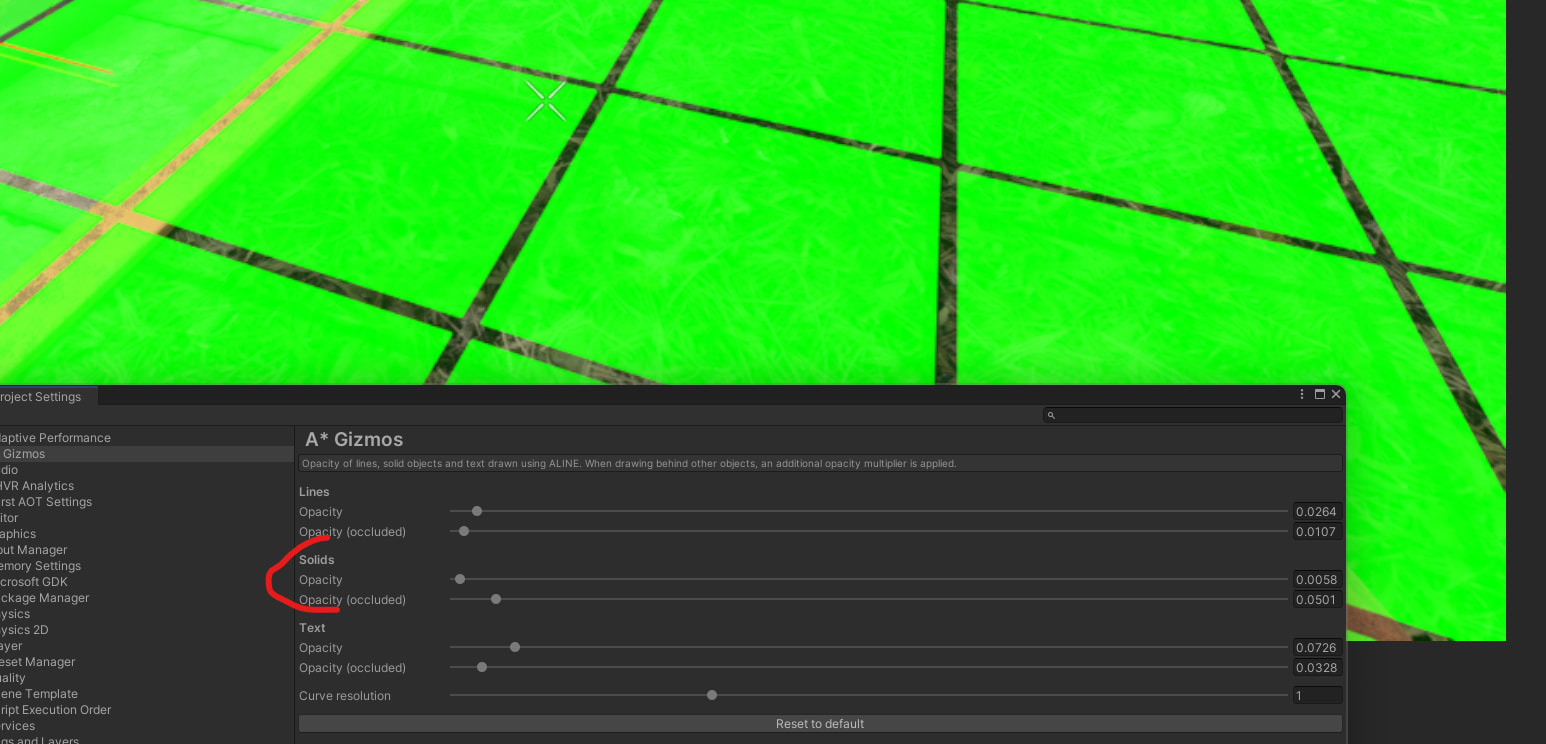
Thanks. One more question. Is there any reason why drawing wouldn’t respect the opacity of the project settings?
The sliders don’t do anything, and I can’t see any difference in drawings behind or in front of objects.
The project level gizmos opacity sliders don’t seem to do anything either.
Default render pipeline in 2022.3.62f2. Deferred w/ HDR
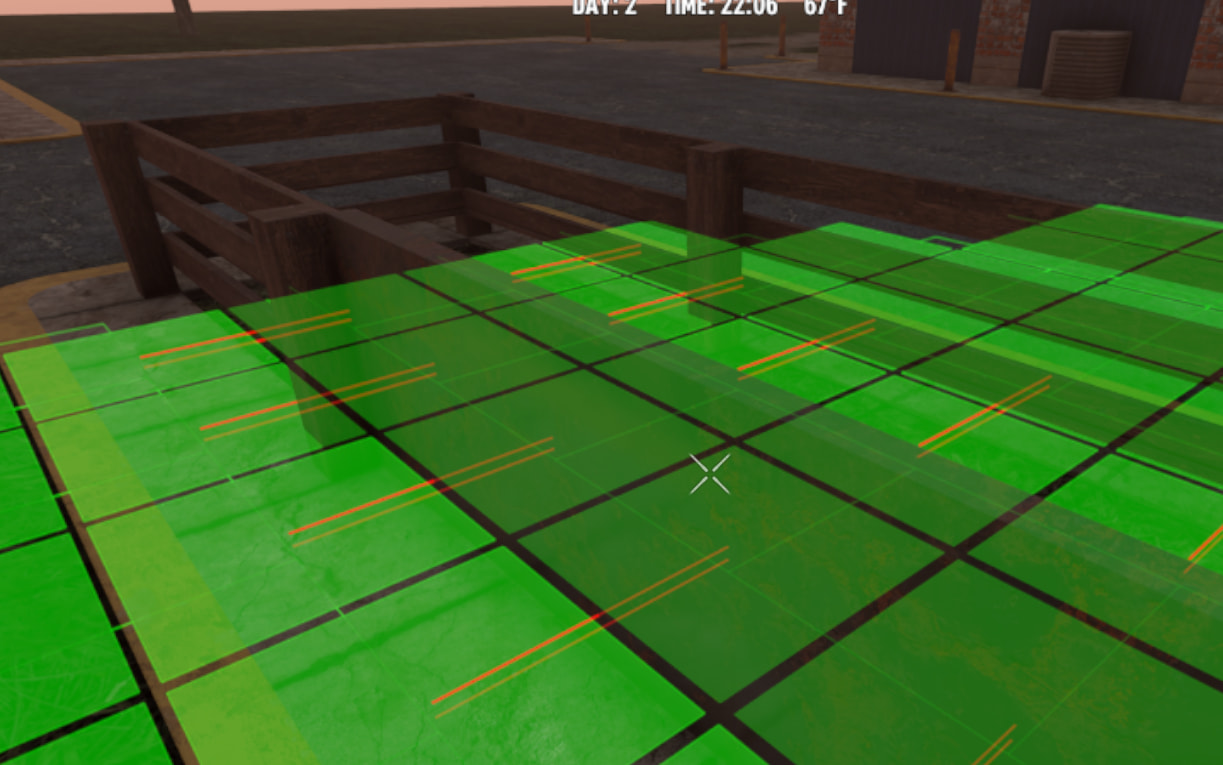
I can get transparency if I include alpha in the colors I’m drawing the primitives with, but I’d really like if that could be modulated against the project settings to facilitate global transparency adjustments and occluded opacity differences.
There is some occlusion color differences in the view, but it doesn’t respond to the sliders at all.
Do the project settings only apply to certain Drawers? I’m using a redraw scoped drawer in this circumstance.
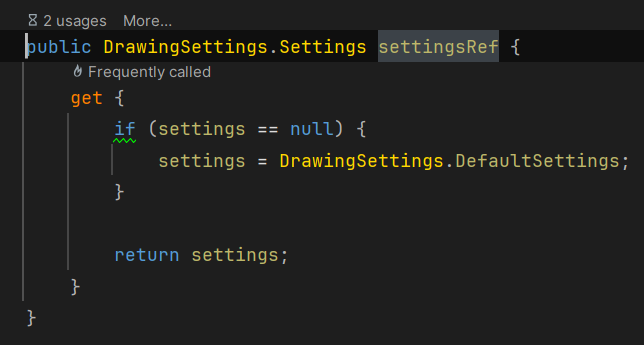
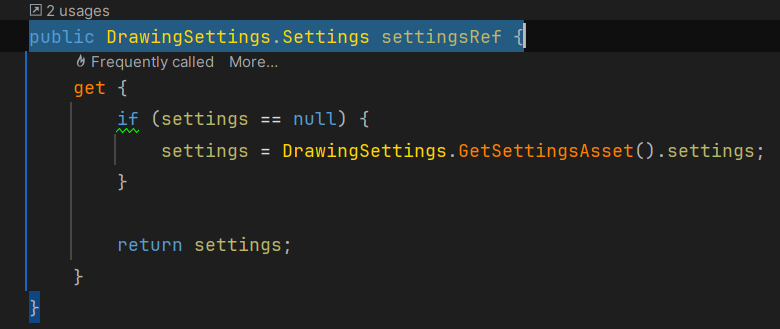
fyi, I had to make the following change to get the prefs working. The latest version of the toolset seems to have this issue aalso
changed to
otherwise the project settings edits the settings asset while the drawing code uses a default settings object