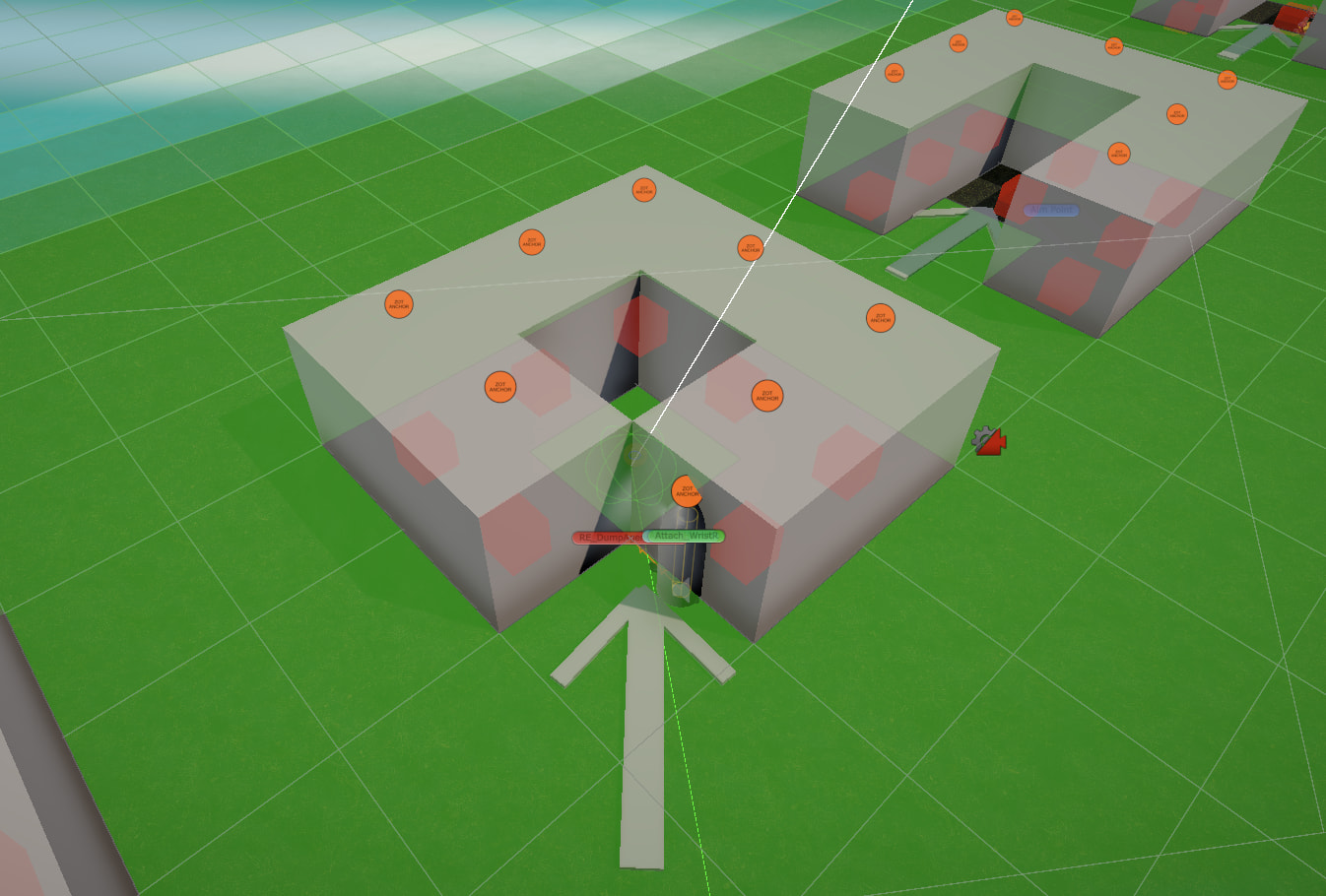
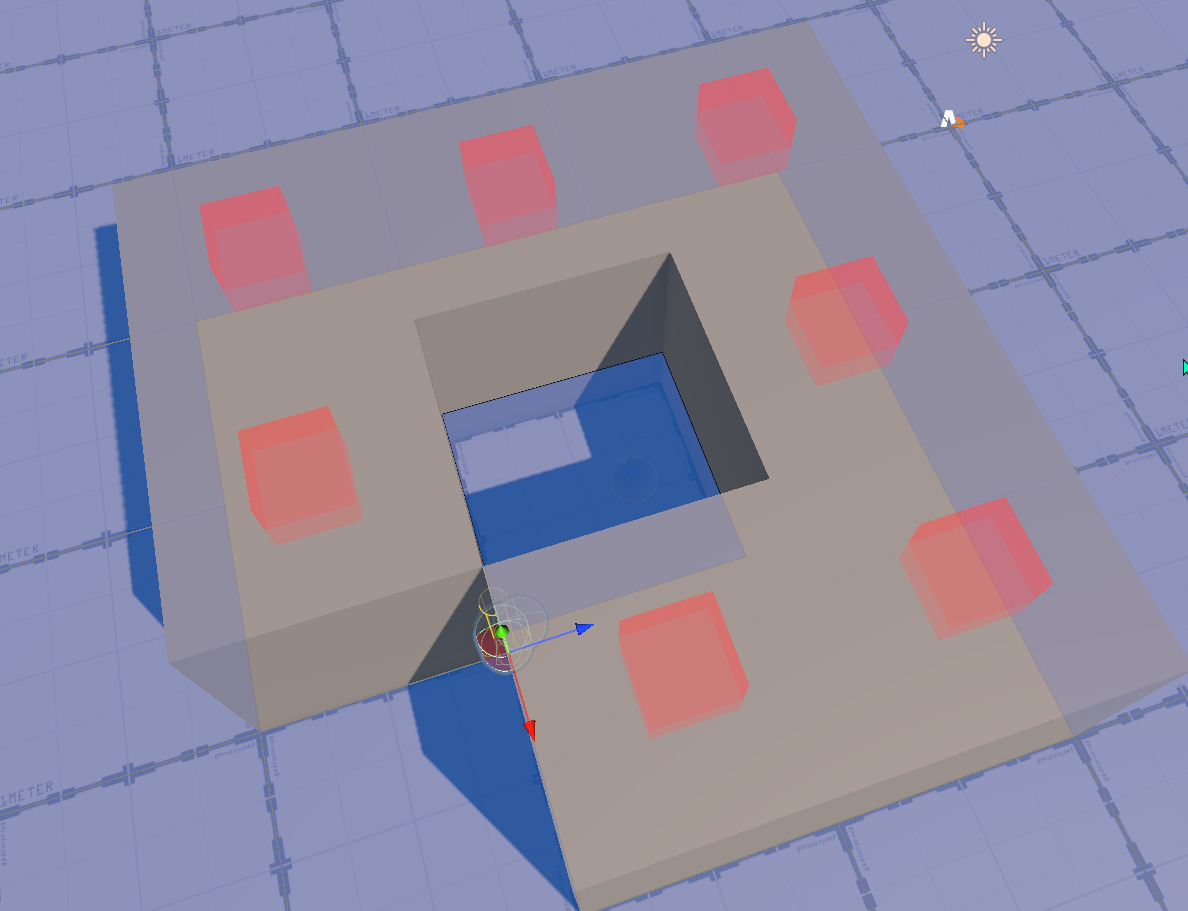
I was attempting to convert our agents to use the FollowerEntity component and nearly everything has translated with 1 notable issue. We have a stress test scene of sorts to make sure our agents can and can’t get to places we expect. I know t his literal corner case looks a bit weird, but this is representing an extreme outlier and we just want to ensure we get expected behavior (even if it’s a tad weird)
In the screenshot above the capsule cannot get to the center square here. With the AIPath component implementation the agents will basically cut through the cubes to get there but with the follower entity they’re stopping where you see the capsule and gizmos. For the most part the settings are identical before and after, though there are some additional settings on the FollowerEntity I don’t know I’ve accommodated for correctly.
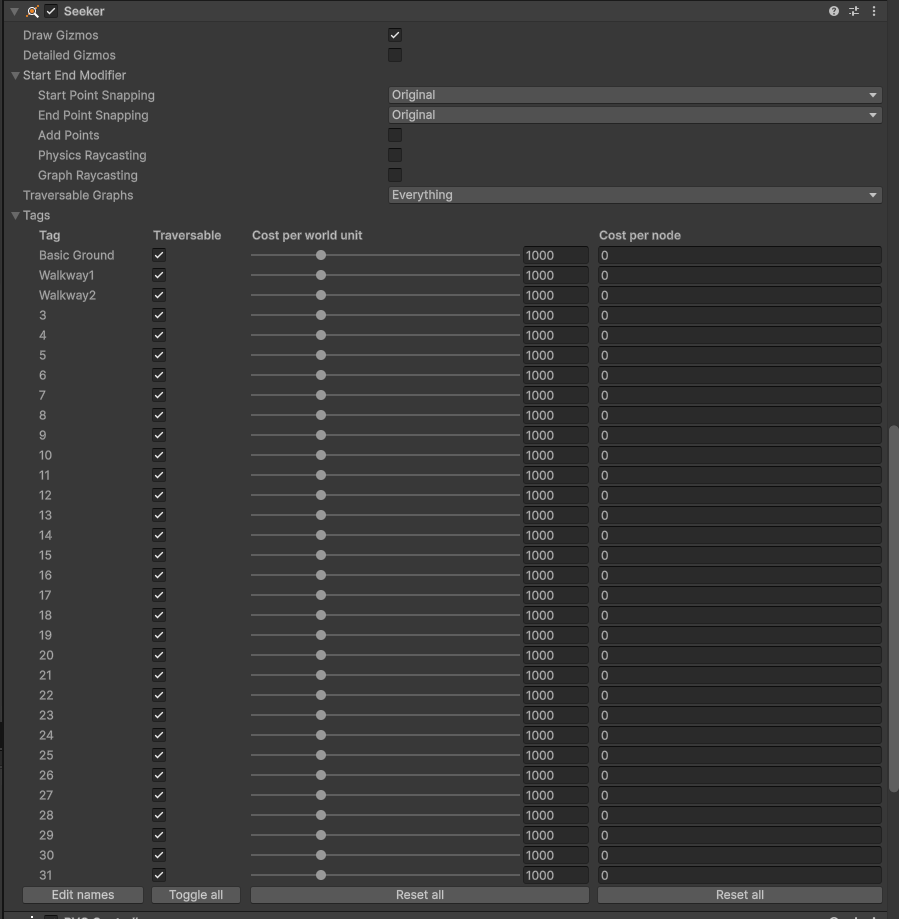
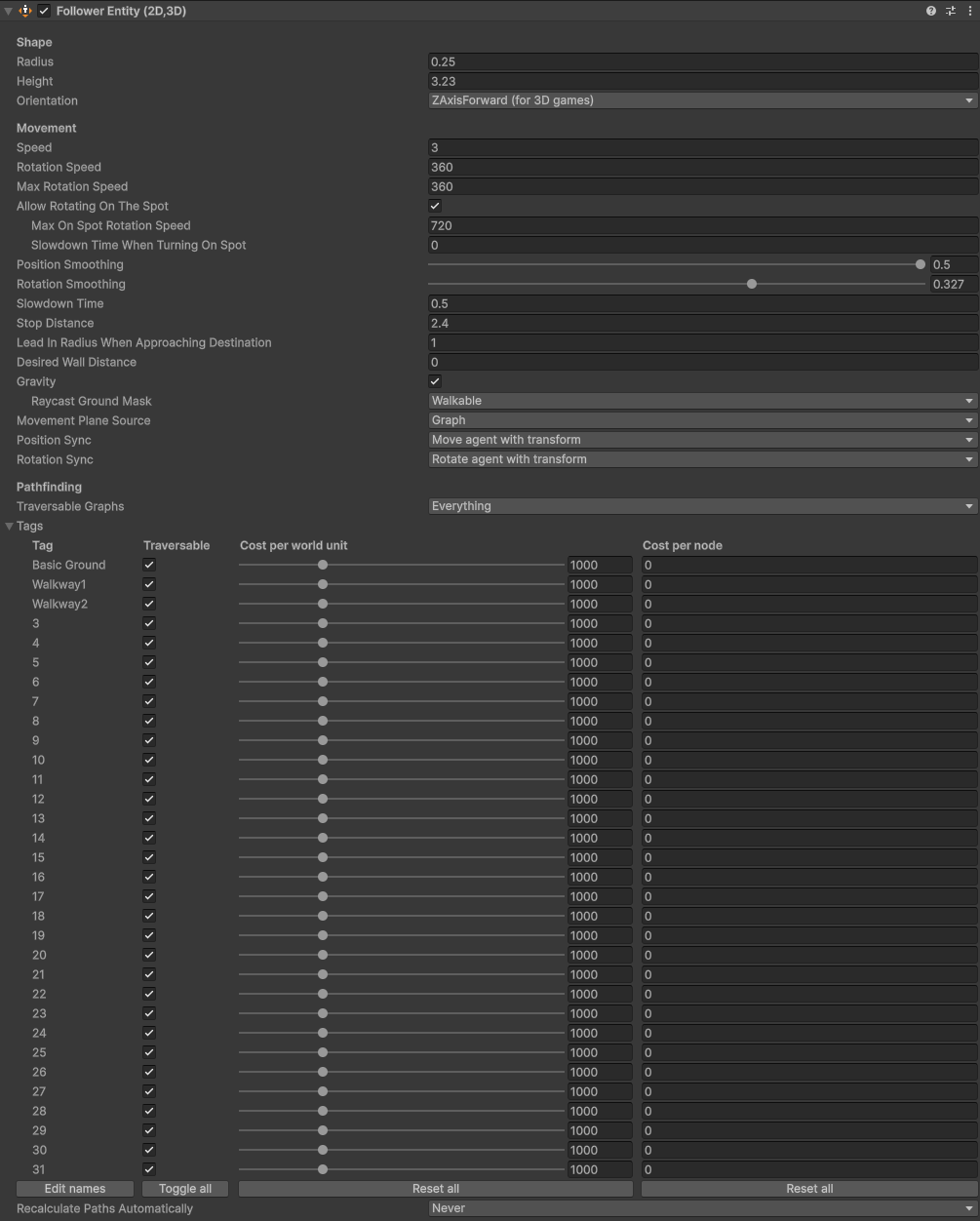
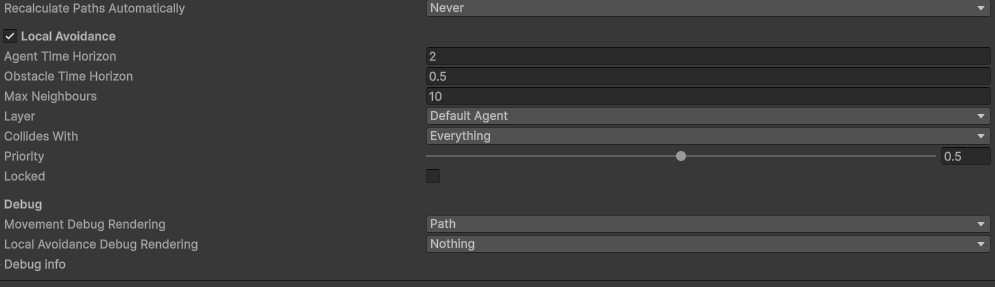
With the exception of this one case, everything is seemingly correct. The aspect I am most uncertain about is what happens to all the Seeker options which are slightly different before/after. As well as where the slowdown distance might be (if supported with FollowerEntity).
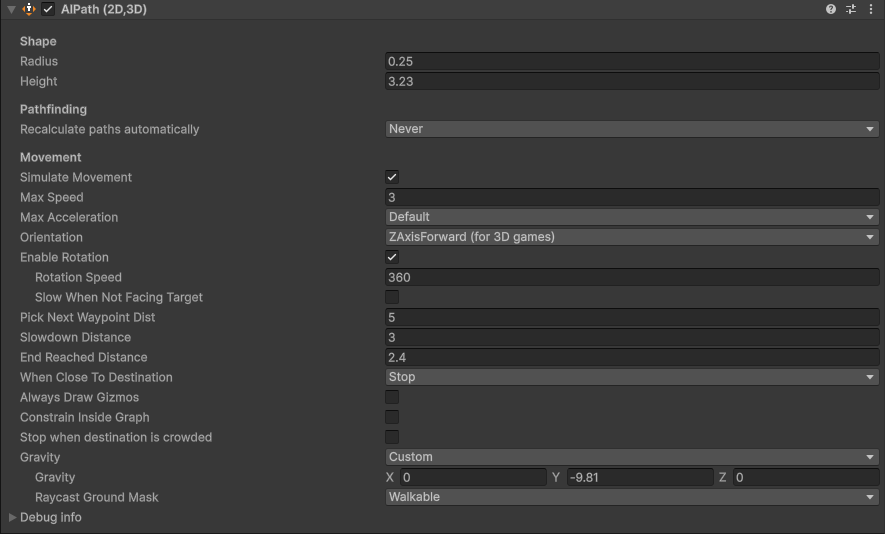
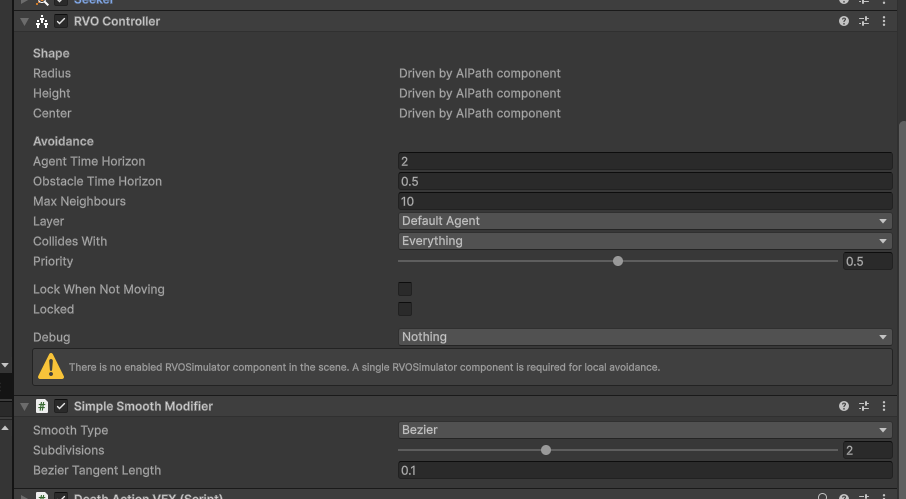
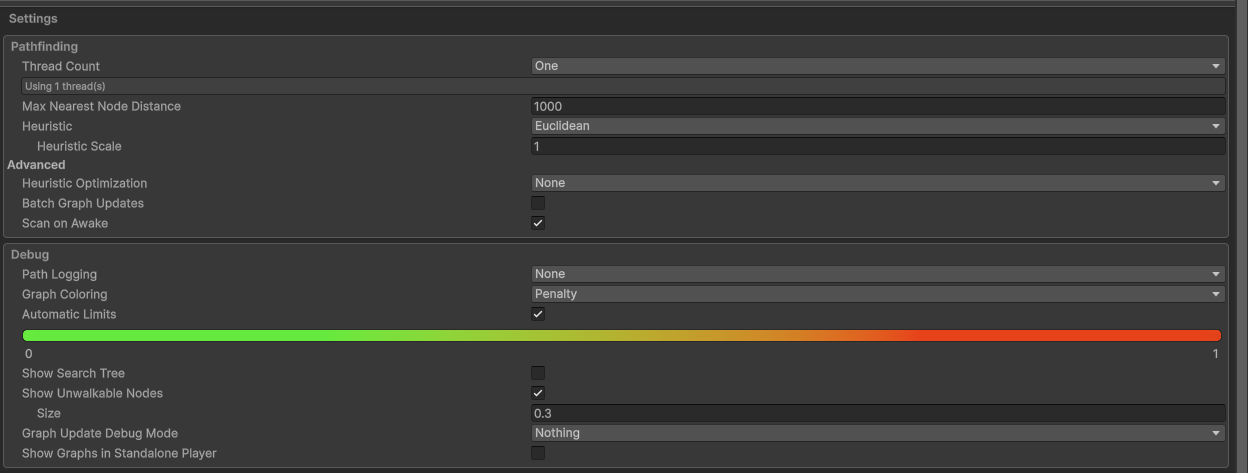
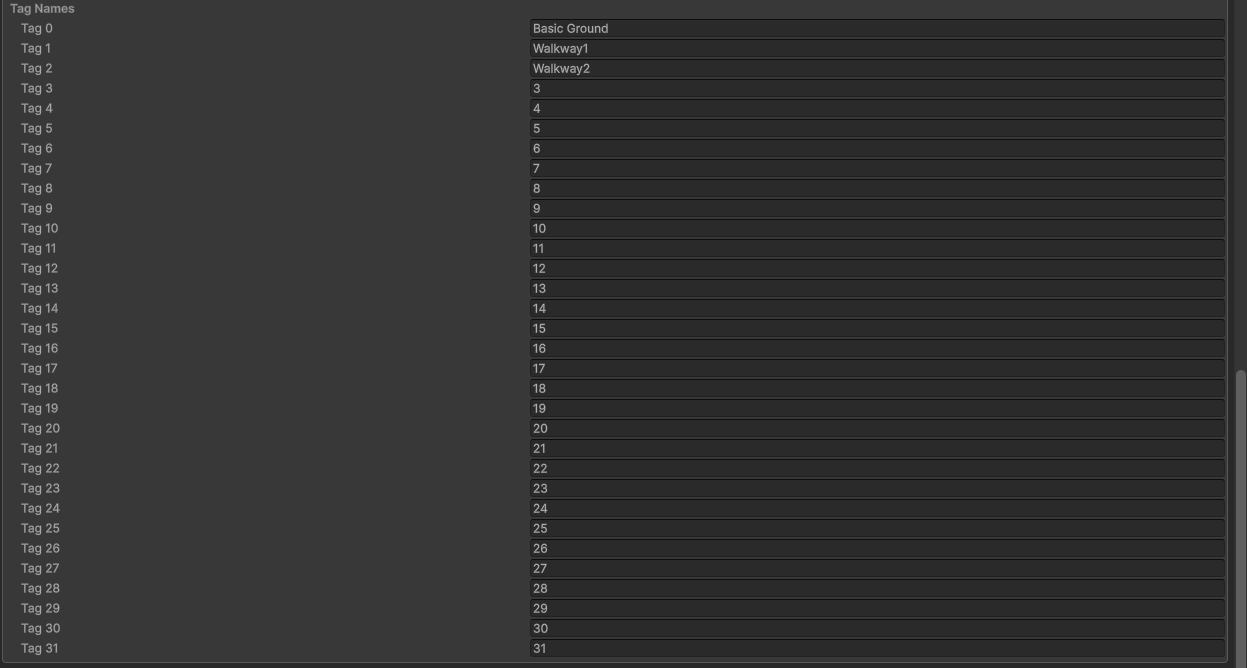
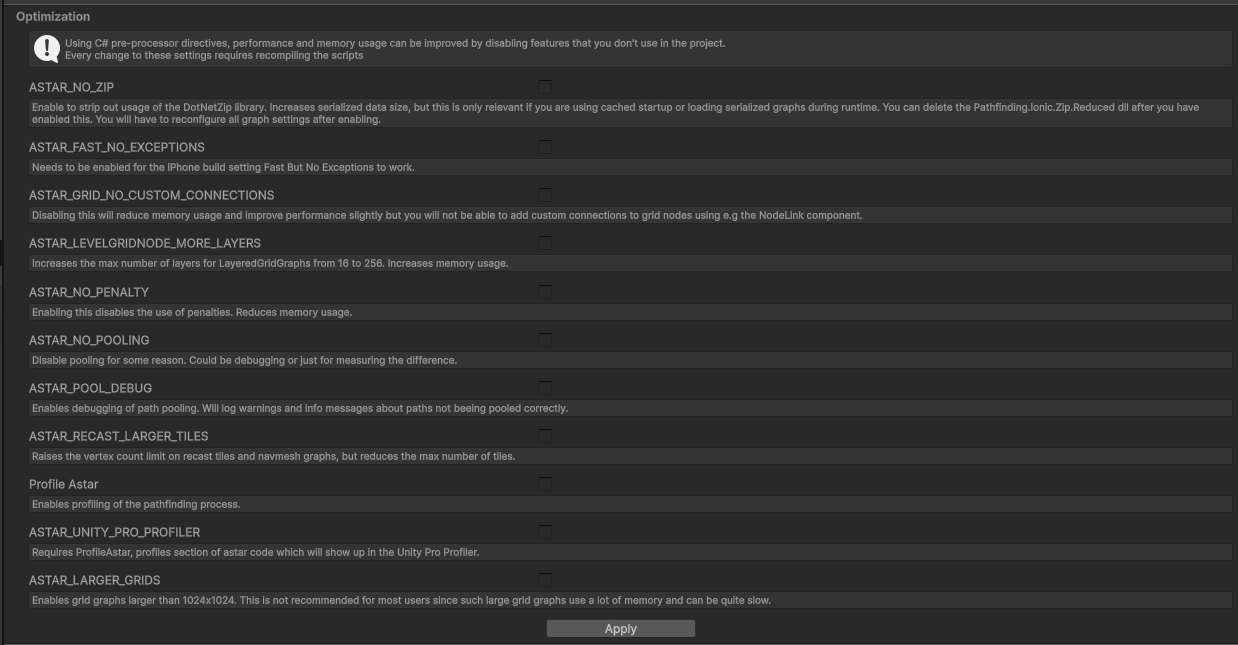
Here are screenshots of the settings we had on the components before the change:
And here is the follower entity setup:
Speed settings are controlled via code as is graph recalculation.
I’m not totally sure how to debug this, in both cases the agents think they can get there but something is stopping the Follower Entity. I have tried disabling avoidance and colliders on the blocks and get the same results.
Hi
You must have done some modifications to the package code to make this work with AIPath, I think? AIPath shouldn’t be able to walk through there in the default setup either.
Hmm, no modifications really, just one change to a preprocessor for ALINE related code (Aline URP Render Pass Warning Spam in 5.4.6 with Unity 6.3 URP Version 17.3.0 - #9 by HanHan)! There are diagonal connections enabled on the nodes.
Before we tell the entity to go to this spot we do check if the path is possible using
return PathUtilities.IsPathPossible(nodeA, nodeB);
Where nodeA and nodeB are the node the agent is starting on and the destination respectively. If this was false they wouldn’t even be trying.
Can you share that scene? I’d like to test/look at that exact geometry with that exact unit and see if I get the same results on my end
It’s not an easy share unfortunately, confidential and licensed aspects of the project get in the way. Is there something I can fetch more specifically? For example could provide the export of grid graph we use.
The geometry is spawned at runtime and we manually modify the walkability of the grid graph based on rules in the game. In that screenshot each cube is a 5m x 5m x 5m default unity cube primitive with a collider on it. The cubes are 1:1 with a node on the grid graph.
Yeah if you just give me the agent settings (edit: which you already did so np here) and the graph (as well as maybe the graph settings + scene with just the meshes in the screenshot) i can work with that no problem
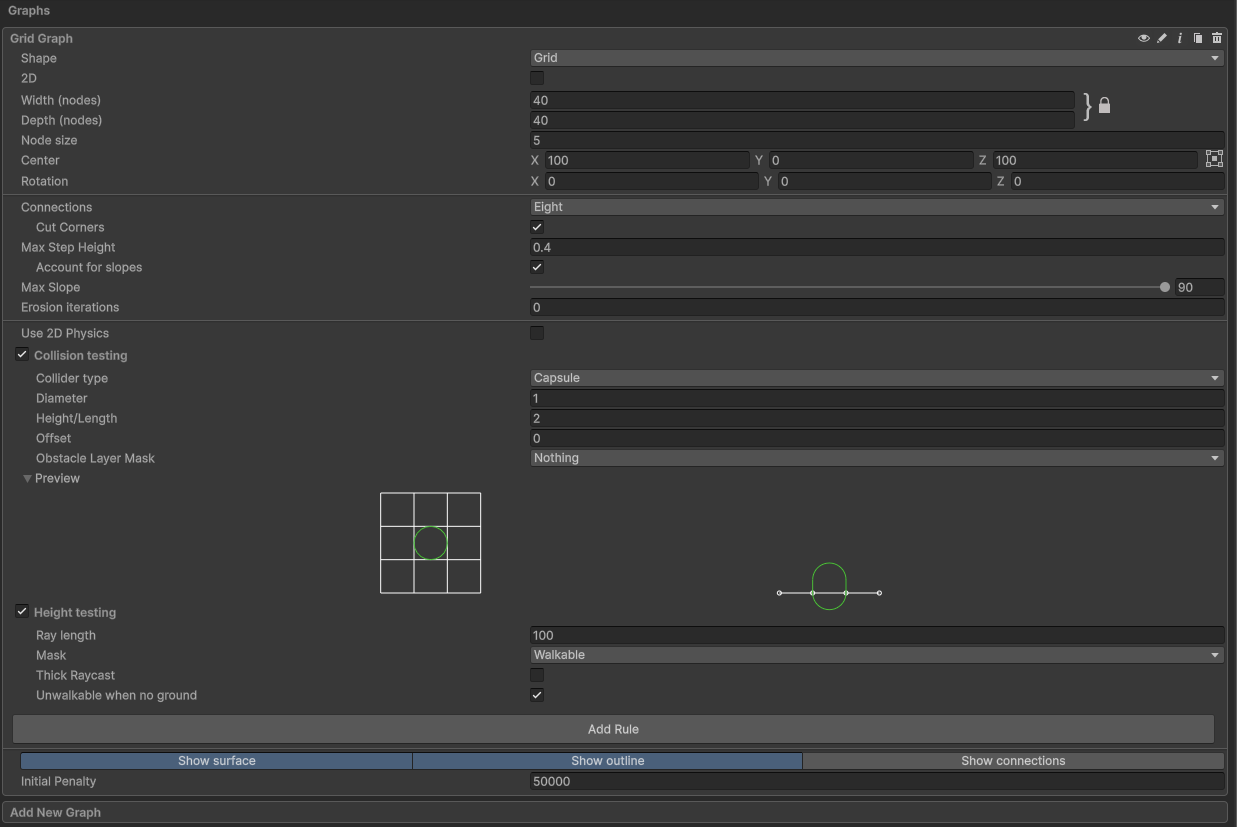
There are limits on the file type I can share directly through here, hopefully this link works. I’m n ot actually sure what t he difference is between the ‘cache’ and the ‘save to file’ functionality on the graph export, I’ve included both. Really though the graph is just scanning the flat plane:
The meshes are just unity primitives. The ground is flat terrain in the screenshots, though we use the same settings/graph on top of a plane primitive.
And the cubes are just cubes (5x scale since our grid size is 5m) from the GameObject → 3D Object → Cube dropdown within unity.
We do have a ‘Walkable’ layer set,

Yeah I’m not seeing this behaviour with AIPath even setting it up as identically as I could. Like Aron said, stopping within the corner is the expected behavior, not clipping inbetween them. Can you screenshot your graph settings so I can make sure I got mine set up right? I set mine up with the details you gave me already but I wanna make sure I’m not missing something.
No tags are really being used in this problem, but we do have 3 tags we use for some things.
Tried to see if I could strip out the confidential things and export as a unitypackage but it unfortunately just winds up pulling in a lot of thing I can’t share.
I decided to go back and check some stuff in the project and I think I figured out the culprit. We had a race condition with some assets loading so the “IsPathPossible” check was getting skipped, apologies for the noise and I really appreciate the help.
Was a bit of a Sherlock Holmes situation “When you have eliminated the impossible, whatever remains, however improbable, must be the truth.”
No apology needed- at the end of the day finding the source of the issue is the goal  sometimes it just takes a bit of bouncing it off others. So are you seeing the behavior you want to see from
 FollowerEntity now?
1 Like
Yep, seeing the expected behavior now!
1 Like