- A* version: 538
- Unity version: 6.2
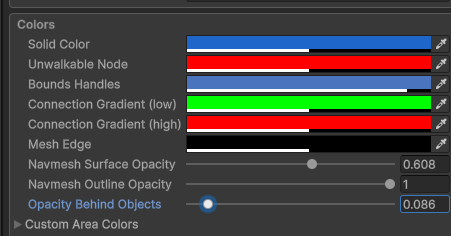
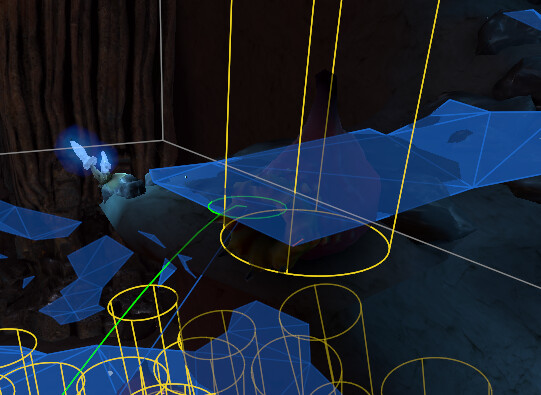
Hm, yeah, looks like a bug indeed. I also tried the Project Setings > A* Gizmos and ALINE Gizmos to no avail. Thanks for bringing it up!
Is there any update on the status? Will this be fixed in the near future?
Same bug at A* v5.4.4 and unity v6.0.
None yet. I 100% neglected to mention that I let Aron know about this one. I wouldn’t call it a mega high priority though– not that it’s unimportant or anything just that he’s very busy with a lot of other fixes and changes. This is on his plate though 
1 Like
Thanks! They did indeed not work. I’ll include a fix in the next update.
In the meantime, you should be able to access the opacity settings via the A* Gizmos tab in the Project Settings.
2 Likes
Thank you for the reply!
I already tried this one (via project settings). As @tealtxgr had already mentioned, it doesn’t work either.
Updated to V5.4.5, but it didn’t fix the issue for me. I tried adjusting the settings in Project Settings, changing them directly on the A* object, and tweaking the AstarGizmos asset in the Resources folder (Assets/Settings/Resources/AstarGizmos.asset). Nothing works – the opacity stays the same.
Sorry about the delay. There’s always a lot being worked on in this package. Aron will have more info on when this fix will make it into an update, and he’ll most likely give a response when the next update has a fix.