-
hi brothers and sisters,
wishing youall happy healthy years ^^got a question. I did all combinations and couldnt resolve for last 2 months. and I sadly ended up here with that unresolved question.
(finally I will remove astarpath and will use unity’s own Navmesh rather than astarpath)
AIPath NPCs float in air in standalone build (but stay on ground in Editor) – Behavior Designer Movement Pack
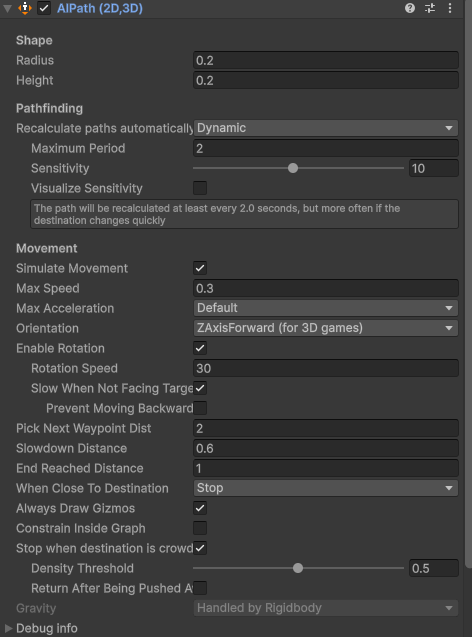
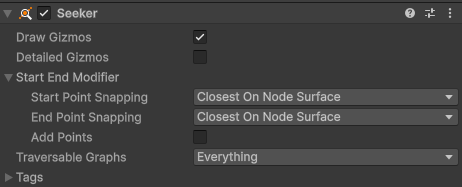
Using Behavior Designer Pro + Movement Pack (A* integration) in Unity 6000.0.3f1 LTS.
Setup:Single AstarPath in scene
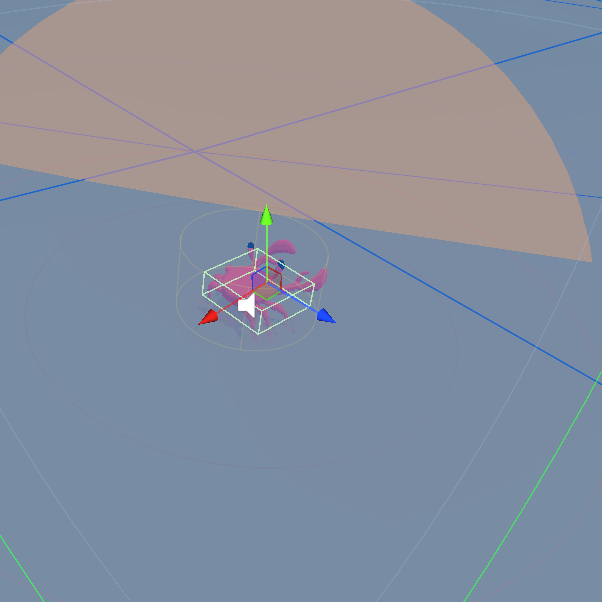
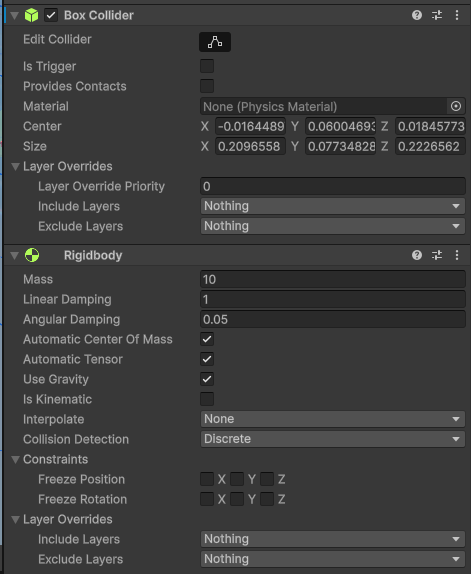
Each NPC: AIPath + Rigidbody (non-kinematic, Use Gravity enabled, no Freeze Position constraints) + Box Collider
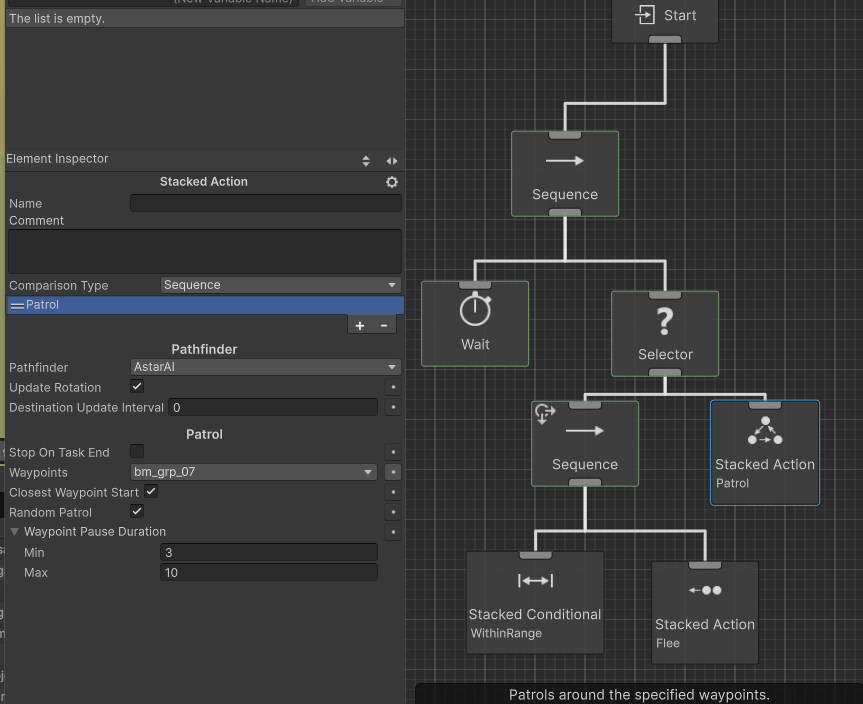
Patrol task from Movement PackIn Unity Editor: NPCs stay perfectly on the ground and patrol correctly.
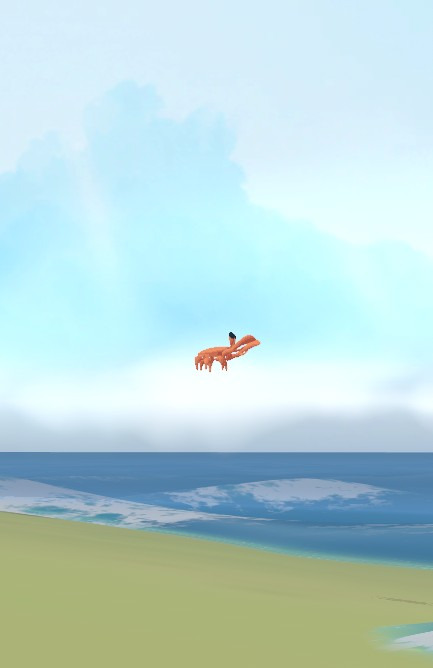
In standalone Windows build: NPCs float in the air (hover above ground) while patrolling – they should stay on the ground like in Editor.
Tried:Kinematic on/off
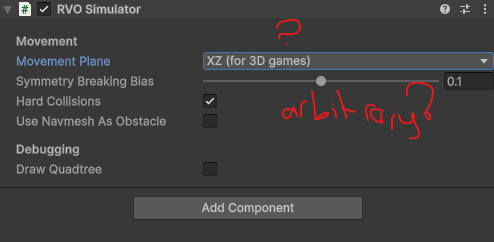
RVO on/off
Graph rescan on start
No console errorsWhy do NPCs stay grounded in Editor but float in standalone build? Any known physics/pathfinding differences between Editor and build?
If I run the game standalone, there are 30-40 NPCs in the air, some on the ground, some in the air. But when I run the game from within the Unity Editor, they’re all on the ground.
btw.. there is no character controller attached to. is it a requirement?
everything works perfect and all NPCs are grounded in Unity Editor Play Mode. but in standalone %30 of them are flying..
it moves but it moves on the sky. even its 10kg!
AIs recommends RichAI rather thna AIPath component.
do you have a clue?(thanks in advance^^)
the reason I’m asking this question here is that others using the same plugins will definitely encounter similar issues, and by posting this, I’ll help someone through the forum and make their day. That’s why I asked, not because I expect someone to reply, but so this solution stays here for other people experiencing the same problem.
I’m pretty new to this stuff,but this feels like a super classic issue that others must have run into before. I have no idea why there isn’t a solution shared anywhere or why I couldn’t find one, but after trying every possible combination nonstop from 7 amto 1 am the next morning (17 straight hours), and then testing it over and over again after I finally figured it out, I’m happy to share the fix with everyone else.
This literally cost me an entire day glued to my chair, so I hope it saves someone else from wasting theirs.
The solution is simple:Animator > Apply Root Motion : must be unchecked (OFF)
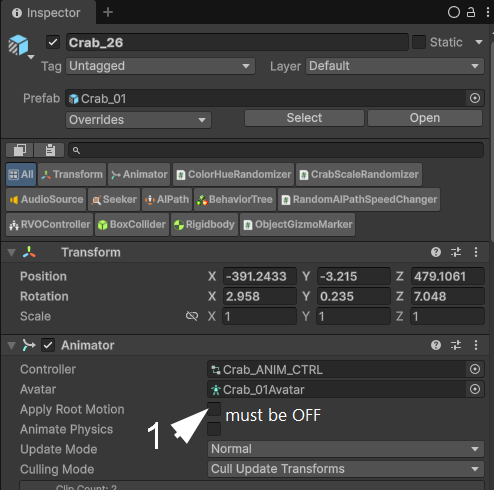
than all NPCs move and behave completely naturally, just like they should.
For what it’s worth, this is always appreciated. Forums and the like work better when users can search through an archive of information. So thank you!
Very sorry about your lost hours, I understand the feeling. Thank you very much for letting us know what the fix was here! The time was not spent in vain 