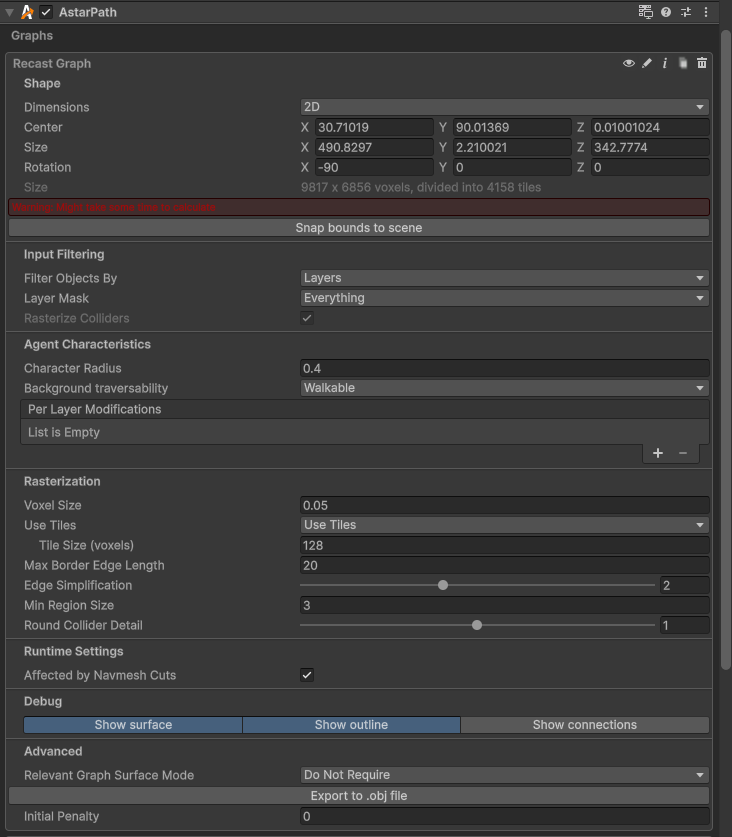
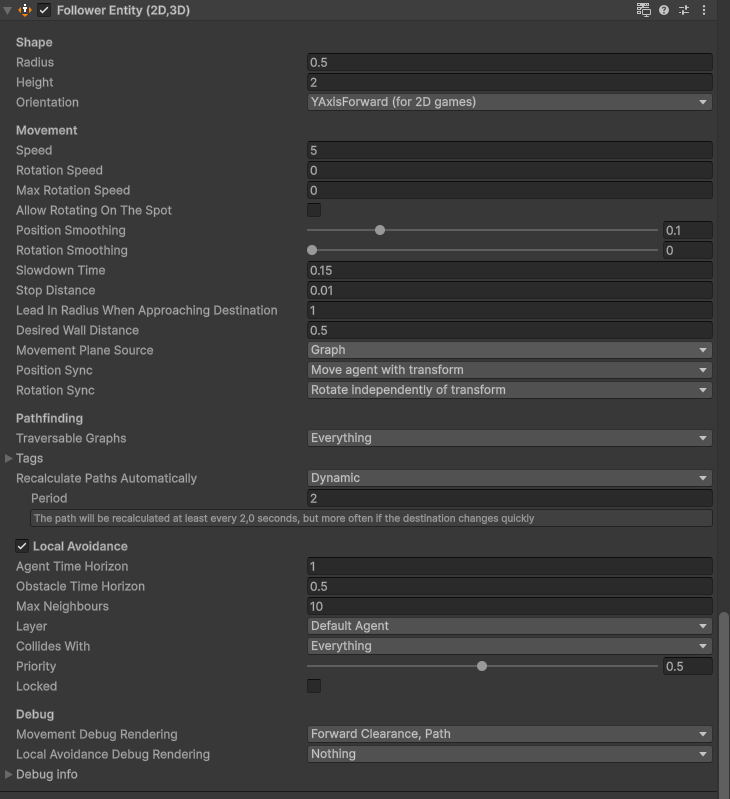
-
A* version: 5.4.5
-
Unity version: 6.2
Movement script:
        // Mouse click input (client only)
        public void OnAutoWalk(InputAction.CallbackContext ctx)
        {
            if (!isOwner || (!ctx.performed && !ctx.canceled))
                return;

            Vector2 mousePos = Mouse.current.position.ReadValue();
            // Check if mouse is inside the camera render area (ignores letter bars)
            if (!_mainCamera.pixelRect.Contains(mousePos))
                return;

            // Check if mouse is over UI
            if (IsPointerOverUIObject(mousePos))
                return;

            Vector3 worldPos = _mainCamera.ScreenToWorldPoint(mousePos);
            worldPos.z = 0;
            Debug.Log("Setting destination to: " + worldPos);
            _agent.destination = worldPos;

        }
I’m getting in the console:
Setting destination to: (39.39, -28.46, 0.00)
I tried to disable all the rotation, but the player doesnt walk, because it is trying to move in the Z axis.