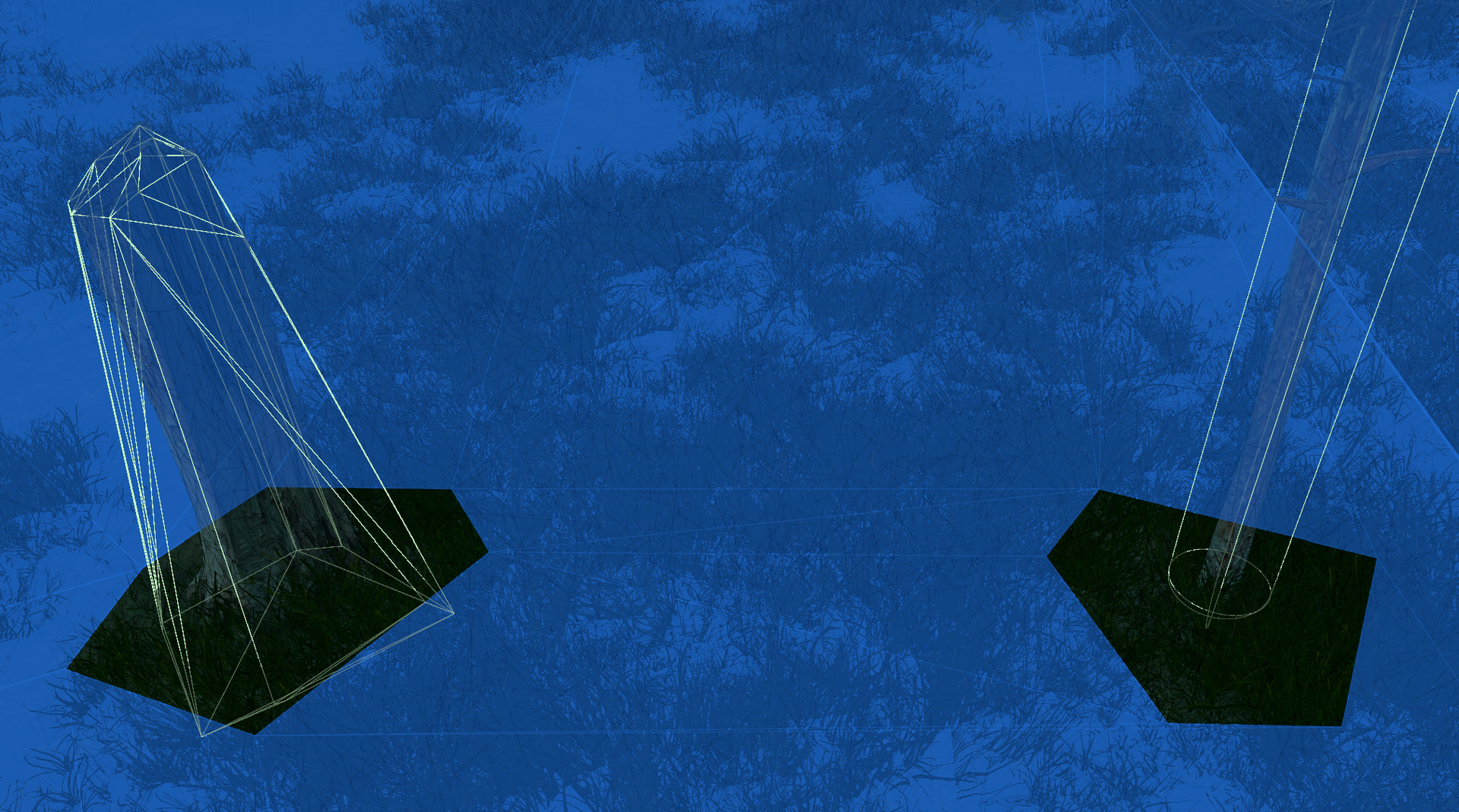
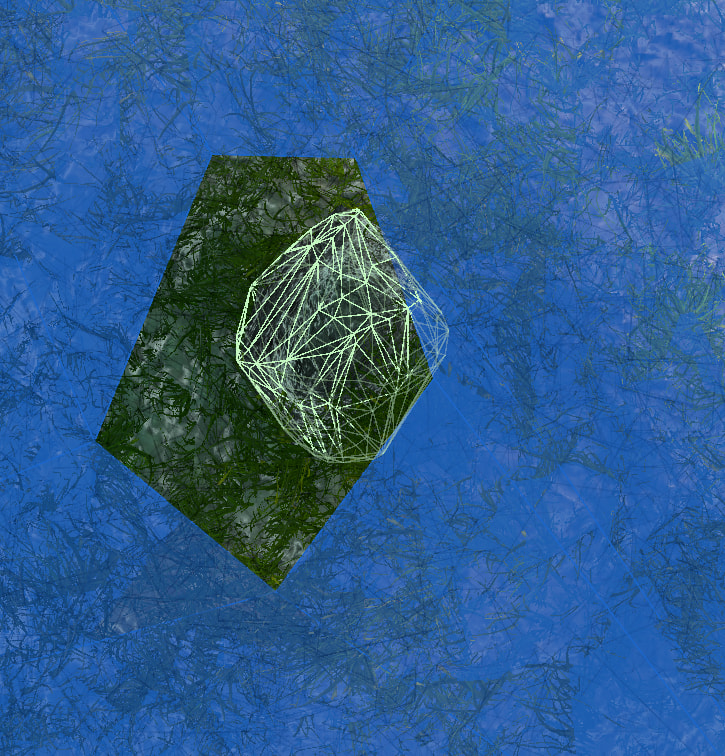
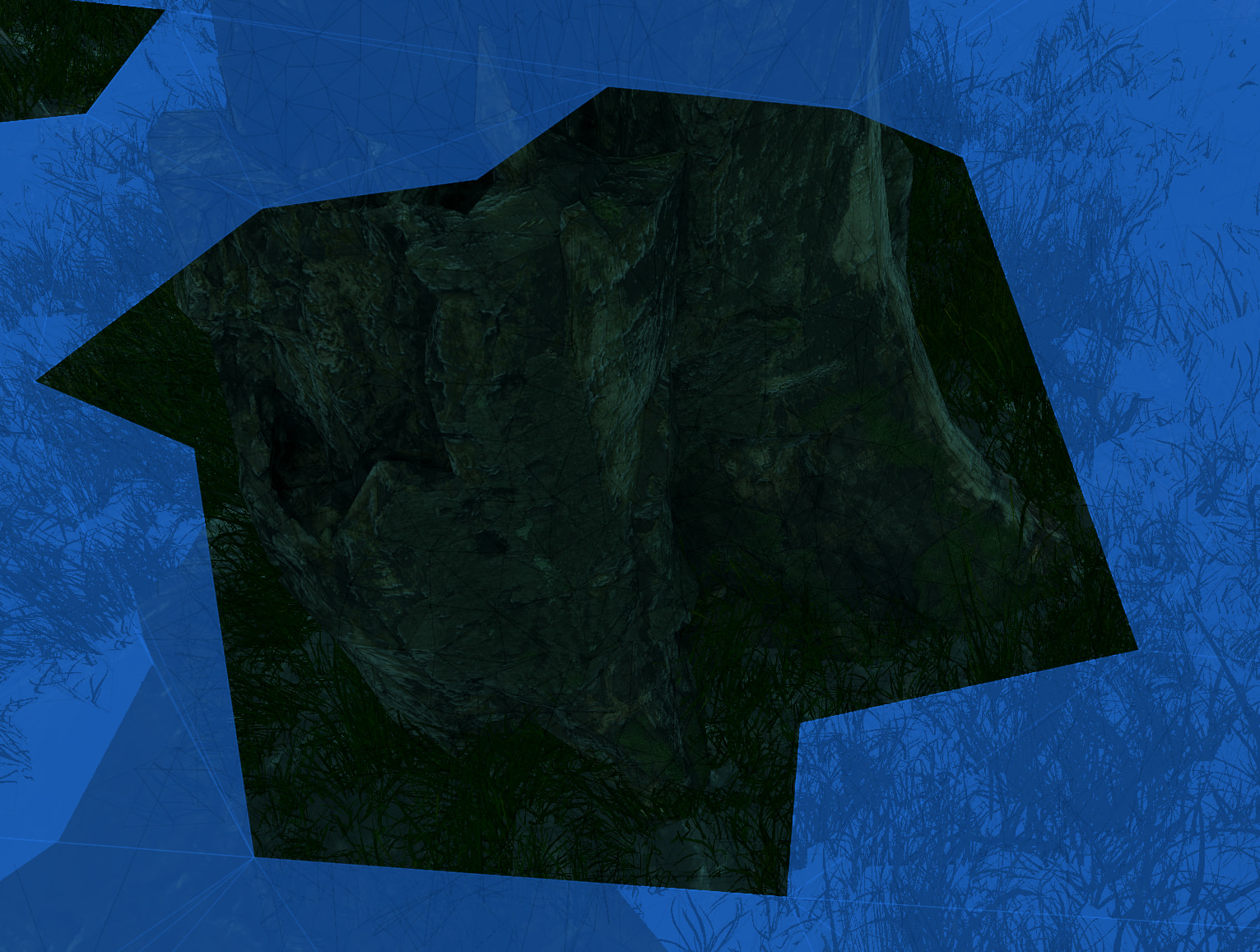
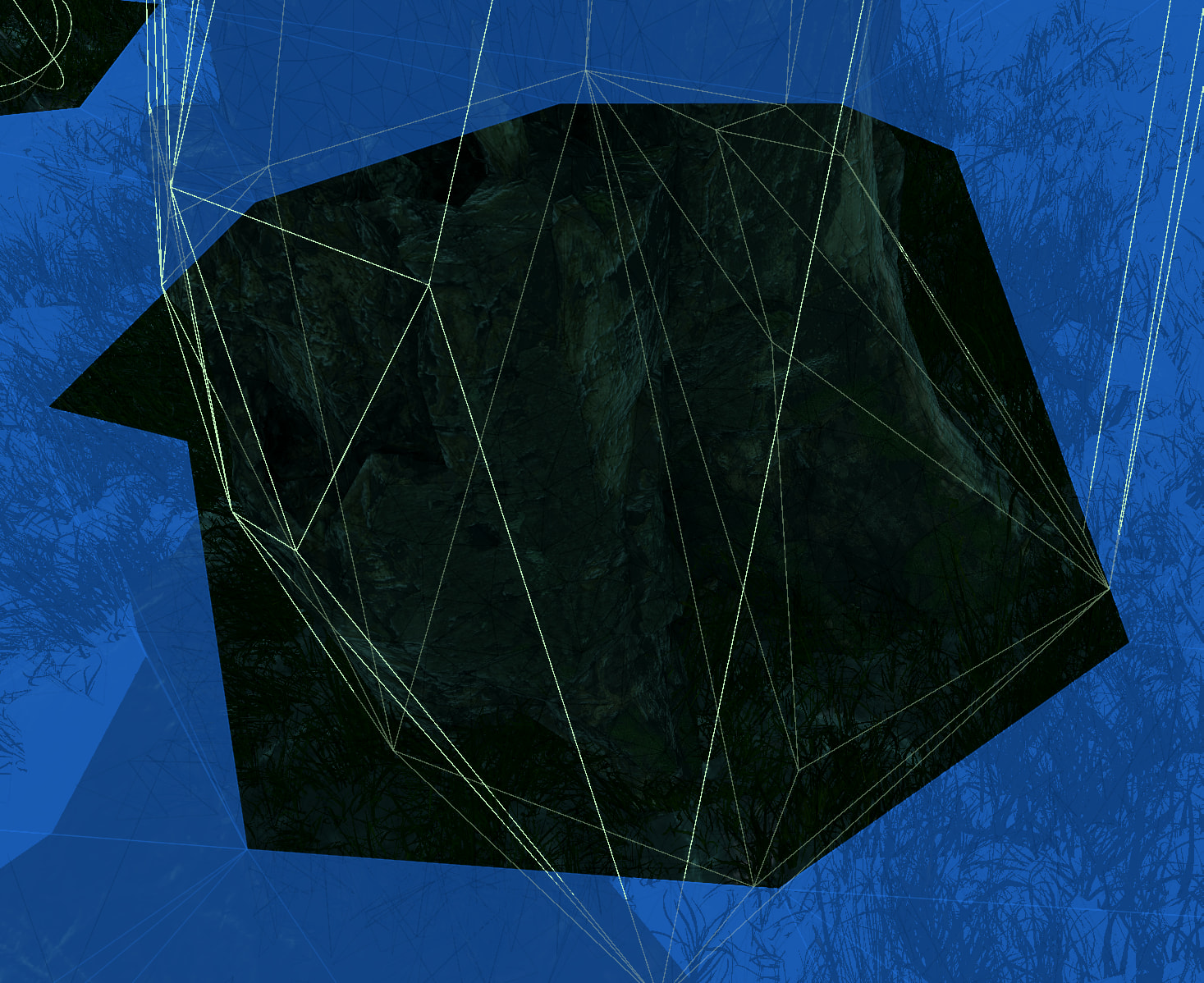
I’m having an issue where cyllinder cut-outs are too large and mesh collider cut-outs are too small.
My characters are getting stuck on these mesh colliders because the cut-out is too small. I can increase the character radius, but the cut-out is already too large for cylinders.
Is there a specific setting that I may modify?
Are you able to send me these meshes and your current graph settings? If I can’t find the issue in the settings I’ll try this out for myself and see what’s going on. There’s not enough to gleam from the screenshots alone sadly. Also your Unity/Astar version as well 
Yes, it is Unity 6000.4.10f1, w/ A*Pathfinding 5.4.6. It will take some time for me to assemble a test scenario, as my game worlds are procedural and do not exist with a stopped editor.
Is there anything unusual in what you are seeing, i.e. are the cut outs what you would expect? The mesh collider cut-out seems closer than the cylinder cut-out.
To me it looks like the cell size of your recast graph might be too high. This is effectively the resolution of your graph. Reducing the cell size will make the borders more accurate at some cost to scanning time.
1 Like
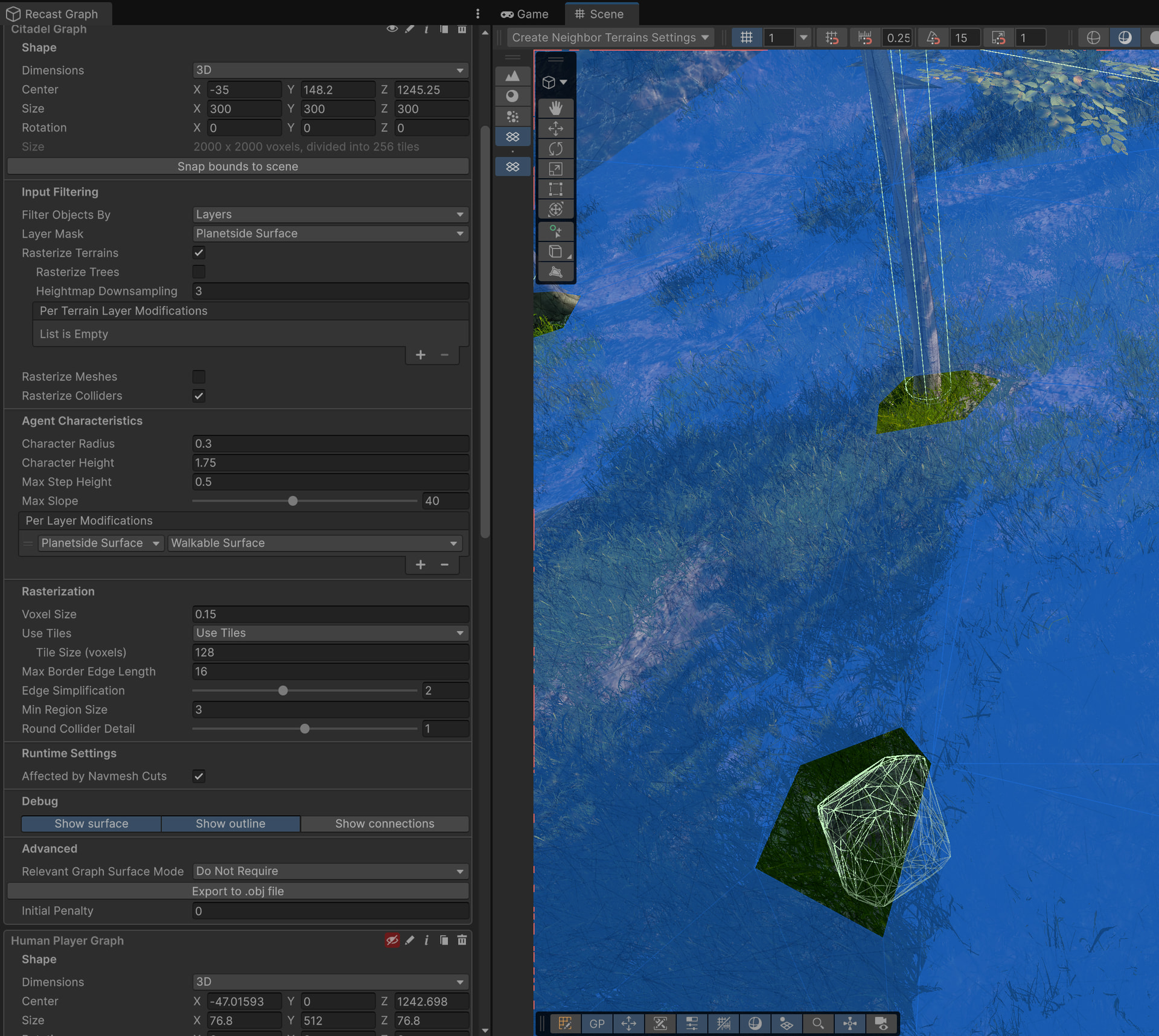
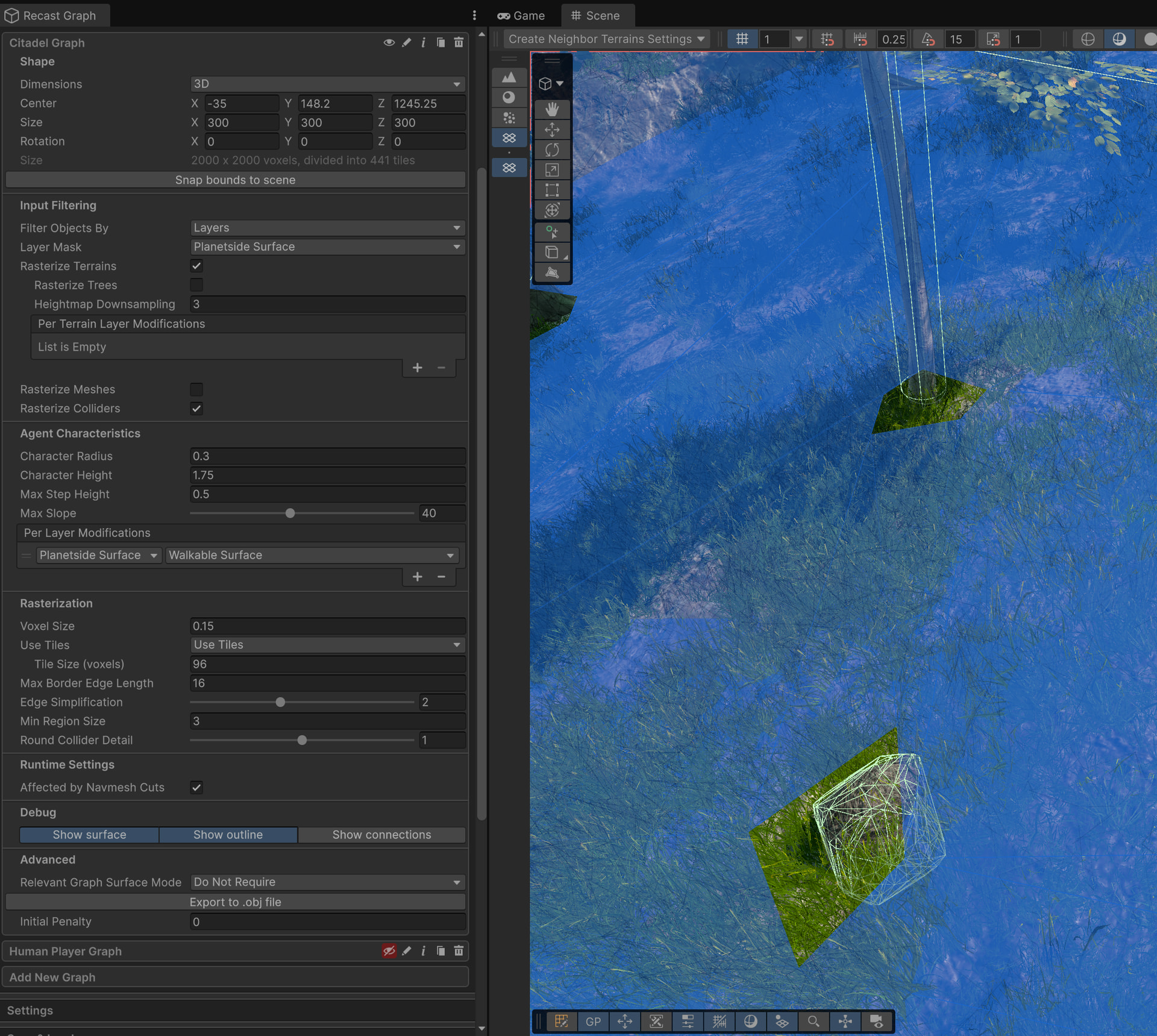
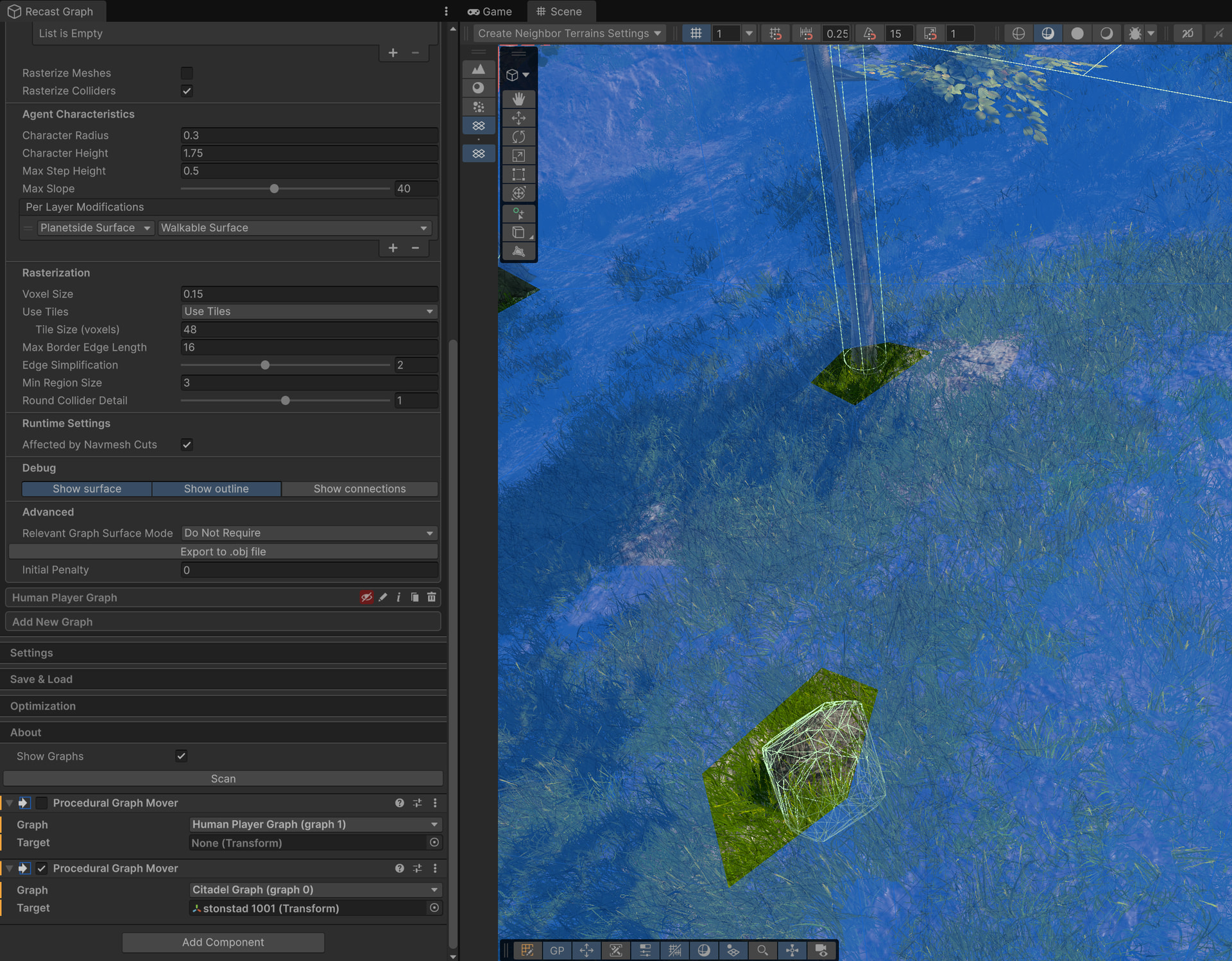
Changing the tile and voxel size does not appear to help.
Tile Size 128, Voxel Size 0.15
Tile Size 96:
Tile Size 48.
Tile Size 48 Isometric. Notice how character radius is not applied evenly to the cut-out area.
I was thinking it might be caused by the rock being recessed underneath the terrain… I’m at a loss.
If I enable rasterize trees, the cut-out is larger for just mesh colliders – cylinder collider cut outs is unchanged.
w/ Rasterize Colliders and Rasterize Trees Disabled
w/ Rasterize Colliders and Rasterize Trees Enabled
The increased cut-out size is desirable, but I’m not sure that it is accurate given the character radius. I would just increase the character radius but I need pathfinding to transit through doors of a specific width.
I would greatly appreciate a response to the technical issue I am seeing. I tried reducing cell size, as shared above. It appears that MeshCollider cut-outs are incorrect.
In your earlier post you used a Voxel Size of 0.15 and only lowered your Tile Size. Above Aron said “cell size”, which is labeled voxel size in the Inspector. Give lowering that a try as well?
1 Like
You are 100% exactly correct. Thank you for suffering through my ignorance. It works as expected. Thank you!
1 Like
That’s what I’m here for!  JK, JK- I’m glad to hear that it was indeed tile size vs voxel size
  It’s when that doesn’t work is when I’m like “uh oh”
1 Like