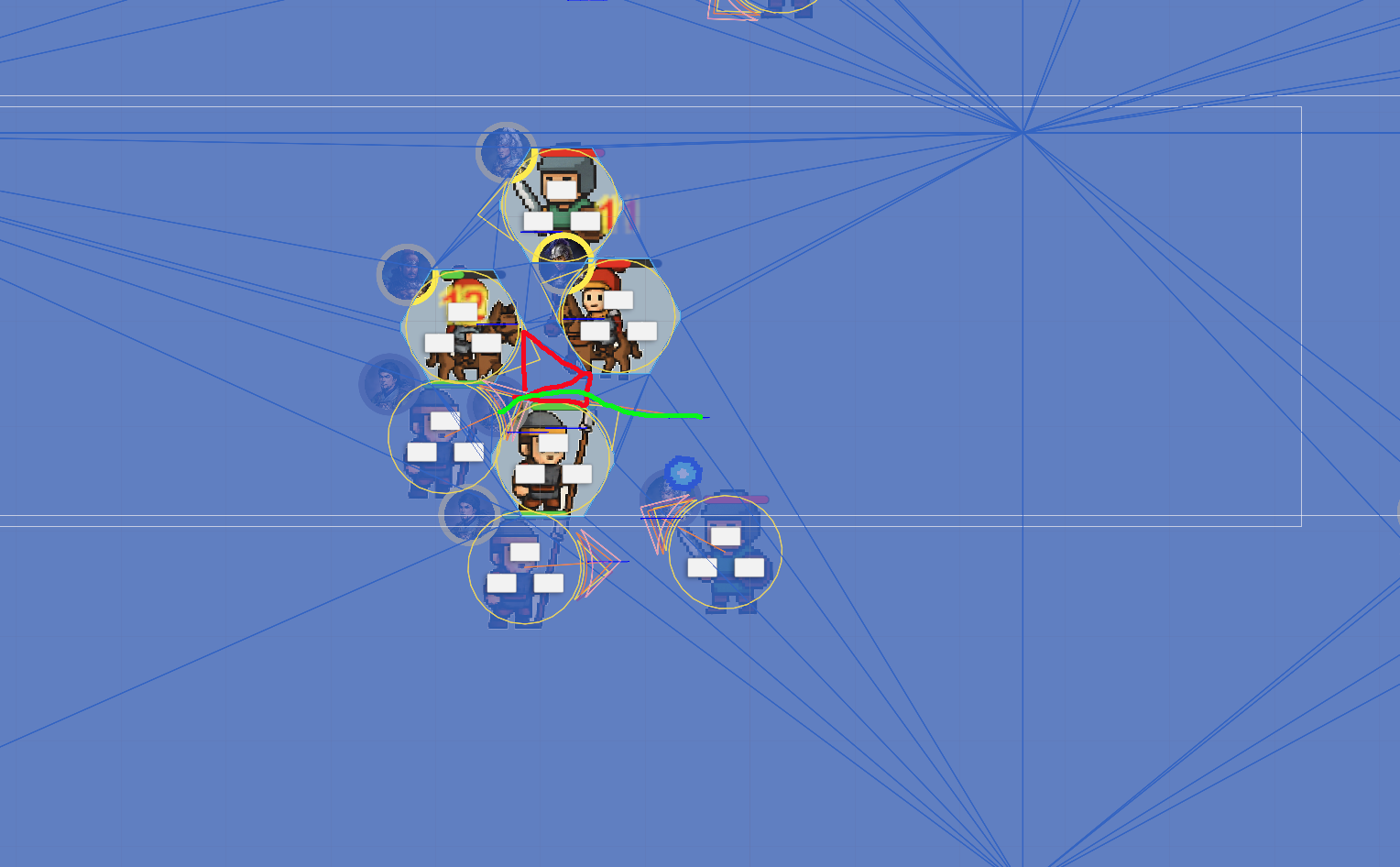
This comes up every once in a while and I see you’re already aware of how RVO is local. It’s not really a “pathfinder” so it’s not really suited for this kind of behavior (unless I’m missing some crucial info). You have some options for pathfinding around the standing units– just off the dome, Navmesh Cutting around them when stopped/not a target, assigning a path to units manually that avoids those units, maybe changing SymmetryBreakingBias if you wanna be a little cheat-y/dirty, just switching to another movement script and writing a custom modifier, or just writing a custom movement script– sky’s the limit Just depends on your use-case and how much work you want to put into it yourself. But yeah this isn’t a case for RVO sadly.
I I tried using NavmeshCut, but it created very small GraphNodes(red triangle) in the scene. These GraphNodes are impassable for normal units, which severely affects their pathfinding.
There’s an option on the navmesh cut to expand it by the unit radius. The end result should be that it cuts the navmesh with a radius of 2x the units’ radii, to ensure other agents can go through any gaps.
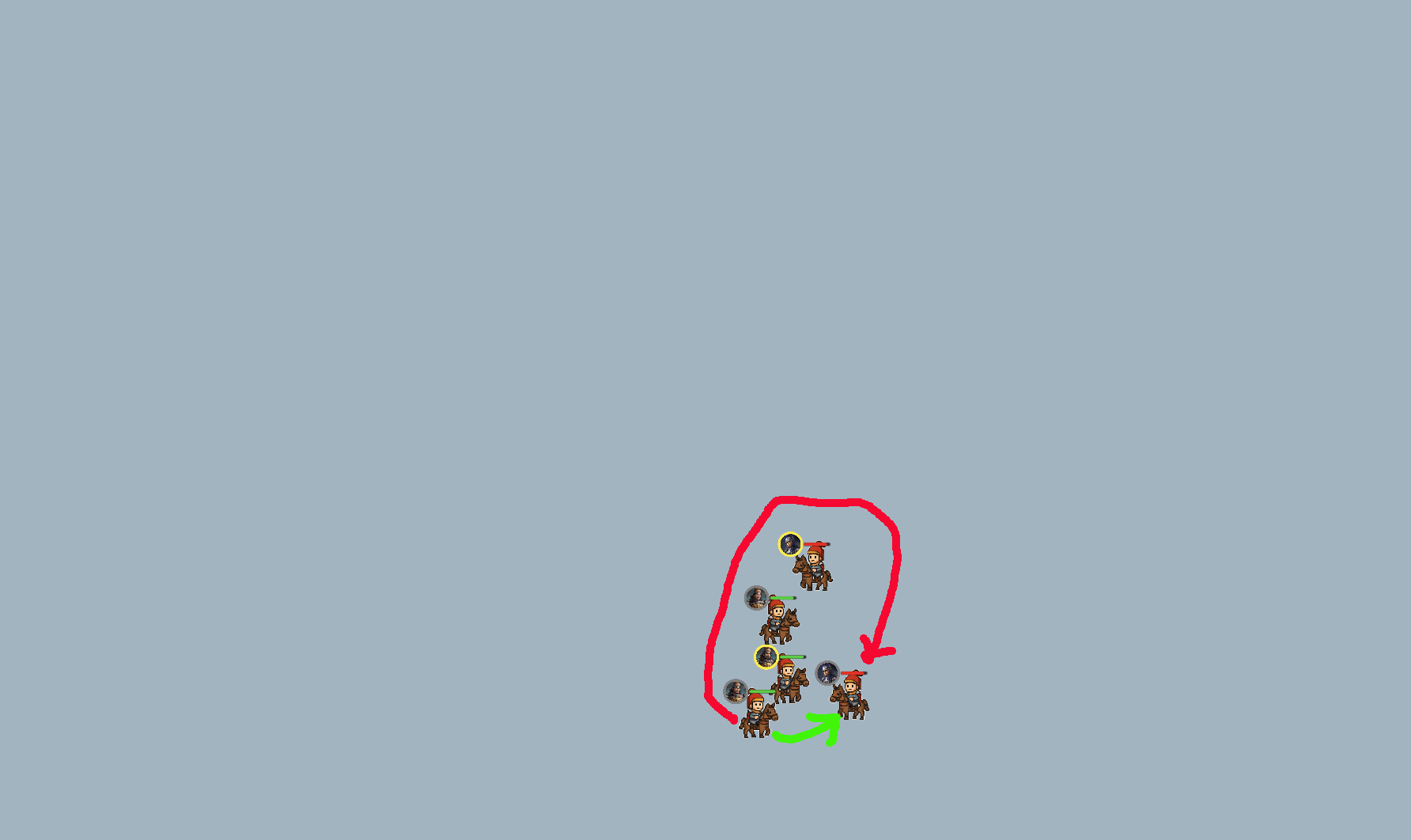
 Just depends on your use-case and how much work you want to put into it yourself. But yeah this isn’t a case for RVO sadly.