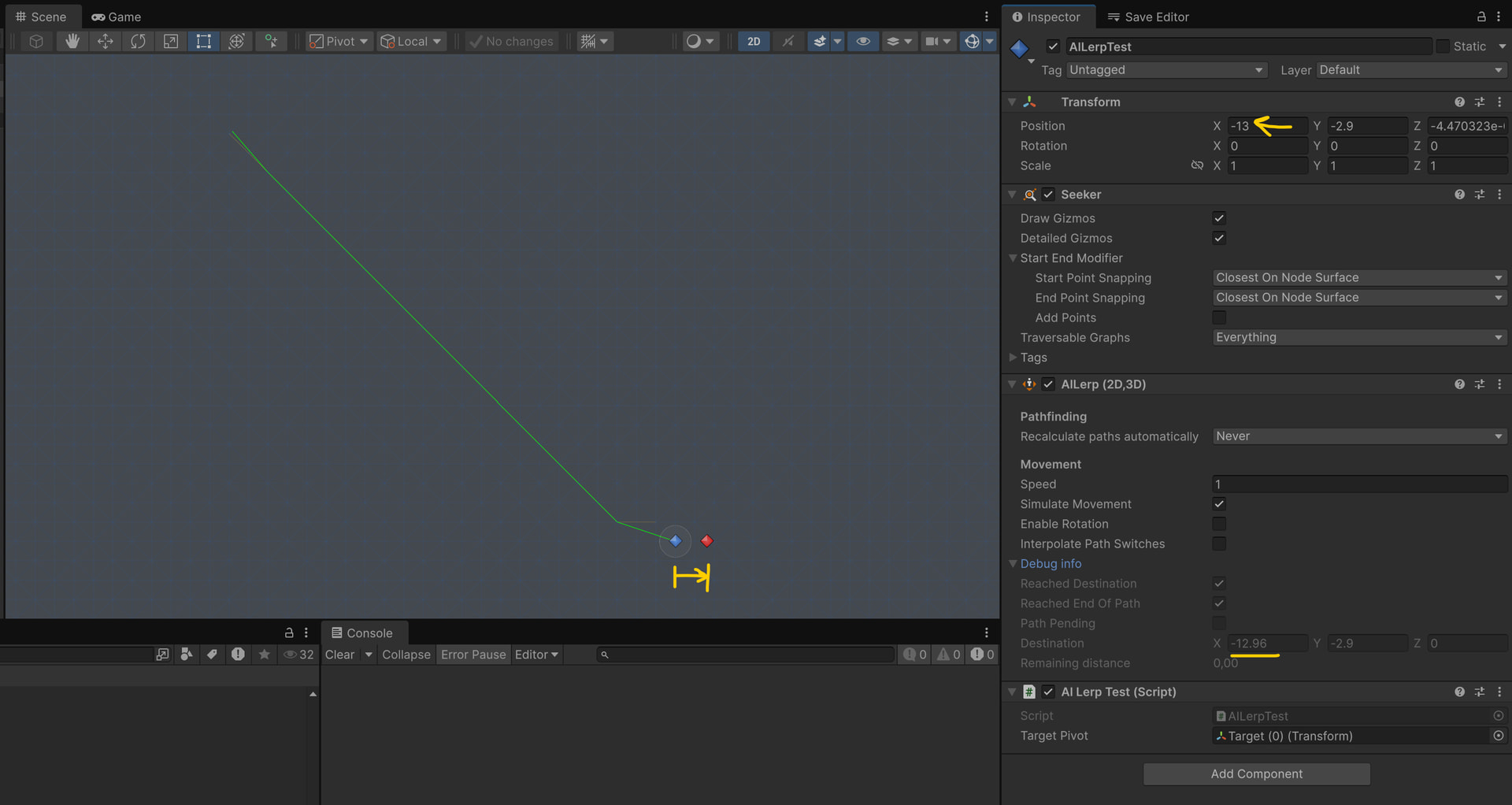
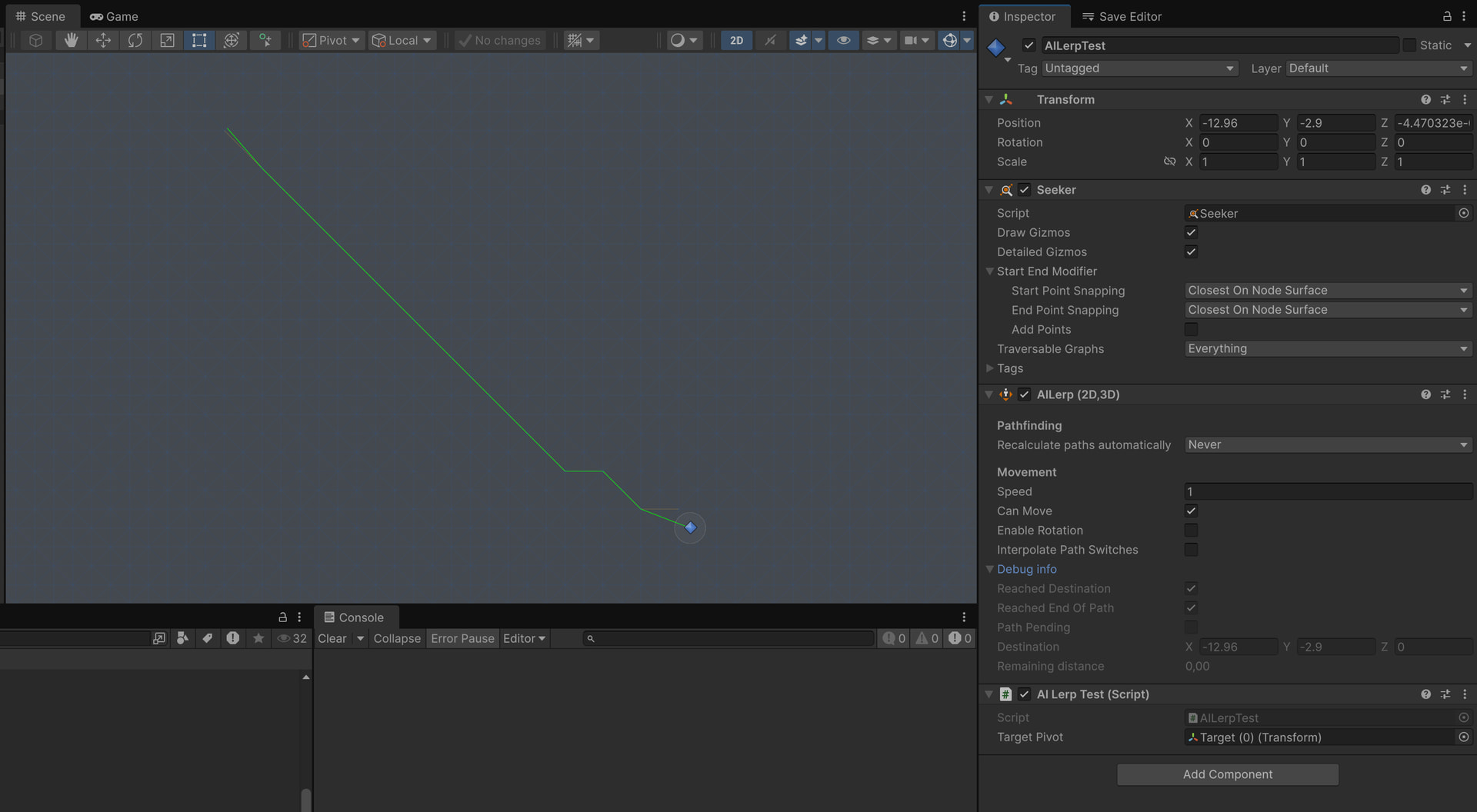
Hi, after updating the package from 5.3.8 to 5.4.4 (and reproduced in 5.4.5 as well), we’ve noticed a strange change in behavior: AILerp no longer reaches the target position, even though it worked reliably before (our project has been in development for years with consistent behavior). We’re using a grid graph.
The issue is difficult to describe because it only occurs at specific target positions and with specific graph sizes. If we move the target position, AILerp reaches it; if we change the graph size, it also works. Our project contains several levels with multiple target points, and after the upgrade we’ve found a few of them have become unreachable.
The Exactness setting is ClosestOnNode, as shown in the attached screenshots. (one is before upgrade, another after)
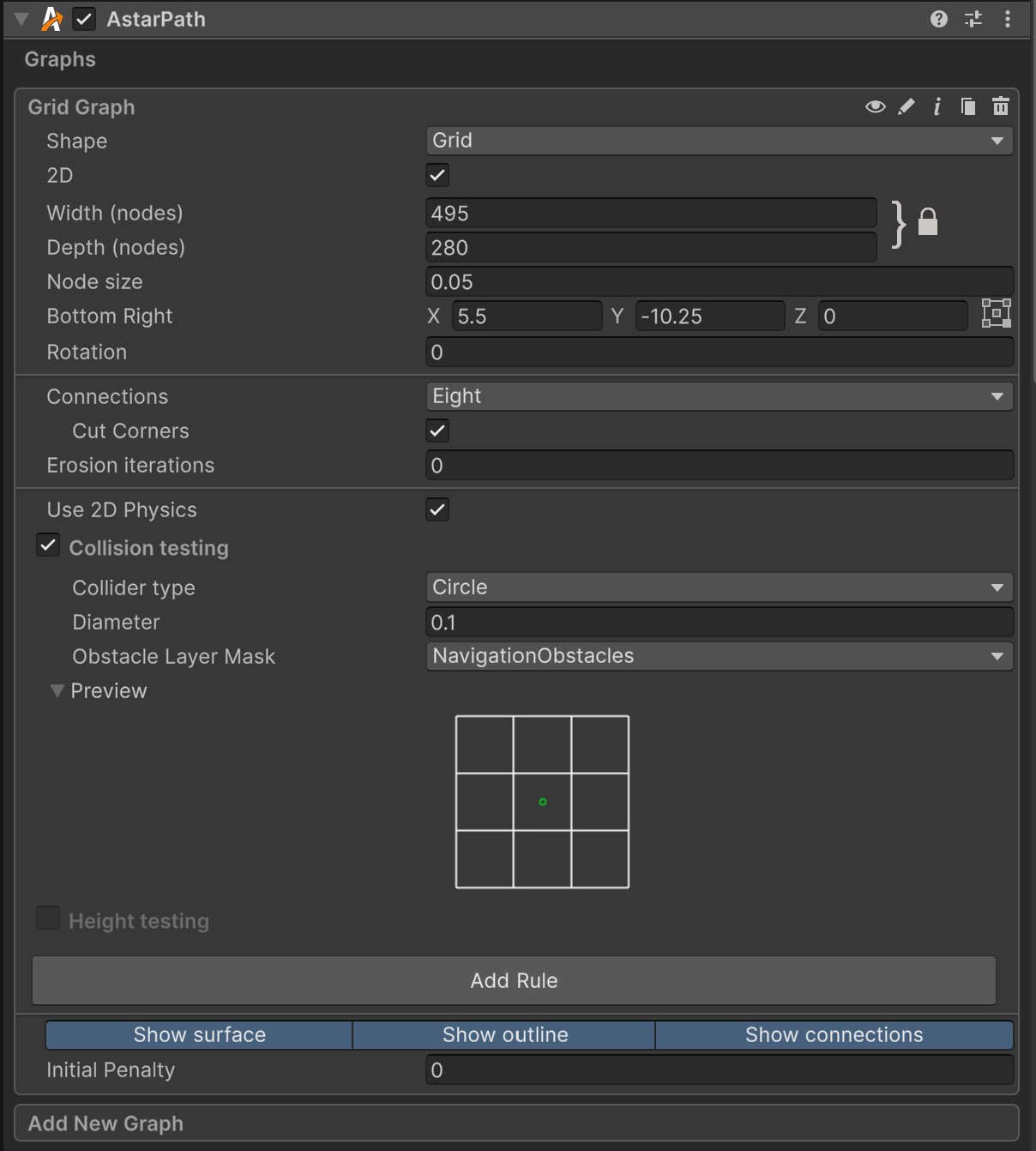
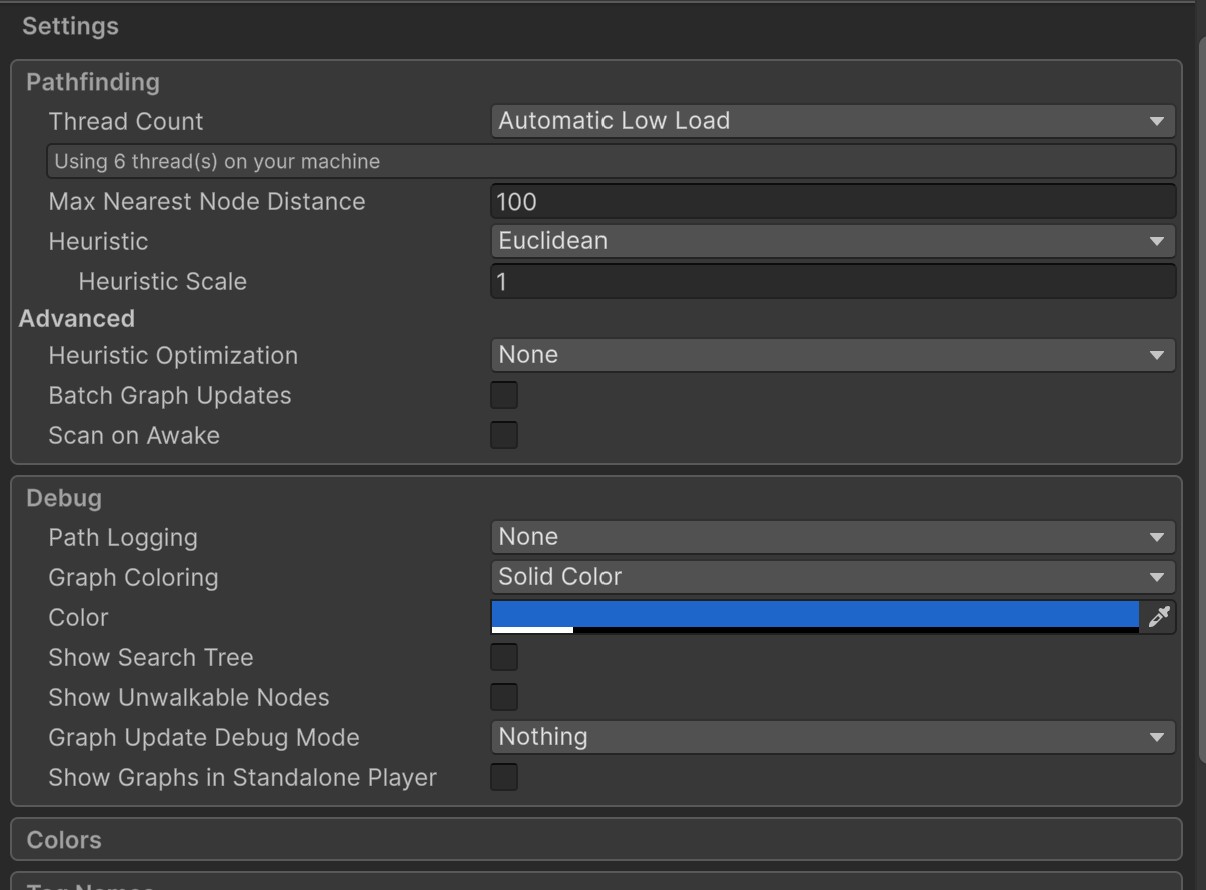
Mind posting your graph settings? My initial thoughts is that this looks like a float calculation issue. If you’re able, you can send this scene to me as well so I can take a look.
Hello, thank you for taking a look at this. I first wanted to check if there was something obvious I was missing, but I can prepare an empty project where the issue can be reproduced. Would a Scene asset alone be sufficient, or do you prefer a full minimal project?
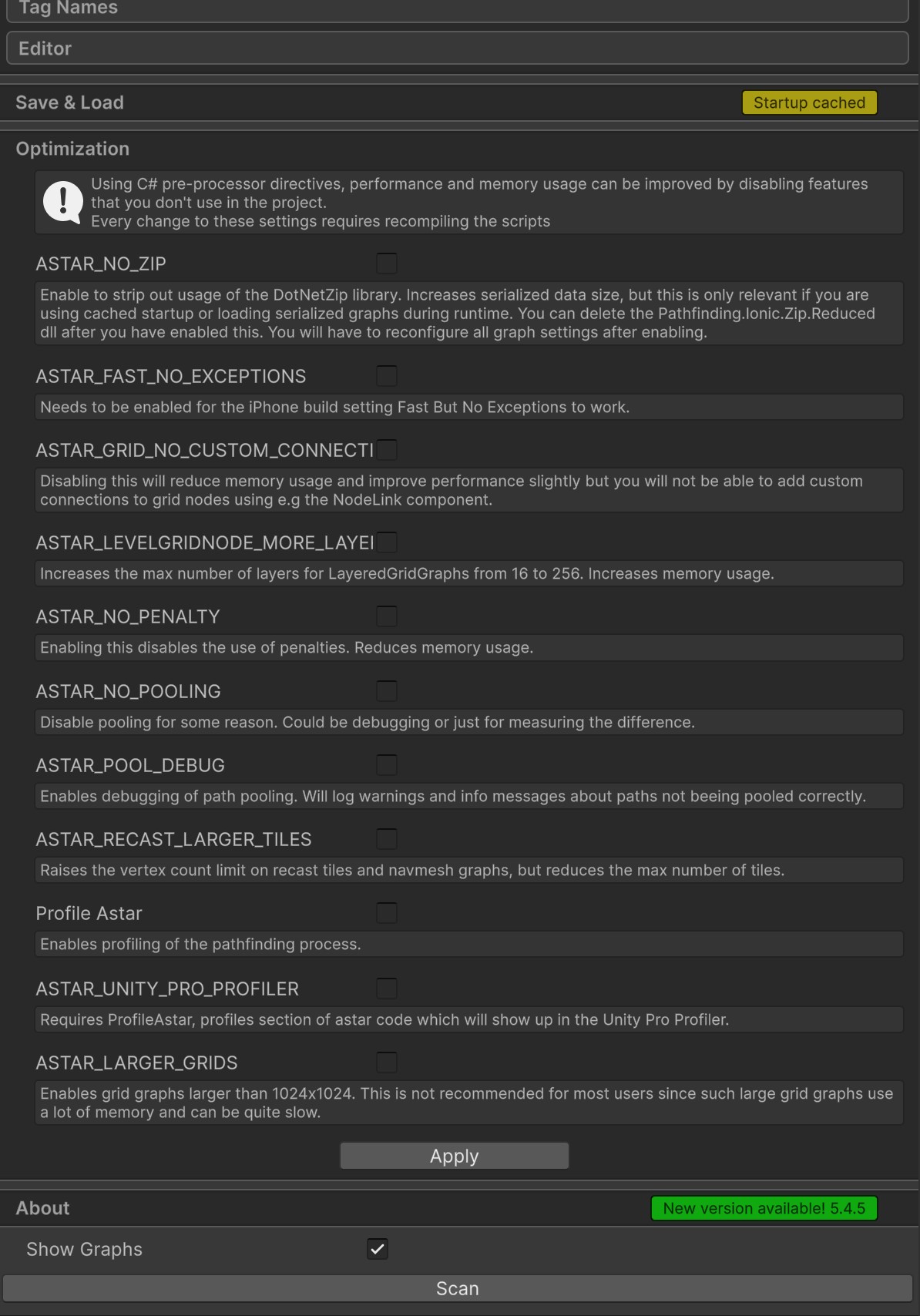
I’m attaching the current settings that I can provide immediately. Sorry, needed to obfuscate the gist link since I am not allowed to post links as a new user.
Yeah I’m not seeing anything out of the ordinary– very straightforward sample project. I did confirm that this exact scene behaves differently on 5.3.8 vs 5.4.5. I’ll let Aron know about this. Thanks for posting
Hello. Many thanks for getting to the root of it. A fix in an upcoming update is very appreciated and I will confirm here after update is available, that it is resolved.