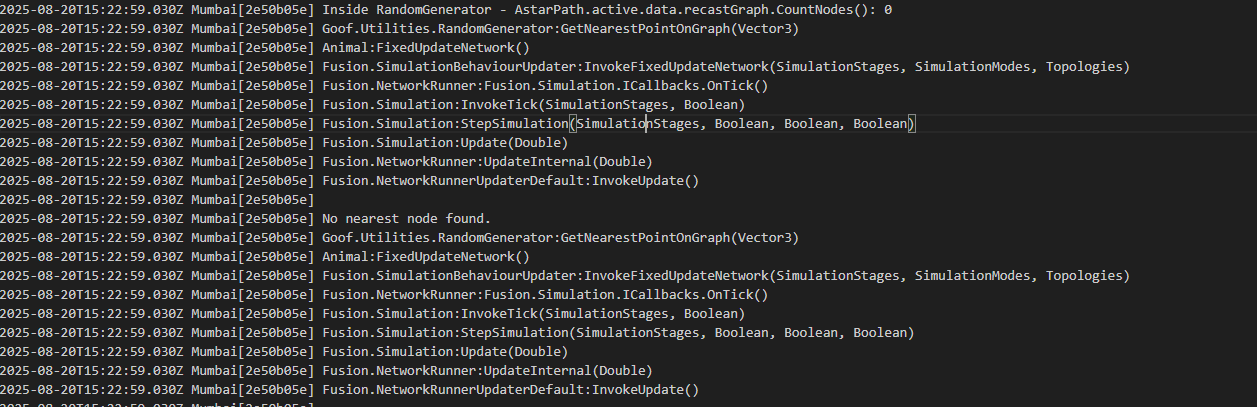
Hi
If you do a normal standalone build (not headless). Does it work then? Trying to figure out if headless is the issue.
Hi
If you do a normal standalone build (not headless). Does it work then? Trying to figure out if headless is the issue.
Sounds to me like a nearest node was found in that case. But since it cannot find it when calculating the path, is perhaps the path’s start/end points not correct? Can you double check those?
@aron_granberg
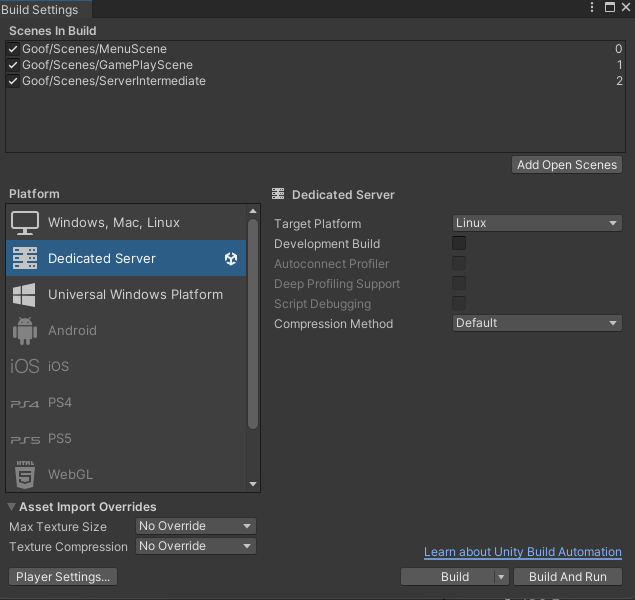
Ive taken the build using the following. This option is only allowed for hathora server build, i cant use Standalone build.
Although like you mentioned i removed the flags for headless in docker file
Previous
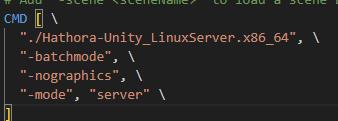
Now
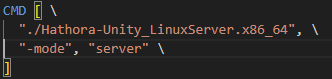
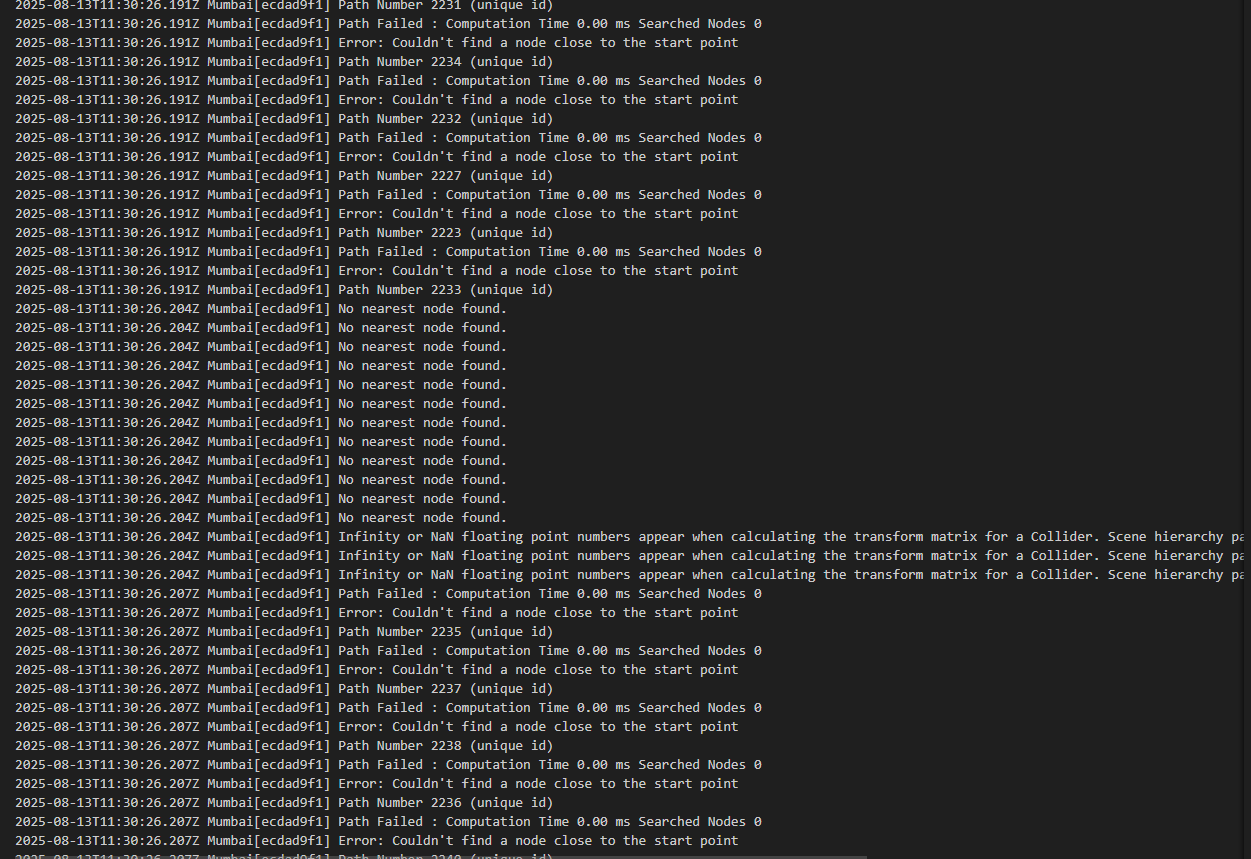
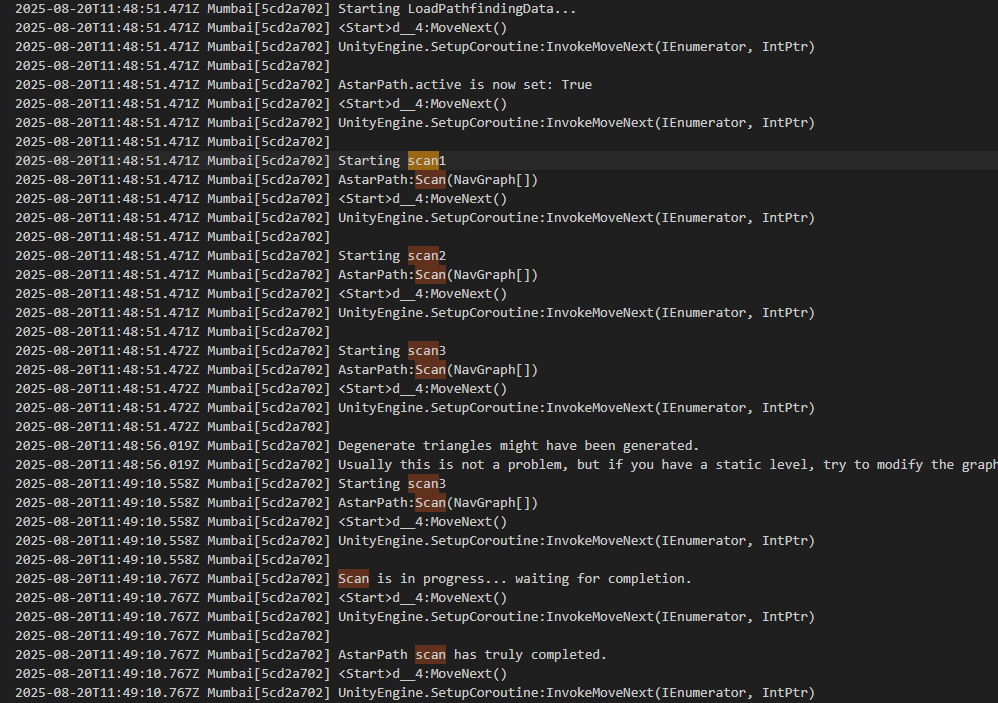
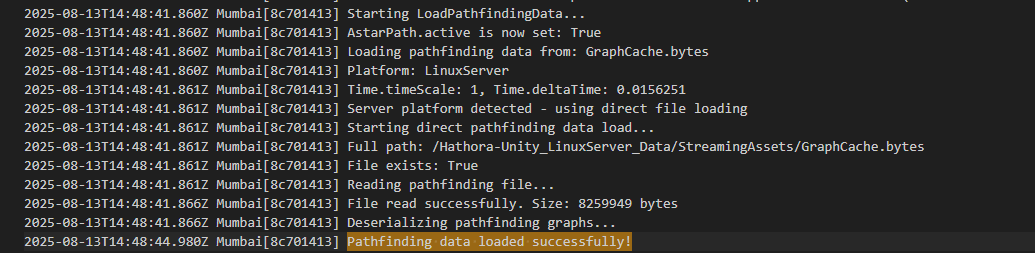
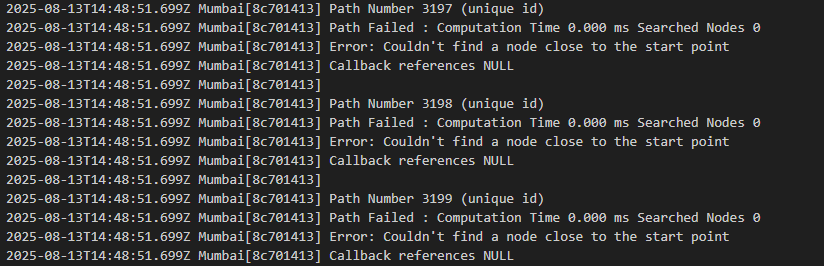
Still the build throws the same logs as in similar to this
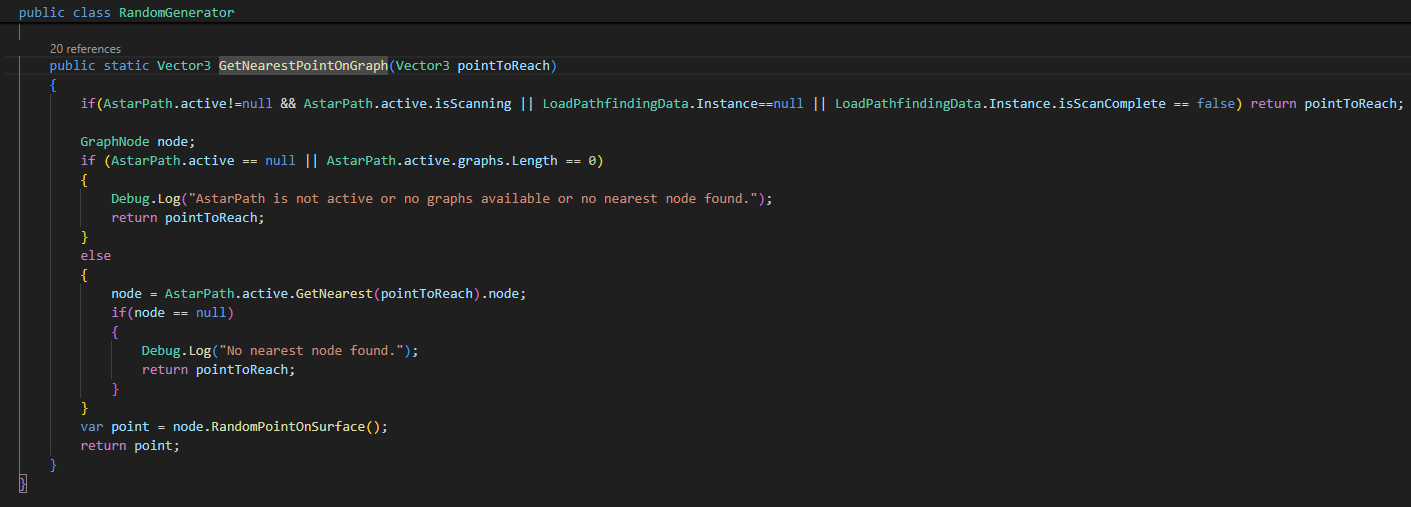
Yes i verified the player was on the map and the script was attached on the gameobject. And this method call is done every frame, to find out the next waypoint, if it has reached its destination. As it didnt find any nearest node the code logic runs again as per the logic. So this log comes continously.
Im using it in Client Server mode here the linux build is the server. There i can confirm that is on the map, as the gameobject has network transform sync element which syncs the player position on client, i can see the player on the ground in the client. The same simulation works fine on client and server when both runs on windows standalone build.
Hi
Do you think you could modify your installation of the package to add more debug info.
Open the ABPath.cs script and find this line:
FailWithError("Couldn't find a node close to the start point");
replace it with:
FailWithError("Couldn't find a node close to the start point. Start point = " + originalStartPoint + " End point = " + originalEndPoint + " Nodes in graph: " + (AstarPath.active.data.recastGraph?.CountNodes().ToString() ?? "<null>") + " " + (AstarPath.active.data.recastGraph?.isScanned.ToString() ?? "<null>"));
Then try another build
Hi @aron_granberg,
I tried replacing the log you shared
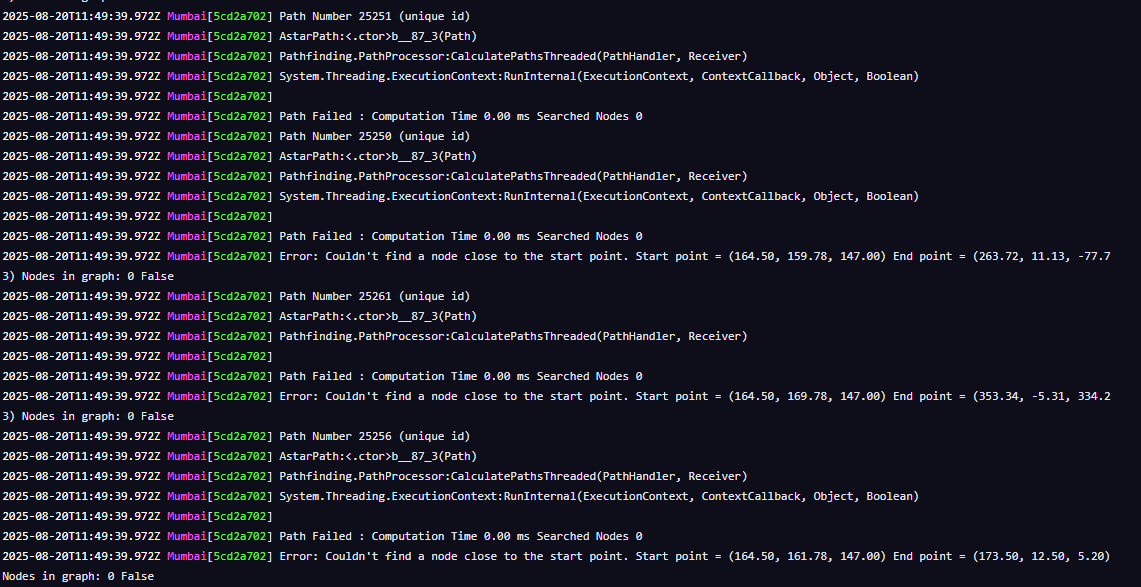
Please find the logs here, its seems that (AstarPath.active.data.recastGraph?.isScanned.ToString() ?? “”)
is returning false
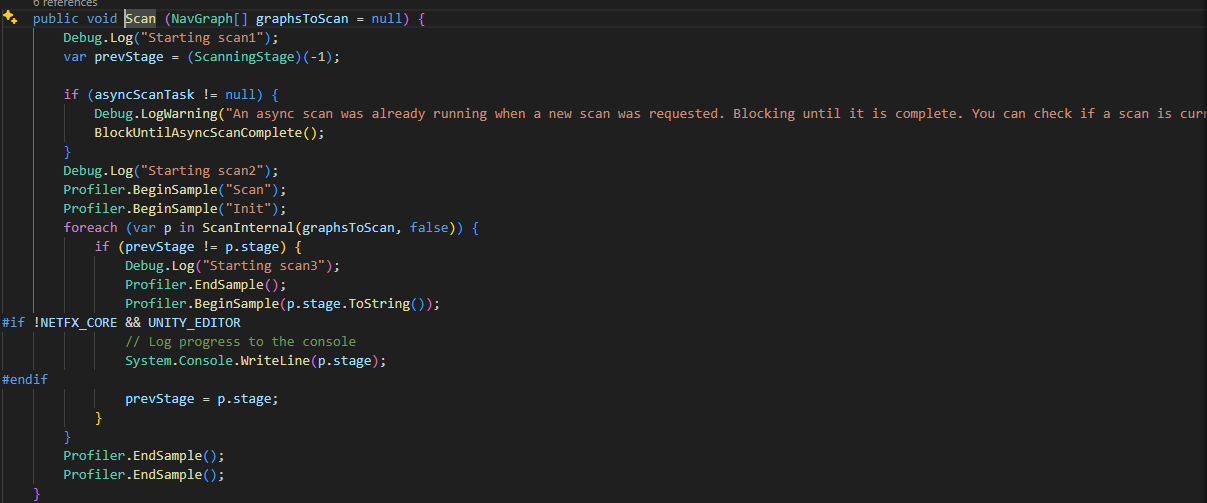
I checked the scan logs, it seems it was done
The foll logs were added:-
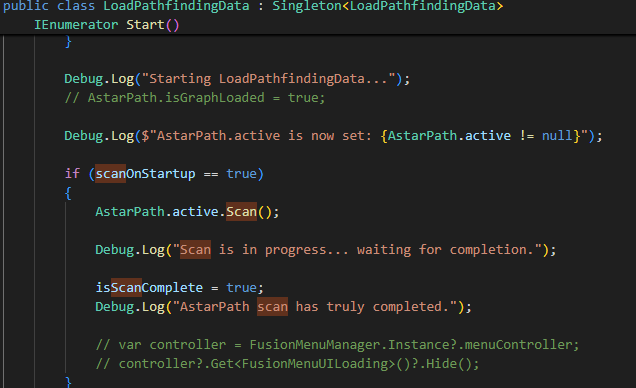
The foll script is AstarPath.cs
Hi
Well, it says the graph is not scanned and that it has zero nodes in it. That’s definitely the issue.
Are you trying to scan the graph, or loading it from a cached file in this case?
(btw, I have assumed that you only have a single recast graph in your scene, if you have more, then the above debug code may not be accurate).
I just tried with a windows server build, and it works just fine for me.
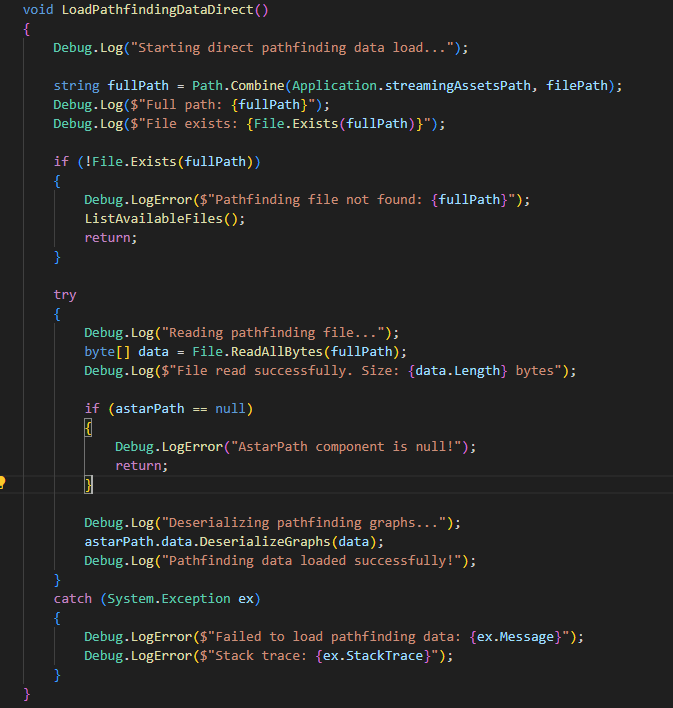
When i was using load using cahe the following was getting used
And the foll logs was received
But the errors were the same
The same scenario worked fine on editor in windows, with the same cache file.
And you are sure you are not scanning the graph after it was loaded?
Can you log AstarPath.active.data.recastGraph.CountNodes() right after you have deserialized the graph?
Yes its showing the count, just added that log, im doing manual scan as of now
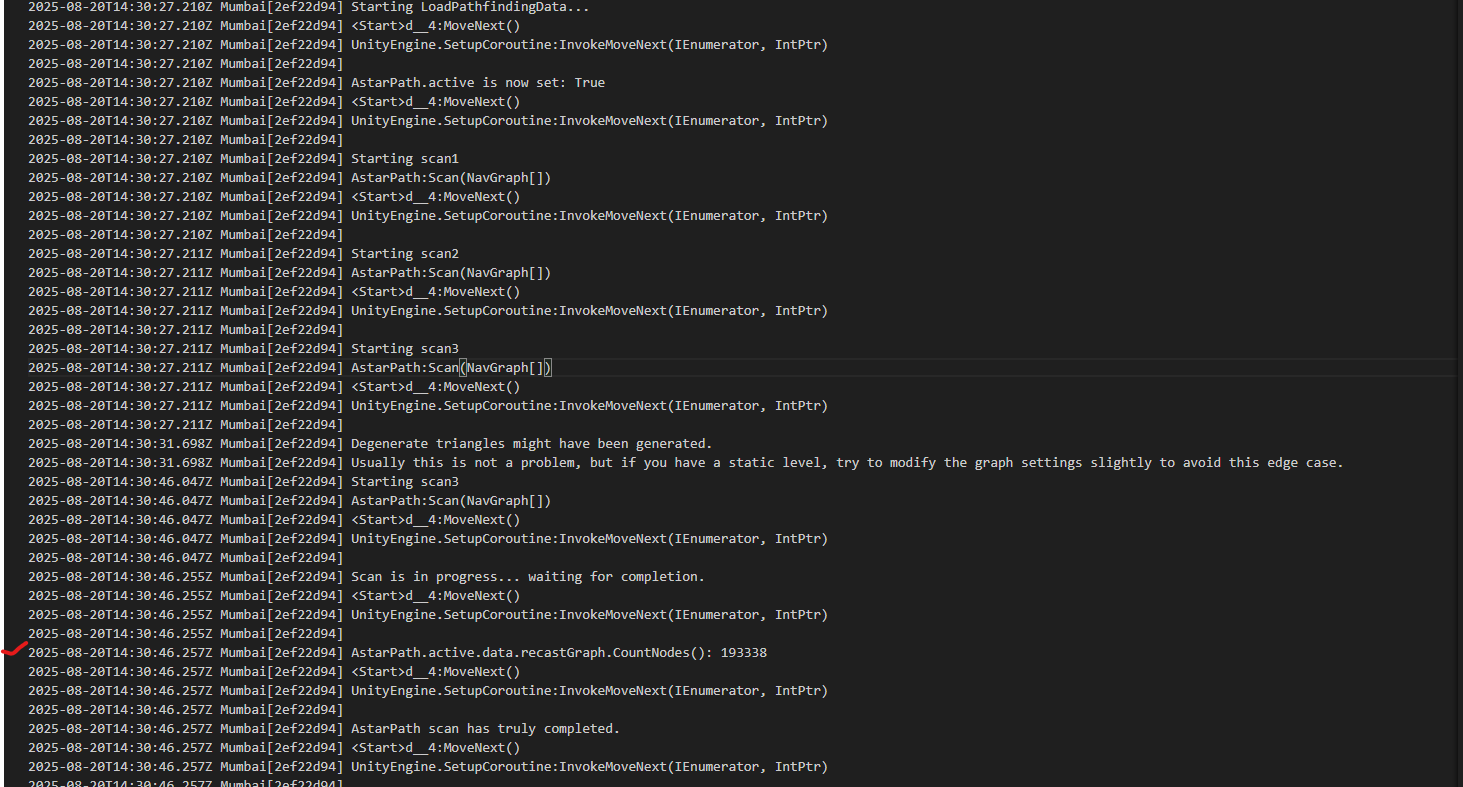
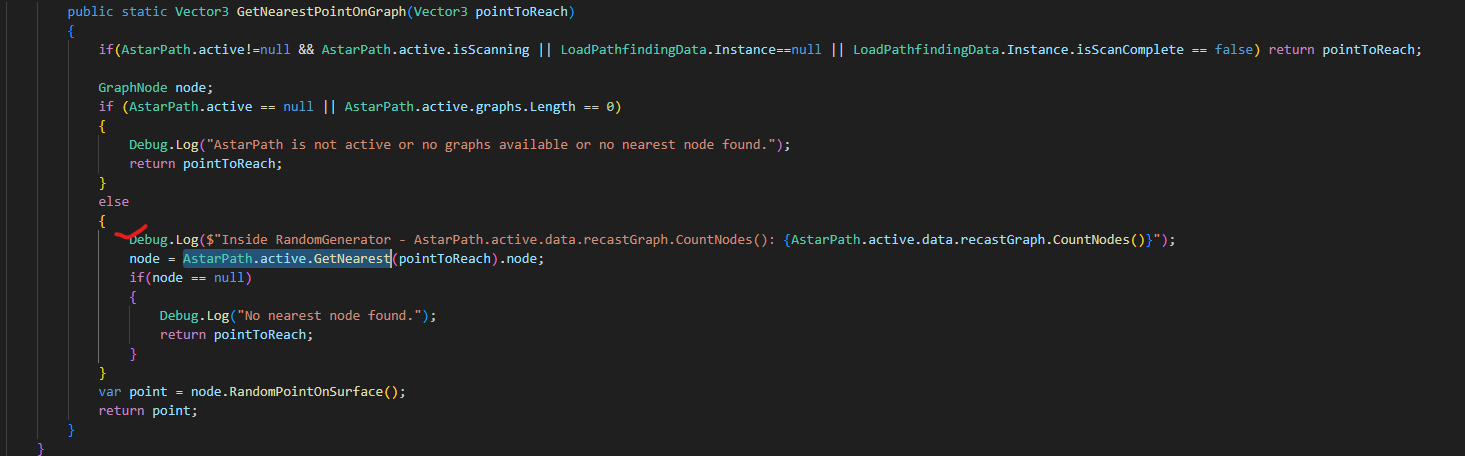
As of now im only trying manual scan, and getting the following. I added the same log for every AstarPath.active.GetNearest call, to check what happens when i do the GetNearestCall
The following is what i get everytime.
Not sure why the nodes are getting zero after i scan. I do not have any other Astarpath.cs in the scene and im using just one graph, also i double checked with logs the scene gets loaded only once.
It shows the nodes on start but then it shows zero on getting nearest point.
I took another build where i took direct serialized reference of AstarPath rather than using AstarPath.active for getting nearest point. Here as well i got the same logs as above, it showed the nodes count just after scan but after that, im getting zero when i get nodes for after that
I double checked the logs on editor, it works fine there, the count on windows editor is 193293 just after scan and even later.
On linux on scan it shows 193338, but after scan its showing me zero, which is a little weird, as im not doing anything with the graph, also im using direct reference now, so it shouldve worked i guess.
I found the solution @aron_granberg .
Sorry this is not related to Astar. Thanks for the help though in helping me narrow down the possibilities.
Solution :-
Weirdly the astar related things don’t work on linux when im using Monobehaviour to start the scan, or load it using cache, also the scanOnAwake option also does not work which is available in AStarPath.cs script.
I added the manual scan logic in a NetworkBehaviour and added NetworkObject on the gameobject and now its working fine on linux.
So basically these GetNearest() calls were done in NetworkBehavior.cs in many scripts and that worked fine in windows builds or editor.
Weirdly this specifically does not work in linux build. But when i do a manual scan from a network behavior, that just worked. No other changes.