- A* version: 5.4.7
- Unity version: 6000.0.67f1
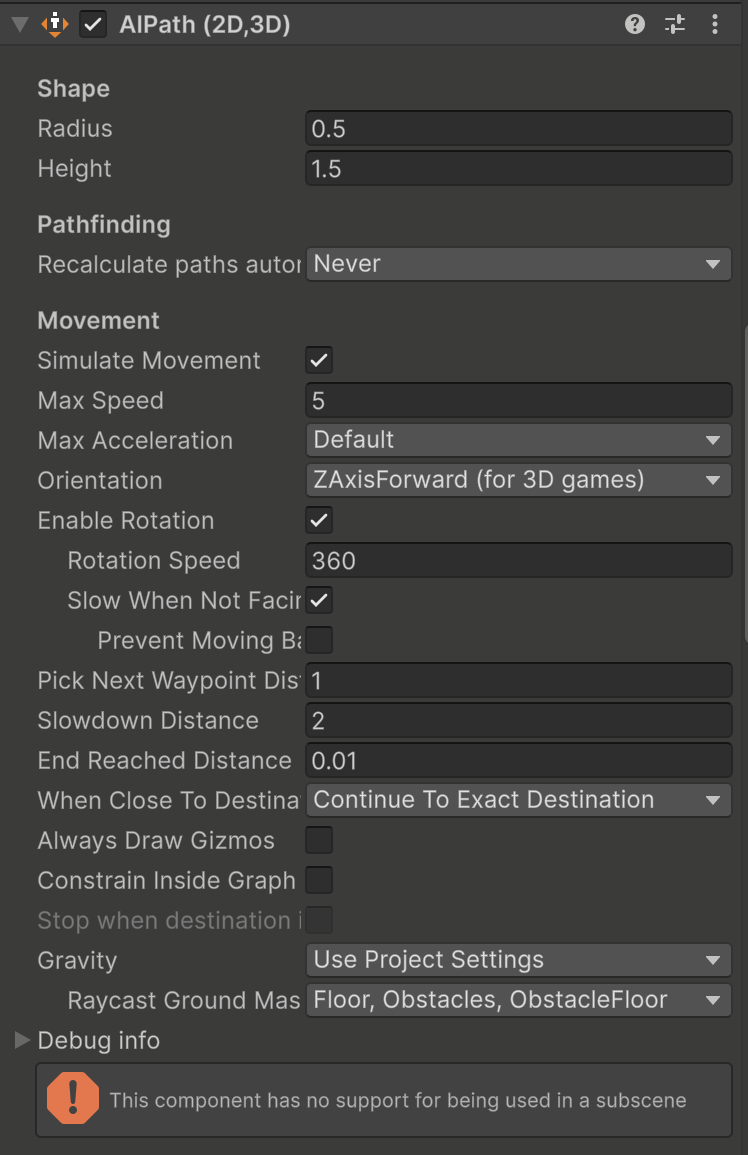
I’m trying to use the off-mesh links with followerentities on a grid graph, (side note: I prefer AIPath because it follows the grid links correctly, I only want to use 4 way but it likes to cut corners. Edit: I switched back to AIPath, the smoothing was too glitchy for the strict movement I want. Sad to lost the off-mesh link compatibility)
This is for turn based movement.
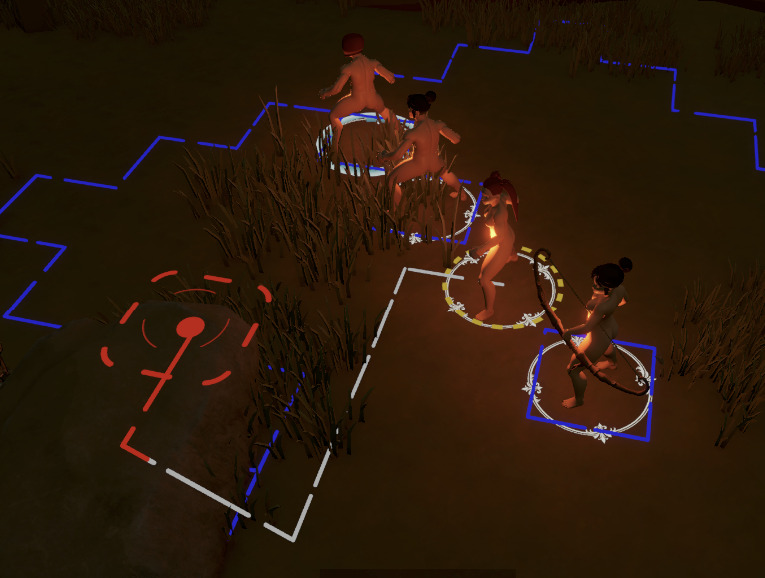
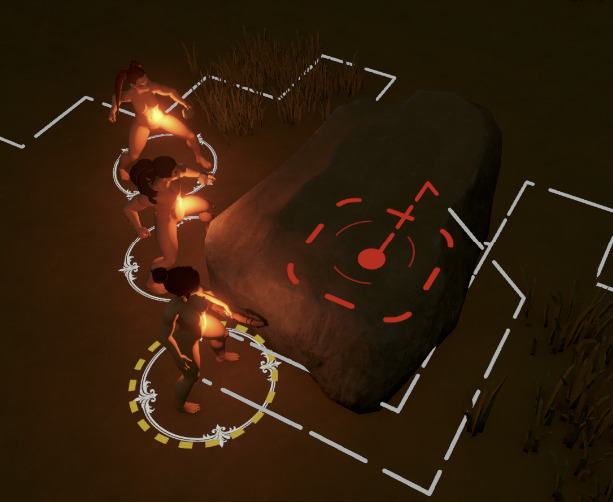
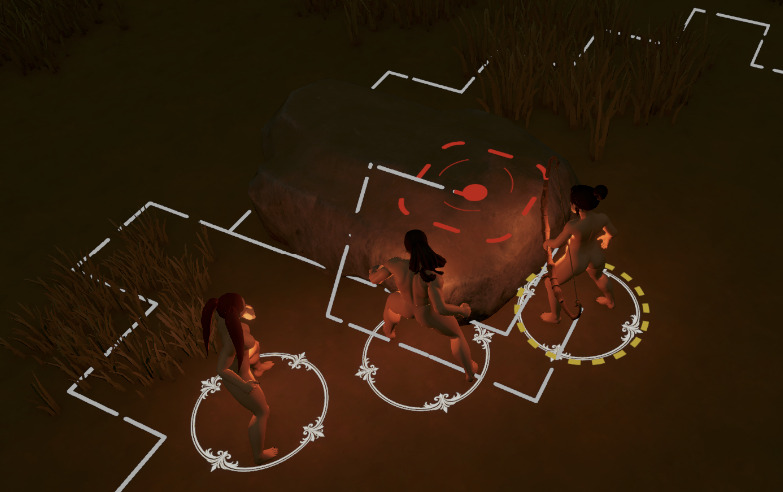
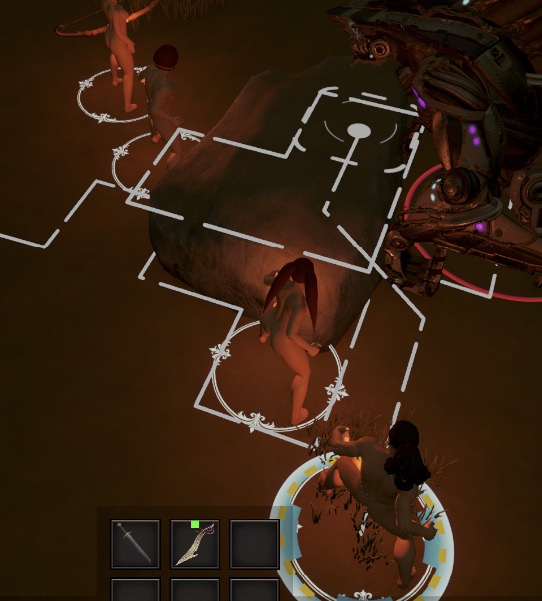
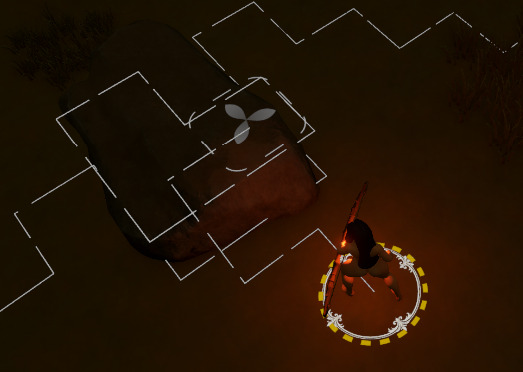
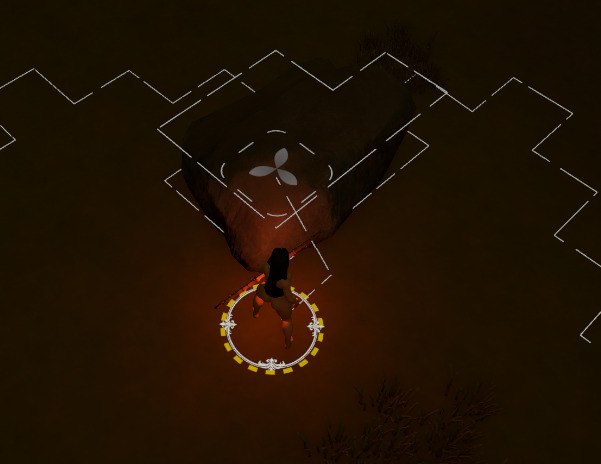
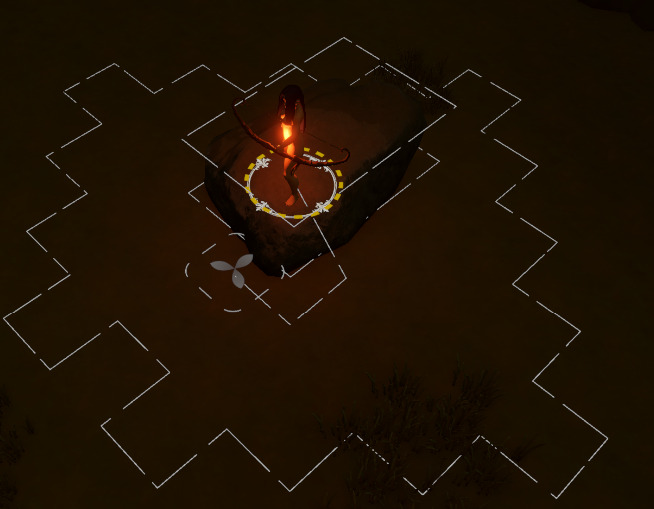
I’m instantiating obstacles at the beginning of the level, then re-scanning which works, one of the obstacles is a level higher than ground, I want it to be part of the grid and have the followerentites simply climb up or hop down from it but the pathing costs seem incorrect, they’ll walk one less node than i expect, sometimes 2. I also have a method to draw a line around the outside of the movable area but around the climbable obstacles it gets very glitchy.
I’m also using the calculated path vectors to draw a line to show the move path to the player, but it just doesn’t work for the links. Even if the displayed path doesn’t work, clicking to climb up or down works but as I said the character usually moves a shorter distance than they should be able to.
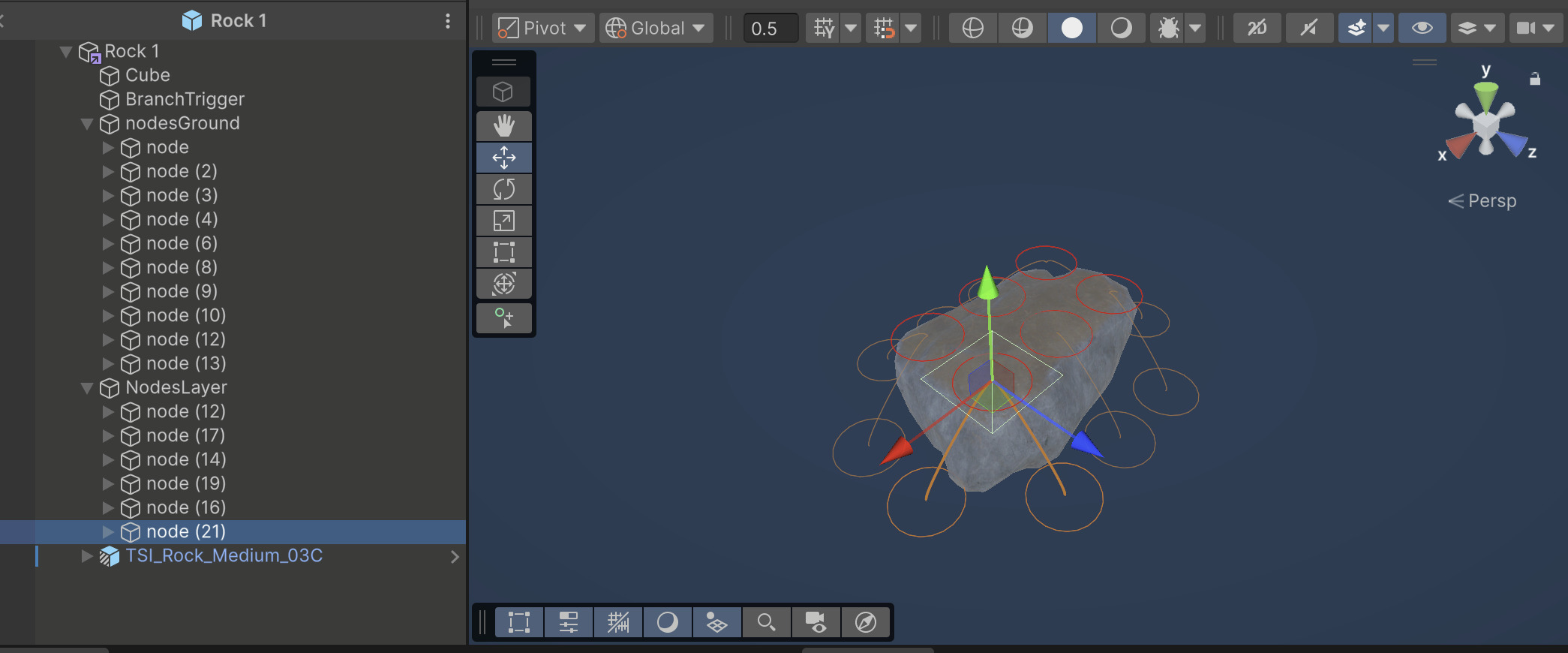
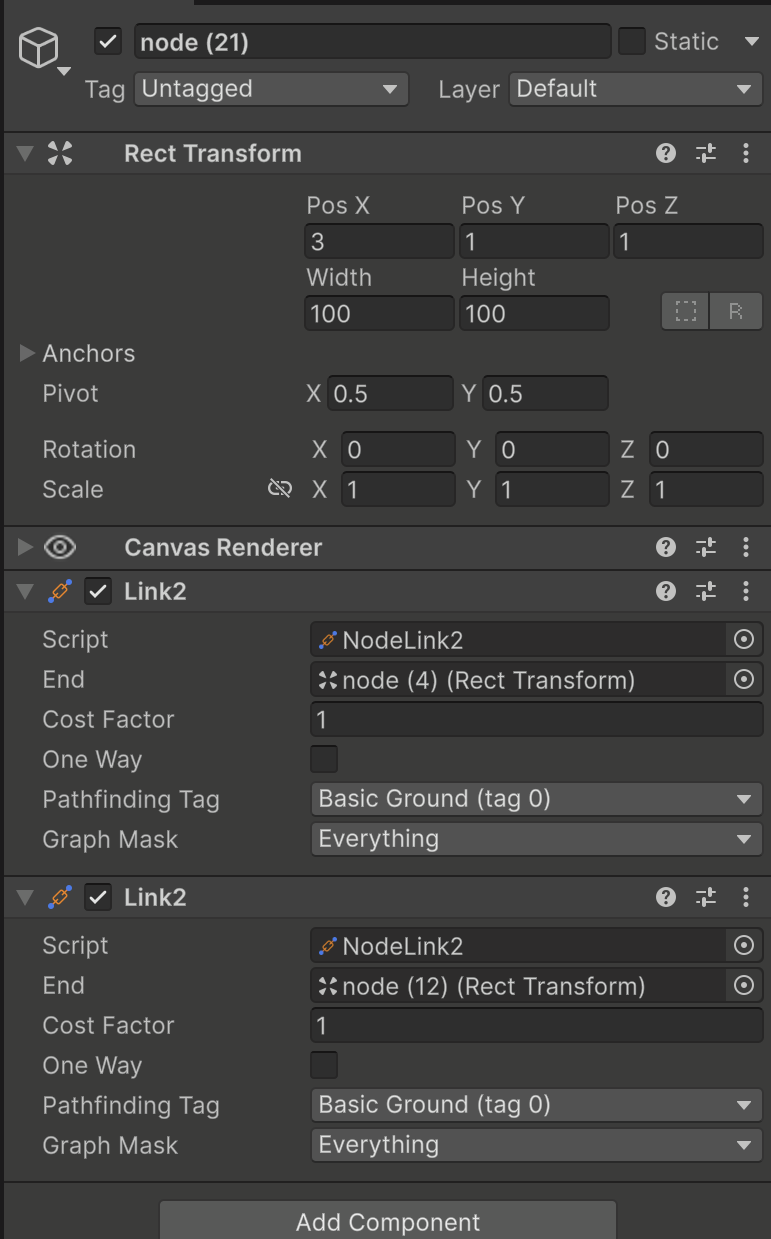
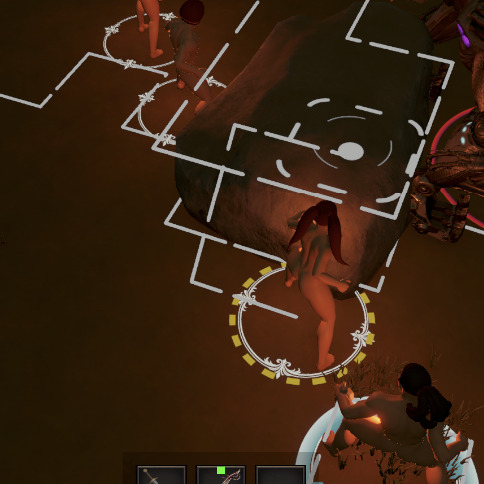
The links look like this with no custom code, eventually i want a climb animation but for now i just want it to work correctly.
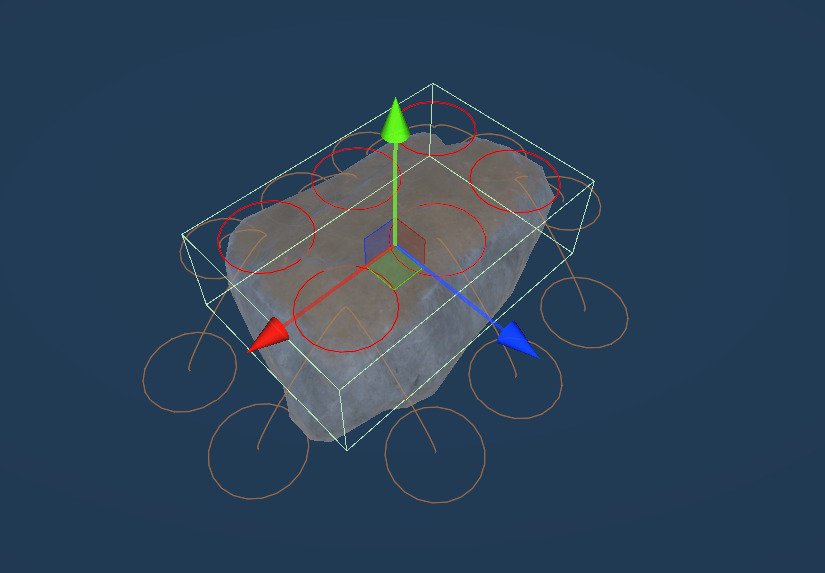
for movement i’m doing this:
ai.SetDestination(targetPosition);
            var path = ABPath.Construct(gameObject.transform.position, targetPosition, null);
            path.traversalConstraint.traversalProvider = gridInteractionUtilities.traversalProvider;
            path.traversalConstraint.graphMask = GraphMask.FromGraphName("Main Grid Graph");
            ai.SetPath(path);

            Pathfinding.ECS.AutoRepathPolicy newPolicy = new Pathfinding.ECS.AutoRepathPolicy();
            newPolicy.mode = AutoRepathPolicy.Mode.Never;
            ai.autoRepath = newPolicy;
            thisSurvivor.localEvents.RaiseStartMoving(this, EventArgs.Empty);
            ai.simulateMovement = true;

            await UniTask.WaitUntil(() => ai.reachedDestination == true);
            ai.simulateMovement = false;

            var constraint = NearestNodeConstraint.Walkable;
            constraint.graphMask = GraphMask.FromGraphName("Main Grid Graph");
            var nearest = AstarPath.active.GetNearest(transform.position, constraint).node;
            if (nearest != null)
            {
                var snapped = (Vector3)nearest.position;
                //snapped.y = transform.position.y;
                transform.position = snapped;
            }
for drawing the outline:
public virtual List<GraphNode> GetValidGridPositionInRange(int range, AbilityTargetType targetType)
        {
            UpdateObstacles();
            // Here you create a new path and set how far it should search. Null is for the callback, but the seeker will handle that

// i'm adding 1 to get the actual range, otherwise it ends up one short? for example a max range of 5 ends up being 4 without +1
            var cpath = ConstantPath.Construct(transform.position, ((int)range + 1) * 1000, null);
            cpath.traversalConstraint.graphMask = GraphMask.FromGraphName("Main Grid Graph");

            if (targetType == AbilityTargetType.Move)
            {
                cpath.traversalConstraint.traversalProvider = traversalProvider;
            }

            AstarPath.StartPath(cpath);
            cpath.BlockUntilCalculated();

            var nodesToContourAll = cpath.allNodes.OfType<GridNodeBase>().ToArray();

            DrawContour(nodesToContourAll, targetType);


            var graphNode = cpath.allNodes;

            for (var i = 0; i < cpath.allNodes.Count; i++)
                Debug.DrawRay((Vector3)cpath.allNodes[i].position, Vector3.up, Color.red, 2f);

            return graphNode;
        }c


public virtual void DrawContour(GridNodeBase[] nodesToContour, AbilityTargetType targetType)
        {
            ClearContourPaths();

            if (nodesToContour == null || nodesToContour.Length == 0)
                return;

            var contourColour = GetRangeOutlineColour(targetType);
            rangeOutlineColour = contourColour;

            var grid = AstarPath.active.data.gridGraph;
            GraphUtilities.GetContours(grid, vertices =>
                {
                    if (vertices == null || vertices.Length == 0)
                        return;

                    if (contourPaths == null)
                        contourPaths = new List<PolylinePath>();

                    var contourPath = new PolylinePath();

                    for (var i = 0; i < vertices.Length; i++)
                    {
                        var linePos = new Vector3(vertices[i].x, 0.05f, vertices[i].z);
                        contourPath.AddPoint(linePos);
                    }

                    if (contourPath.Count > 1)
                        contourPaths.Add(contourPath);
                    else
                        contourPath.Dispose();
                },
                0.5f, nodesToContour);
        }
and for the movement path line:
if (start != lastStartMove ||
                end != lastEndMove ||
                movePath == null ||
                lastMoveRange != range)
            {
                movePath = ABPath.Construct(start, end, null);
                movePath.traversalConstraint.traversalProvider = traversalProvider;
                movePath.traversalConstraint.graphMask = GraphMask.FromGraphName("Main Grid Graph");
                AstarPath.StartPath(movePath);
                movePath.BlockUntilCalculated();
            }

            lastStartMove = start;
            lastEndMove = end;
            lastMoveRange = range;

            if (movePath.error || movePath.vectorPath == null || movePath.vectorPath.Count <= 1)
            {
                SetNodeSelectorVisualColour(invalidMovementLineColour);
                TooltipSystem.Hide();
                return;
            }
            float pathLength = 0f;

            for (var i = 0; i < movePath.vectorPath.Count; i++)
            {
                var newPoint = GetMainGridVisualPosition(movePath.vectorPath[i]);

                if (i > 0)
                    pathLength += Vector3.Distance(movePath.vectorPath[i - 1], movePath.vectorPath[i]);

                if (pathLength <= range + 0.2f)
                {
                    SetNodeSelectorVisualColour(validMovementLineColour);
                    MovementPolyLine.AddPoint(newPoint, validMovementLineColour);
                }
                else
                {
                    SetNodeSelectorVisualColour(invalidMovementLineColour);
                    MovementPolyLine.AddPoint(newPoint, invalidMovementLineColour);
                }
            }
Cheers